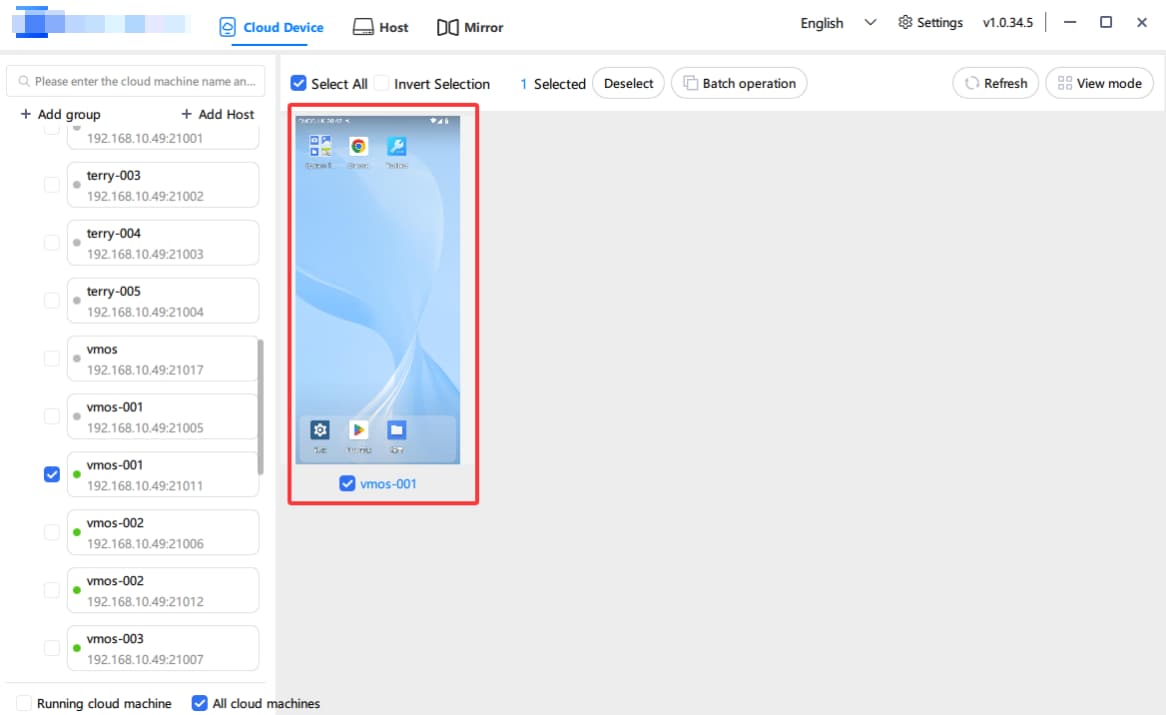
The VMOS Magic Box Quick Guide for Beginners ( 3 )
Only take 4 simple steps to start your journey on VMOS Magic Box:
The VMOS Magic Box Quick Guide for Beginners ( 3 )
Create Your First Local Cloud Phone
1. Click [Create Cloud Machine]
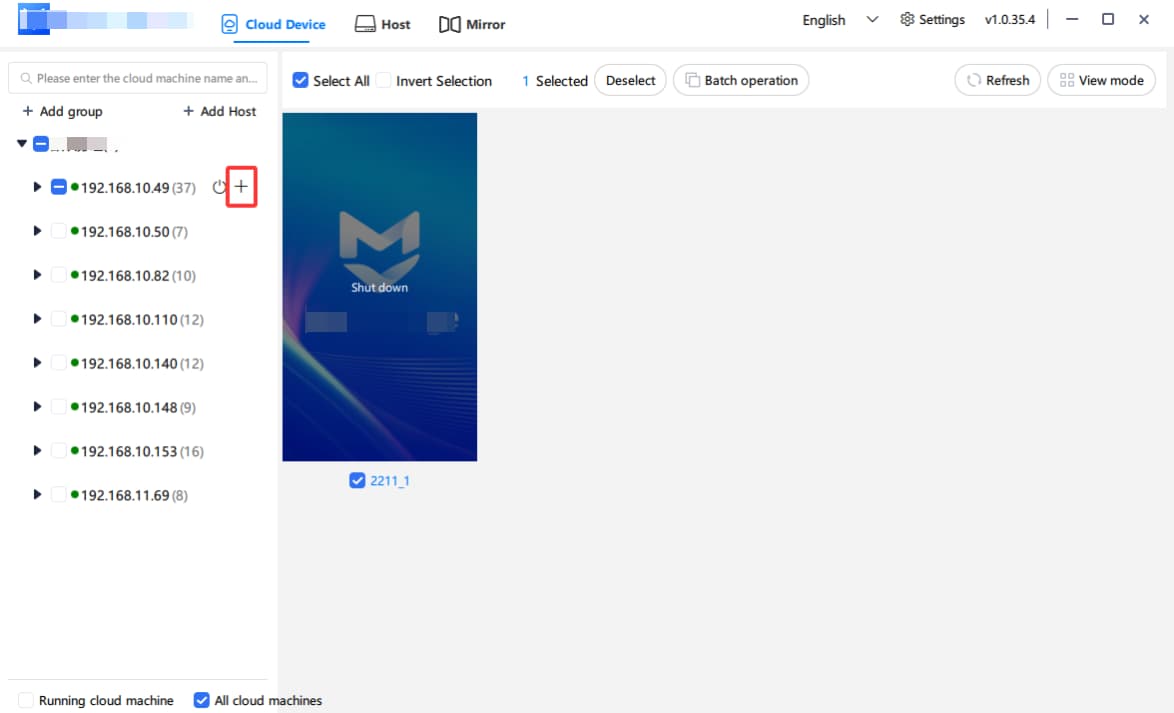
2. Select:
Android image version (factory preset image: vcloud_android13_edge_20251025200421)
Cloud machine name (enter yourself)
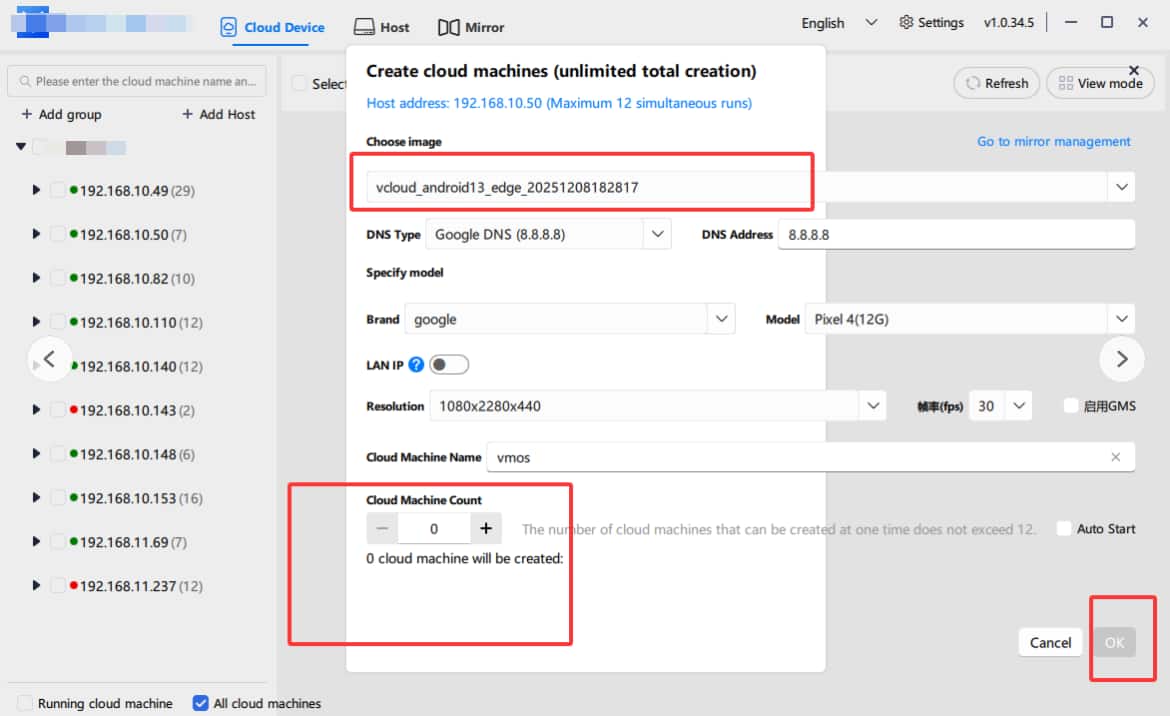
3. Click [Confirm] to start creating
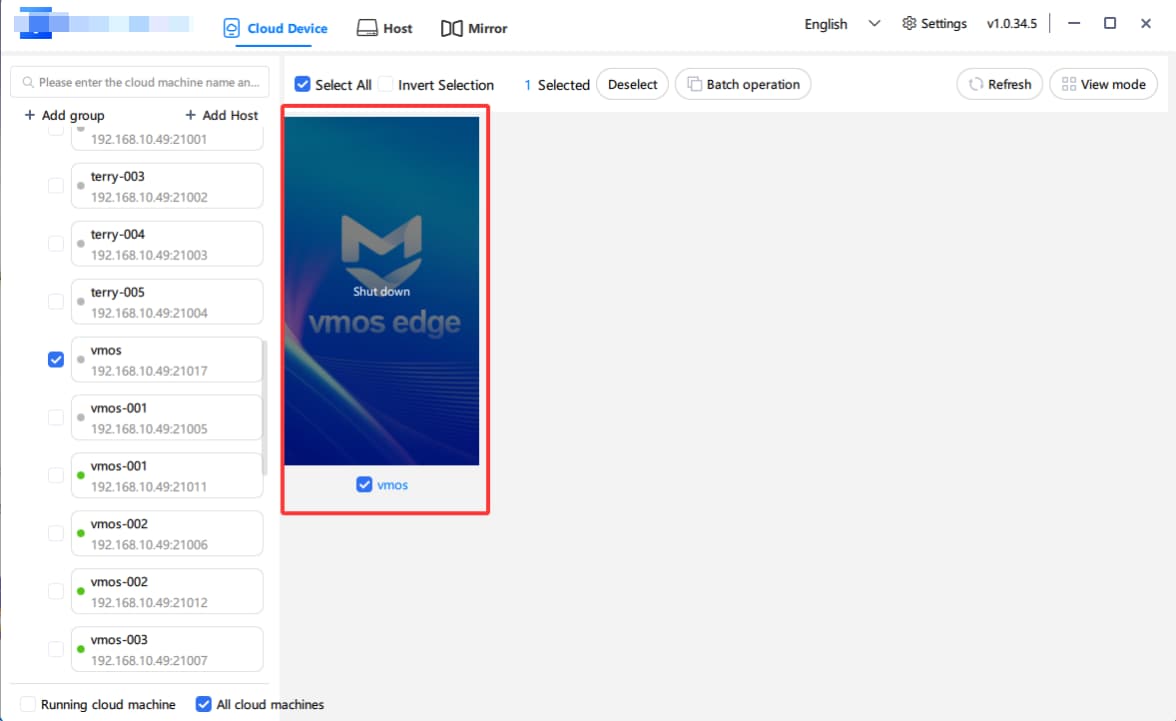
4. It will shows running if created successfully
⏱️ Cloud phone creation takes approximately 1–2 minutes. After completion, you can see the status as "Running" in the list.