
How to shutdown and restart the cloud phone device?
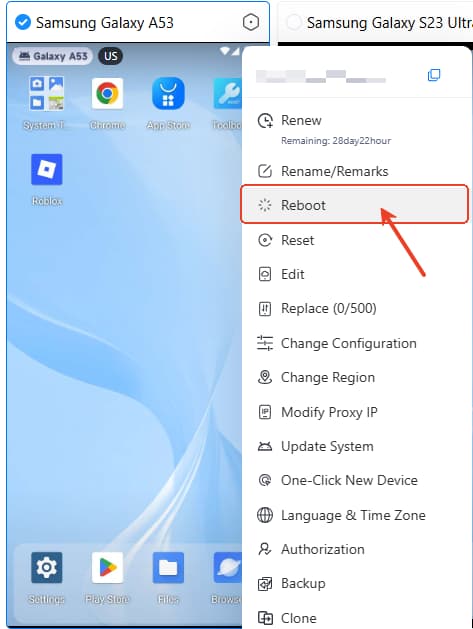
VMOSCloud-Web/iOS Users:
Select the target device-> right click and find Reboot.
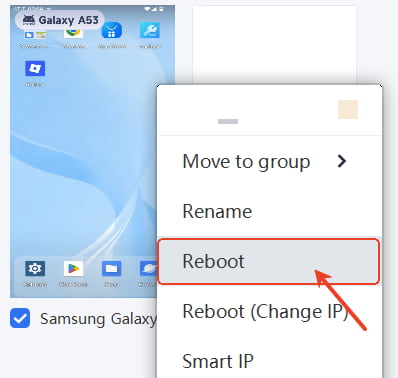
VMOSCloud-Windows Users:
Select the target device-> right click and find Reboot.
VMOSCloud-Android Users:
Select the target device-> click the corner and find Reboot.




