
Put your social media on autopilot, Focus on your creativity.
Stop manual posting. Let AI automate your content and engagement to ensure your social presence grows naturally and consistently.
Set and forget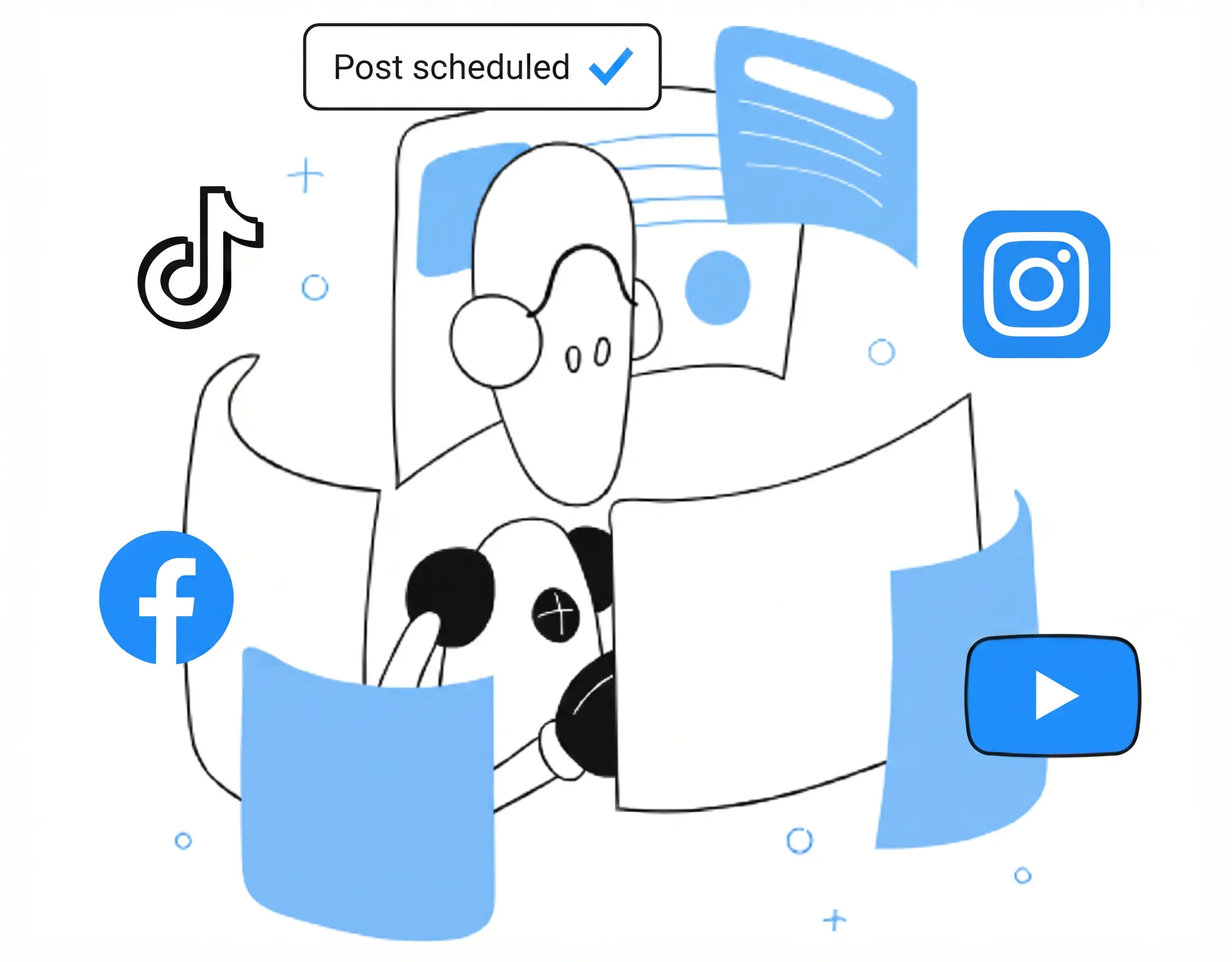
What is VMOS Cloud automation
AI-agent automation
Automate scroll, likes, favorites, comments tasks on cloud phones by simply typing what you want. Transforms text prompts into real automated action workflow.
AI-powered templates
Use preset templates on VMOS Cloud to get started quickly. Each templates support different workflows like content posting, account warming up, edit profiles, reels posting and more.
RPA
A no-code automation builder that lets you create custom workflows to automate mobile apps. Set logic and conditions first manually, and cloud phone will automate finish your task commands.
Open API
Use open api documentation of VMOS Cloud to control features. And developers can manage, automate cloud phone devices at scale to run tasks.
automate CloudPhone by simply typing what you want
Social Media Automation
AI-powered social media automation
automate account warmup
automate content publishing
other automate workflow
The new MCP support is genius. Now I can easily plug VMOS Cloud’s automation into my favorite AI tools like Claude, Cursor, Open AI Codex and Gemini. The possibilities are endless.
Product Hunt Community
See how our social media workflow automation works
VMOS Cloud + AI: Put your social media on autopilot.
Start social media automation without writing a single line of code. VMOS Cloud automation simplifies account warming up, content publishing and complex social media engagement for your favorite platforms.
Try AI agent automation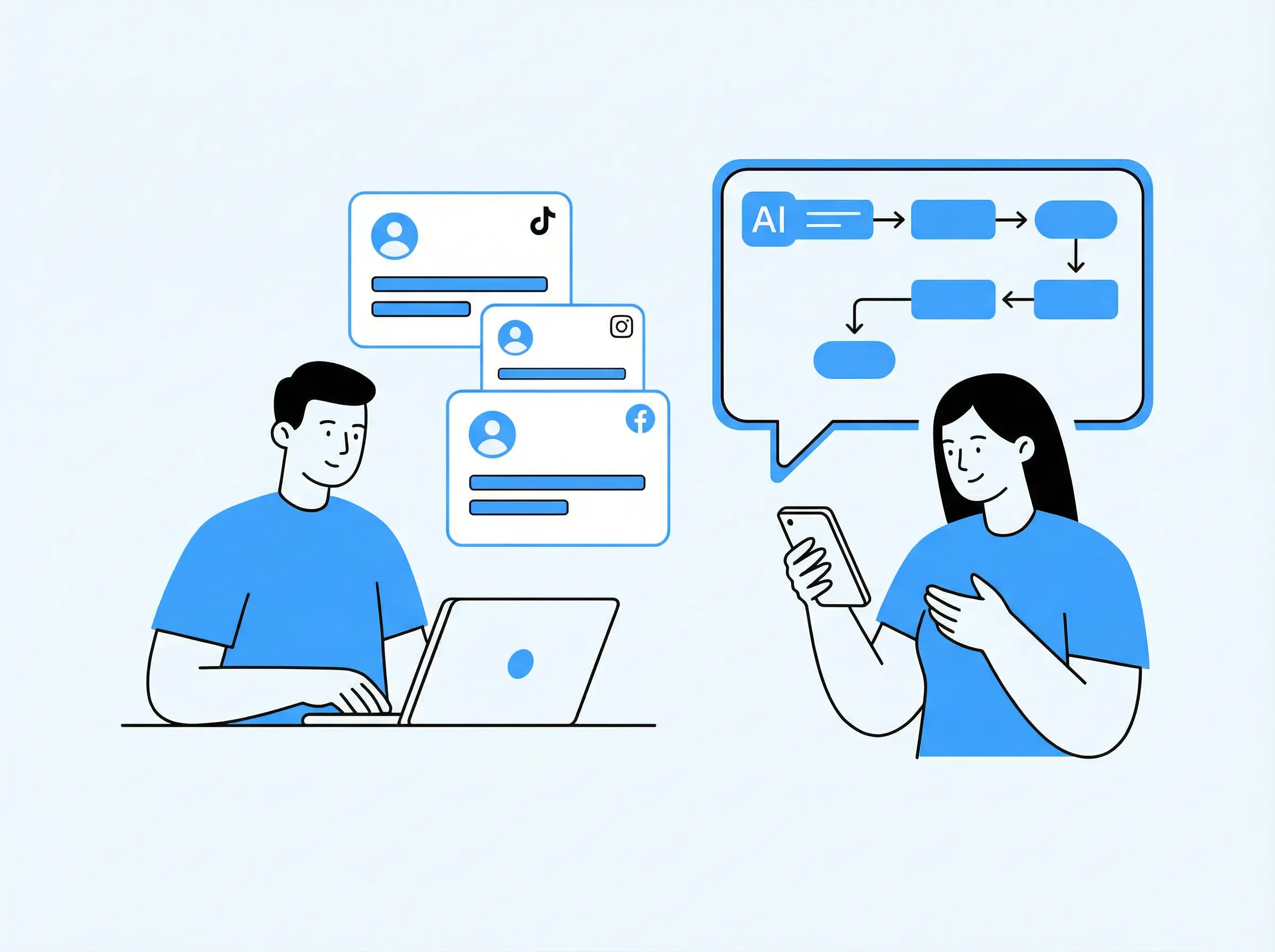
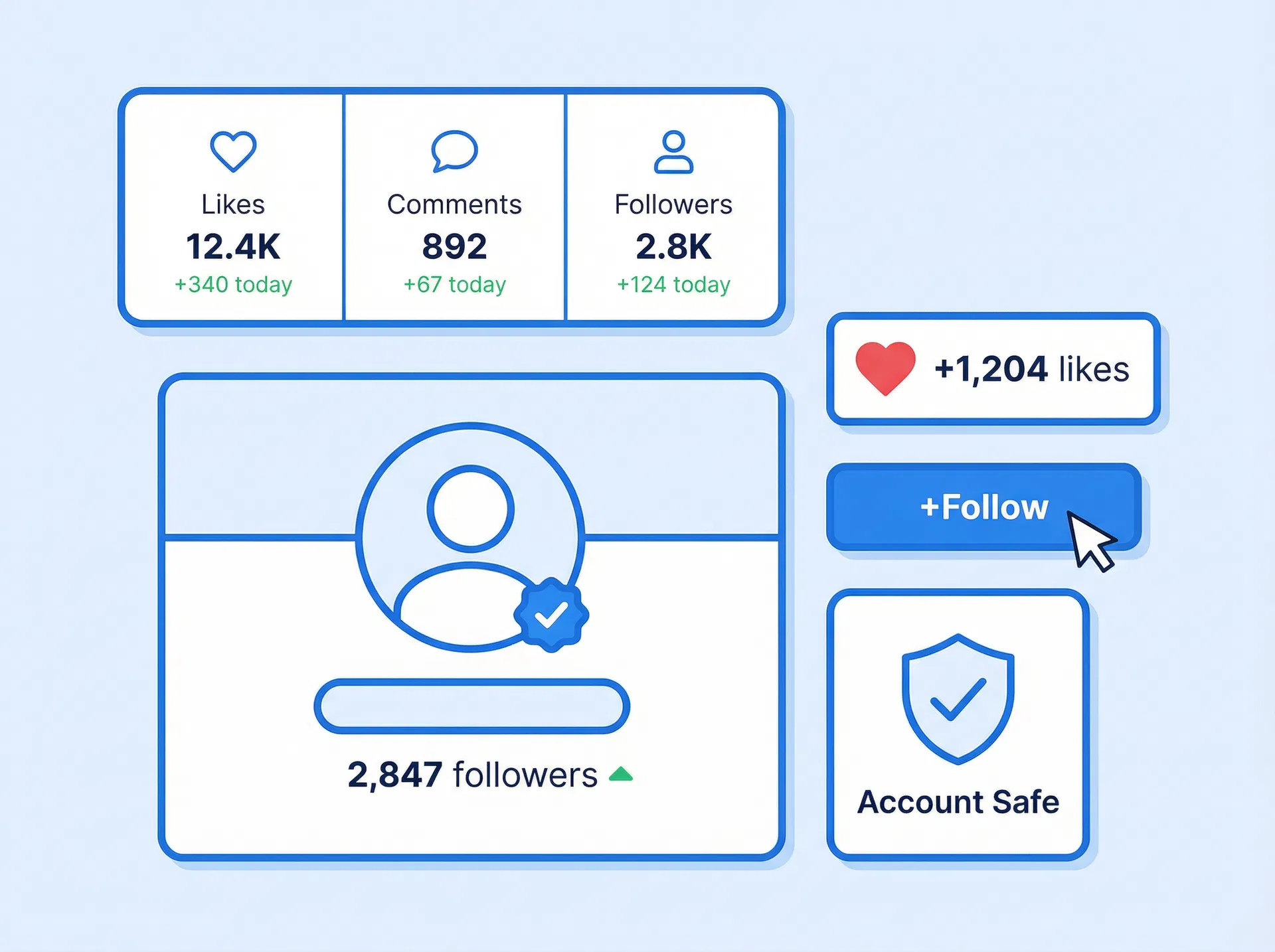
Build your account credibility like a real user
Safely create new profiles on popular social media platforms. Use our pre-set AI warming up workflows to mimic human-like behavior, automatically build account authority, and stay safe.
Try nowSmart AI content creation and auto-posting
Upload your videos or use our integrated AIGC tools to create unique content. From image-to-video creation to automated publishing of Reels, Carousels, and posts—VMOS Cloud keeps your social presence fresh and varied on autopilot.
Try now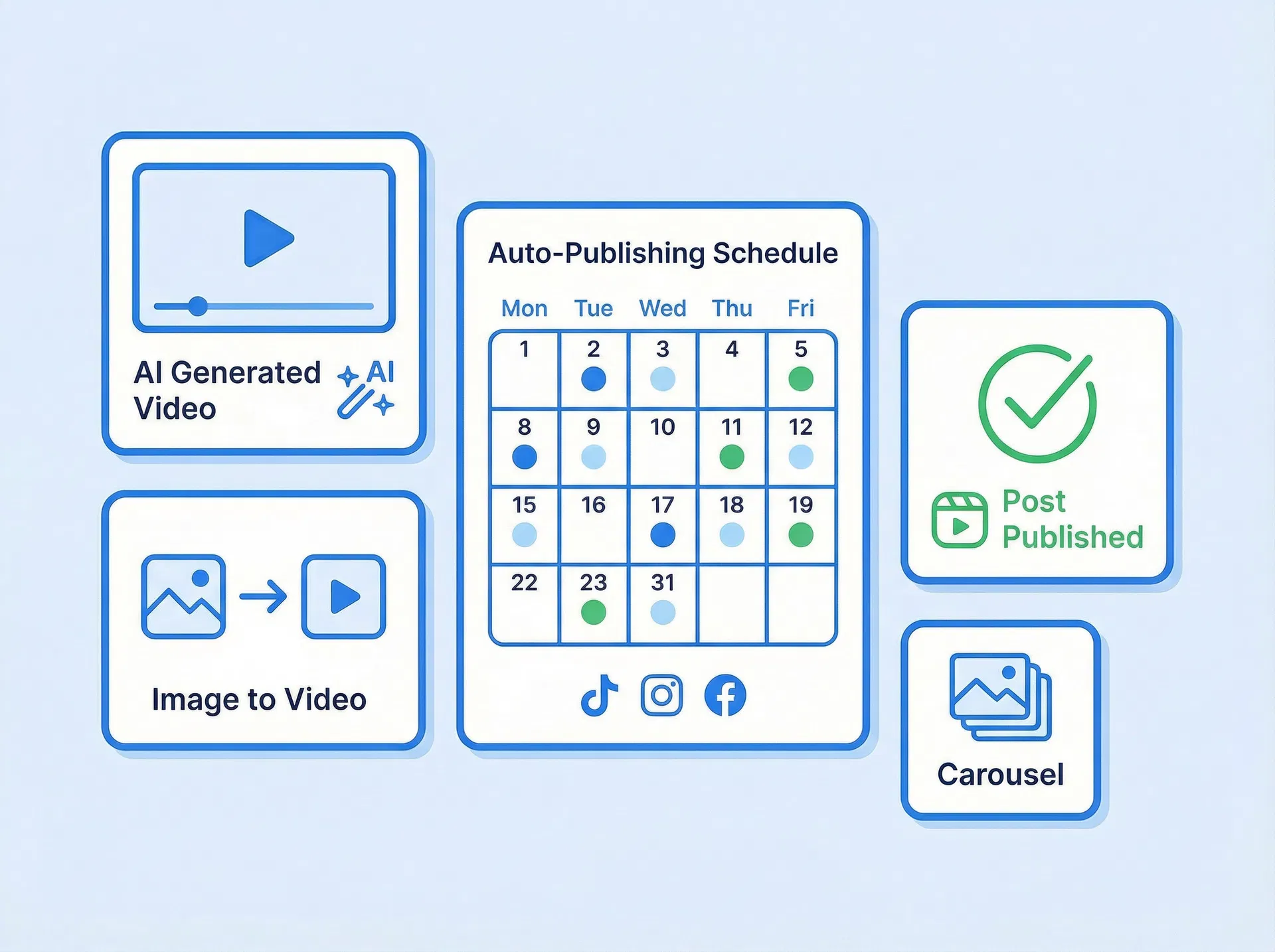
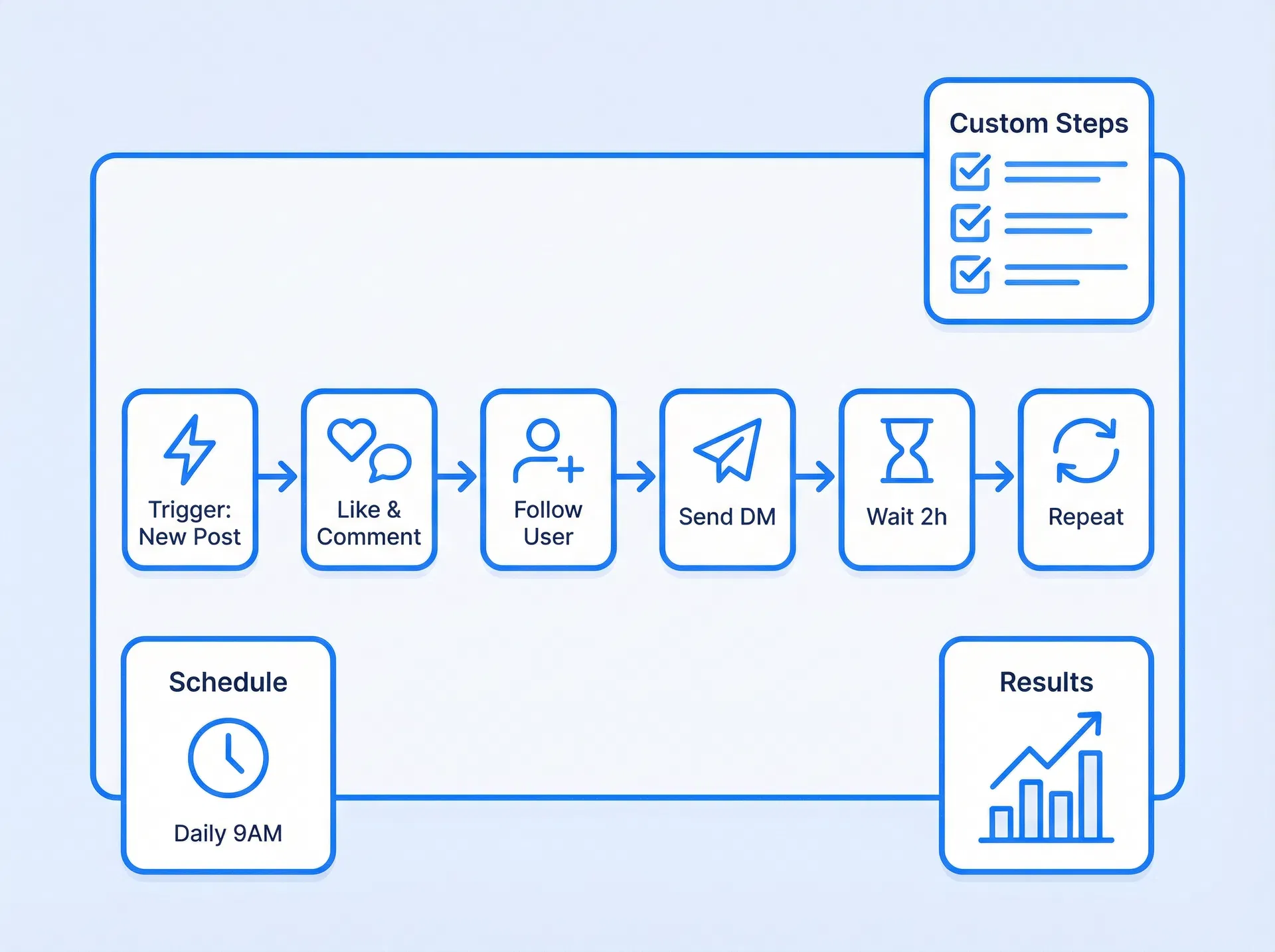
Automate your strategy, multiply your results.
Build a customized automation workflow that fits your unique business needs. Tailor every step to automate your complex engagement tasks.
Try nowFully Shield Your Accounts & Devices
VMOS Cloud protects your accounts from restrictions on all needed levels. It provides you authentic mobile experience in an isolated device environment, with unique device signals and parameters for each account.
Frequently asked questions
VMOS Cloud provides no-code automation features to help users simplify repetitive or complex application tasks, including automating social media tasks, account warming, content distribution, and message sending. Users can start automation with AI via prompts, or use RPA-based automation processes—pre-set tasks, combining clicks, swipes, text input, waiting, and logic such as loops and conditions.
Team collaboration
Seamless workspace, anywhere your team is
Assign Device, Roles Access Control on Team Hub
The Team Hub supports super admins precise control through Role-Based Access Control (RBAC) for both devices and features, seamless credential-free sharing, and high-efficiency batch operations.
Get StartedEasy Teamwork
One-click to batch add team members to cooperate and management.
Team Logs
Keep a reliable record of every move your team makes.
Set Precise Access for Every Role
Invite coworkers to use selected accounts with custom rights
Account Stays Log In
Secure your account with 2FA, and stay logged in until you manually sign out.



