
Control hundreds of mobile devices at scale with synchronizer
Sync every swipe, click, and text across all cloud phones instantly in a PC. Master your scale workflow with 100% precision.
Get started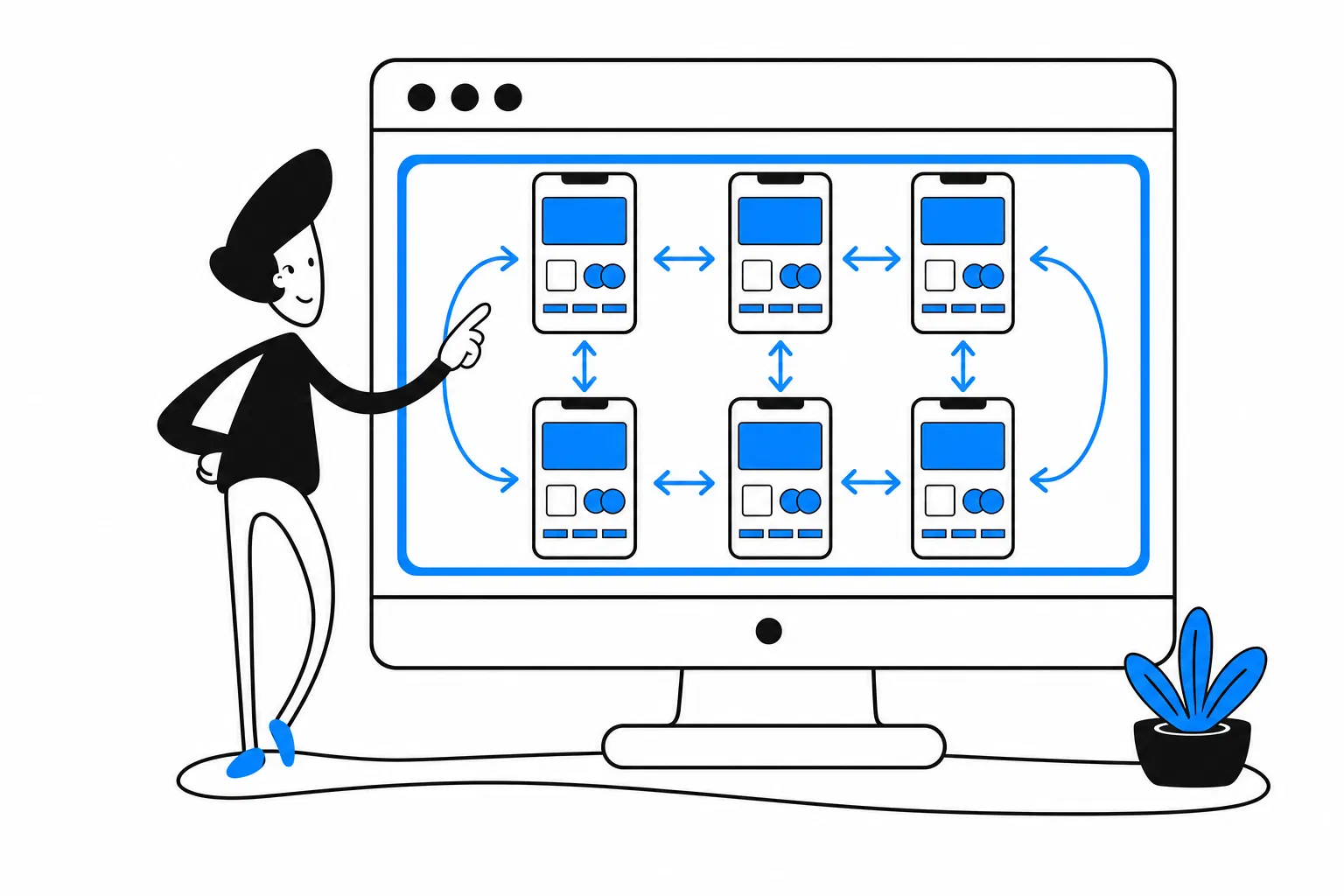
What is synchronizer
Synchronizer is a centralized control feature to batch manage and control your actions on all devices. VMOS Cloud lets you use one device to control multiple cloud phones at the same time. Every change made on the main device will be instantly reflected on other devices, which is very suitable for users who need to make precise control in many devices. Scroll to check how our synchronizer works, or see the FAQ here.
Make batch control for mutiple mobile devices
sync devices actions
- Group control devices
- Paste same text to all devices
- Paste different text to different devices
- Batch click
- Batch swipe
- Batch sign in
- Batch sign out
- Batch upload images
- Batch upload files
- Batch restart devices
- Batch adb the devices
batch app actions
- Batch install app
- Batch open app
- Batch close app
- Batch delete app
- Stay app alive in background
- Stay app in stealth mode
VMOS Cloud is a great tool for multitasking and productivity. It allows me to run multiple apps independently in a cloud environment, which saves time and improves efficiency. It is stable, responsive, and very practical for everyday use.
Nilo Pereira Siqueira from the Product Hunt
See how to synchronize cloud phones
One click to sync your actions on all devices
Stop wasting hours to set repetitive tasks on devices one by one. Synchronizer makes controlling hundreds of isolated cloud phones simpler than ever, no complicated setup is needed.
Explore now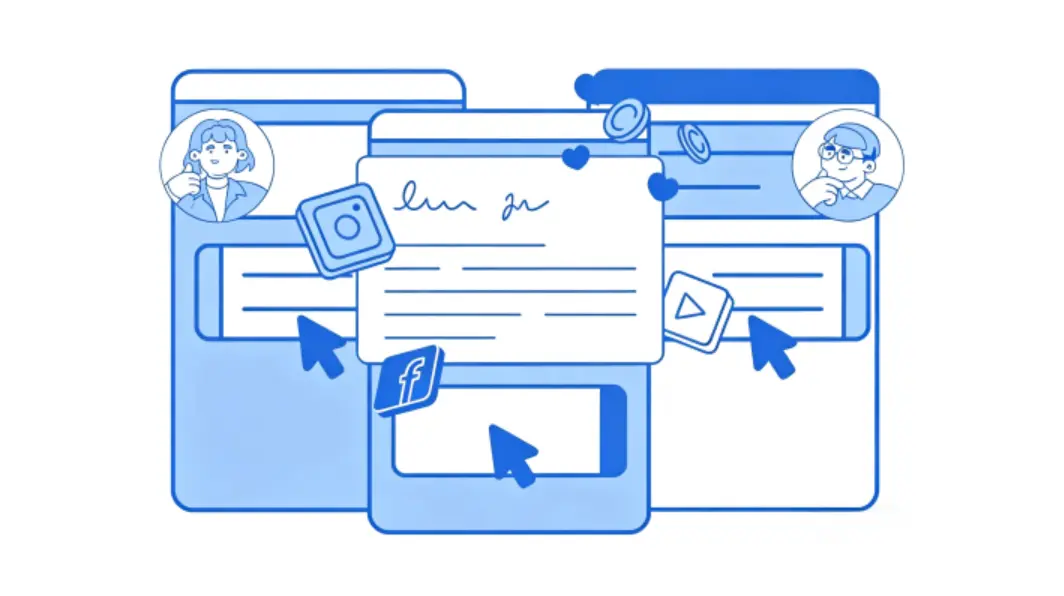
Sync your actions in any mobile apps
You can batch control as many cloud phones as you want, even hundreds at once. It works on any popular platforms like TikTok, Facebook, Youtube, Instagram, Reddit and so on. Every mobile profile will paste your clicks from main device.
Explore now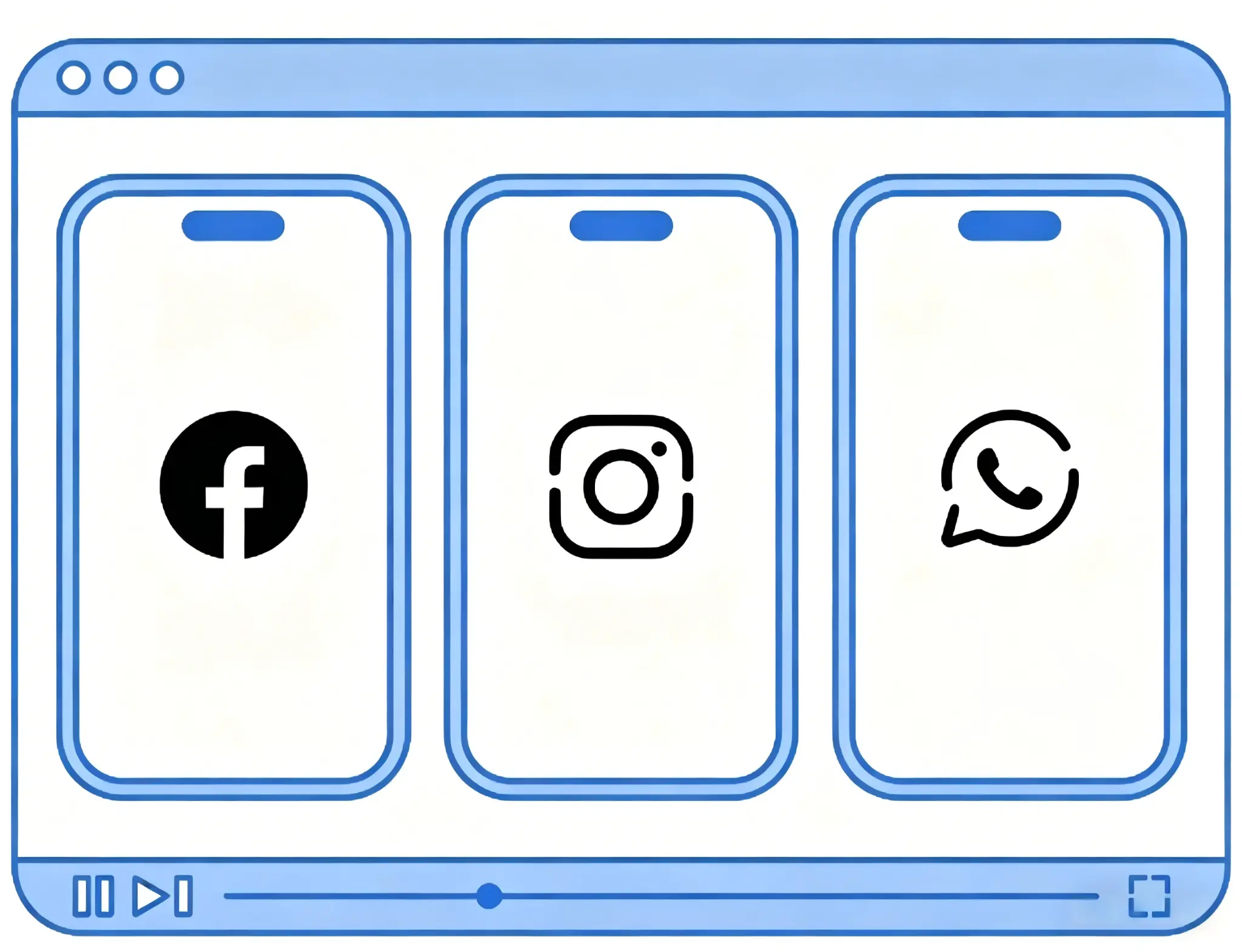
Control multiple Android devices from a single PC
Whether you're a Windows, macOS, or Linux user, synchronizer ensures seamless multi-device control. You can control hundreds of Android cloud phones from a single, unified interface.
Explore now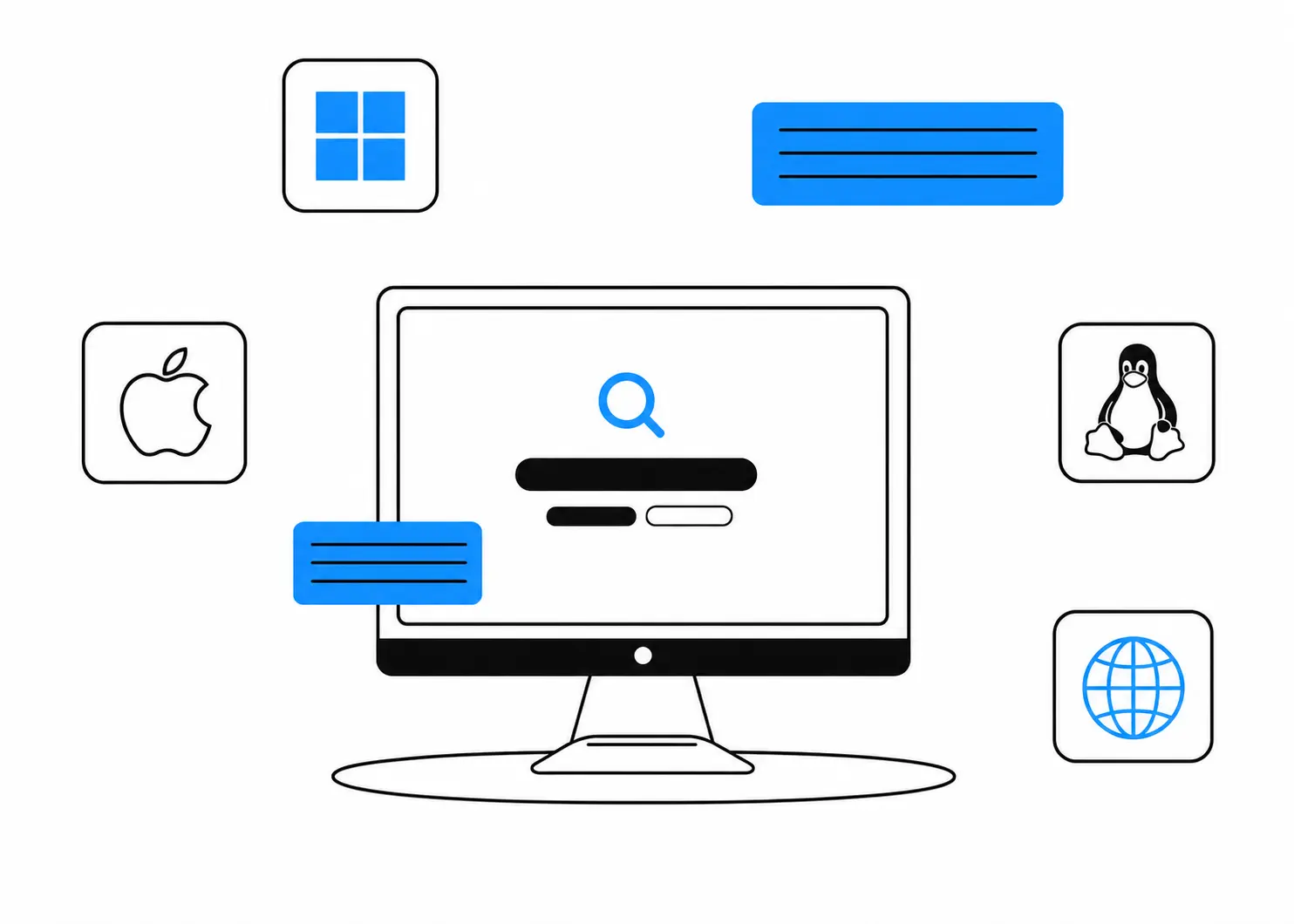
Everything You Need to Control at Scale
Fully Shield Your Accounts & Devices
VMOS Cloud protects your accounts from restrictions on all needed levels. It provides you authentic mobile experience in an isolated device environment, with unique device signals and parameters for each account.
Frequently asked questions
The Synchronizer is a powerful productivity tool designed for multiple device management. It allows you to control hundreds of Android cloud phones simultaneously by mirroring actions from a "master window". Whether you are clicking, scrolling, or typing, it save repetitive manual work and enables you to scale effortlessly.
Team collaboration
Seamless workspace, anywhere your team is
Assign Devices & Roles with Access Control on Team Hub
Team Hub lets super admins assign cloud phone groups to members with Role-Based Access Control. Manage permissions, track operations, and run batch tasks across your entire fleet from one place.
Get StartedEasy Teamwork
One-click to batch add team members to cooperate and management.
Team Logs
Keep a reliable record of every move your team makes.
Set Precise Access for Every Role
Invite coworkers to use selected accounts with custom rights
Account Stays Log In
Secure your account with 2FA, and stay logged in until you manually sign out.



