
Safely managing multiple mobile accounts becomes more important today, especially for social media marketers, traffic arbitrageurs, bonus hunters and accounts managers. Since the major platforms like TikTok, YouTube, Facebook, and Instagram, keep updating their detection systems — they track how you use your accounts, which devices you used, mapping the invisible threads that tie all your possible accounts together. And that is why the isolated device environments matter for SMM (social media marketing) for those users, just as crucial as their strategy on growing accounts. This shift has paved the way for a smart antidetect mobile solution like Cloud Phone and Android Emulator. So this article will clarify detailed explanations of their key differences on concepts, user cases, as well as share some really to-the-point and useful insights.
What Is Cloud Phone?
1.Definition of Cloud Phone
Cloud phone is not Android emulator. Cloud Phone, based on cloud computing technology and ARM-chip, is a cloud service that provides complete Android device environment in the cloud, which let users to connect and remotely run a cloud Android device that same as the real physical device— with its own Android version, separate environment, storage, device signals, and network settings. Let's say it simply, it can be easily described as building a virtual mobile on the cloud, not a physical one. This means that all the functionalities you expect from a real device are available on a cloud phone, even outperforms an Android emulator. Because it feels like using a real device when creating multiple mobile devices at the same time.
Different cloud phone providers may focus on different usage, and have drawbacks. VMOS Cloud led the way in the cloud phone industry, mainly focusing on being the best mobile antidetect solution providers for social media marketing and automation, helping users to safely run multiple mobile apps like TikTok, YouTube reels, Snapchat, Reddit, Tinder, etc. So let’s help to explore the core features that stay our cloud phone under the radar.
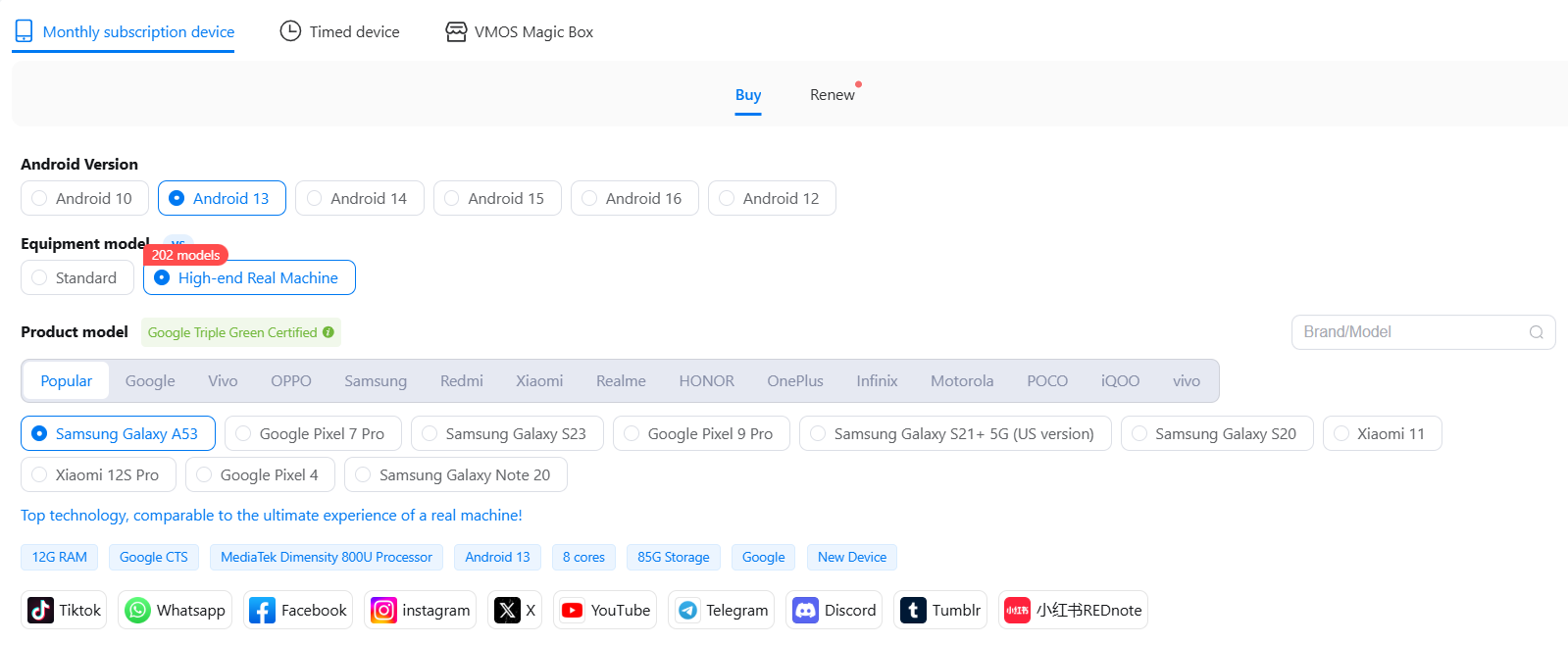
Real mobile device environment: VMOS Cloud provides over 200 real device models including model customization, and users can experience it as a real physical smartphone.
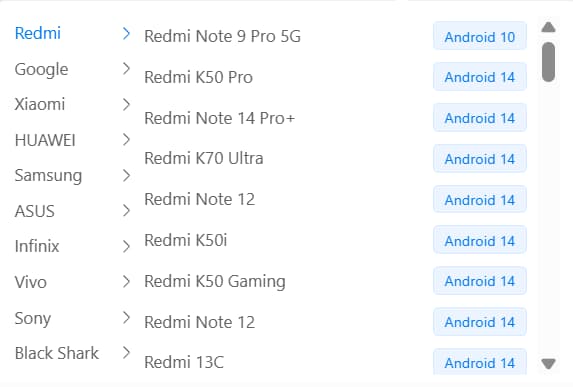
Unique device parameter: Each cloud phone has a unique device signal like device brand, Android version, storage, IMEI, phone number, bluetooth address, network settings. It makes every mobile profile totally separate and ensures the clear separation between accounts.
Advanced antidetection ability: Capabilities vary across providers, but VMOS Cloud stays ahead by exclusive OS-level patches (Image system) , these system-wide security enhancements are specifically engineered to safeguard account management on any app.
Multiple profiles management: Typically cloud phone platforms will provide a centralized interface that allows managing multiple mobile profiles straightforward.
On top of the above features, VMOS Cloud also provides more comprehensive features:
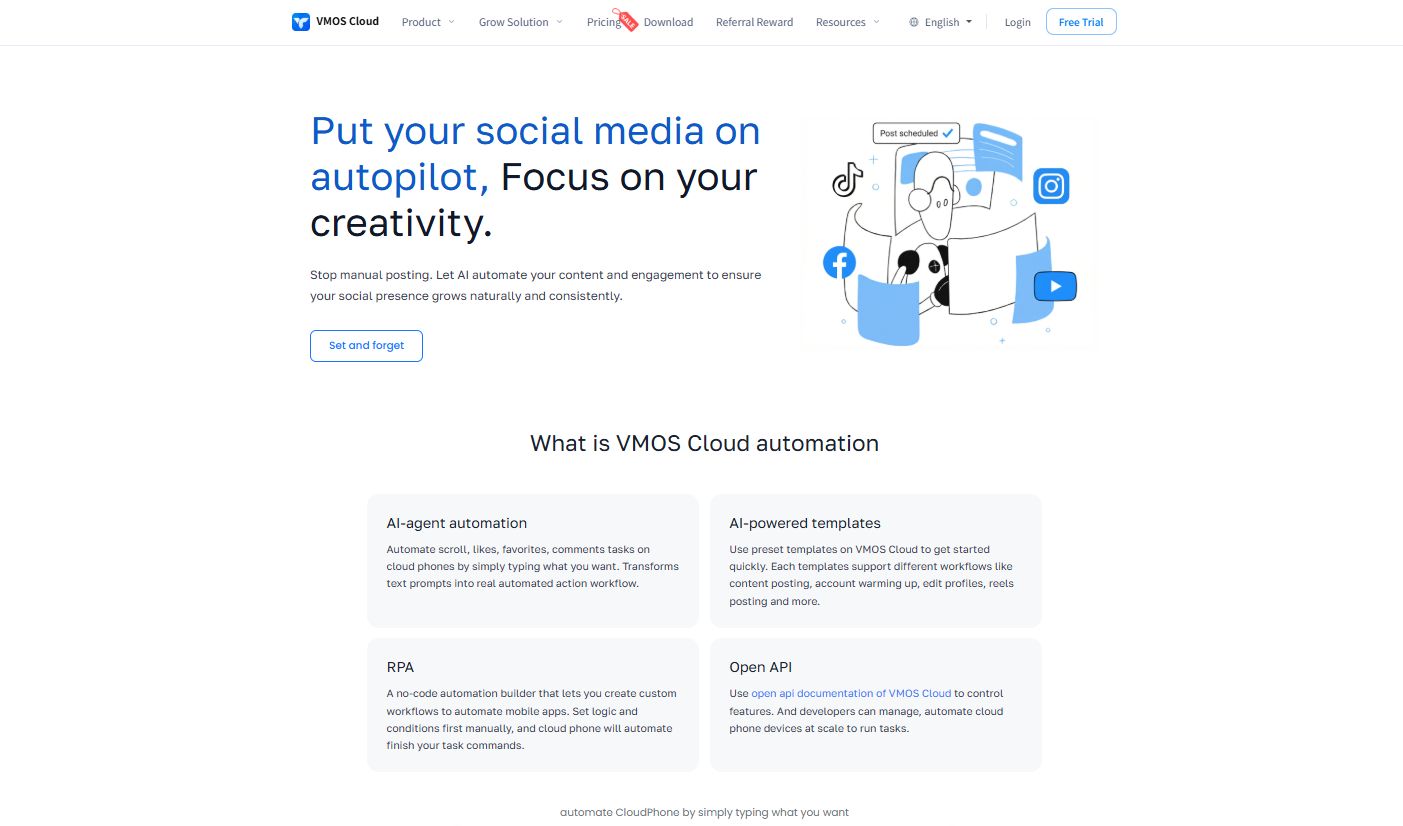
AI agent automation: Some cloud phones support automation based on RPA manually workflow, while VMOS Cloud users can transform text prompts into automated action workflow, automate scroll, likes, favorites, comments and any account trust sessions with VMOS AI.
AIGC: Use the built-in AI service to generate content and improve the creative ability for accounts.
Team collaboration: Set permissions and feature limits for different roles in the team to protect data, and enable seamless management.
After learning about the concepts and features of cloud phone, keep reading to see what are the target users for cloud phone.
2.User Cases for Cloud Phone
Social media marketers need to manage multiple accounts across TikTok, WhatsApp, Reddit, Instagram, Facebook and more, each account can run in a cloud phone separately and all centralized management from PC.
Traffic arbitrageurs can use cloud phones to improve the efficiency of affiliate promotion.
Bonus hunters will use cloud phone to quickly find the latest coupons or bonus events from different platforms.
Live streaming: YouTubers or TikTok sellers are able to use cloud phone and OBS make a playback live streaming.
App test: developers or technical people may use it to run different environments of android phones in a sandboxed test. Or make a new version test before app launching. It will efficiently improve the debug work.
Cloud game: AFK and idle game lovers can play in the background and upgrade levels easily.
E-commerce sellers use isolated cloud phones to safely login e-commerce accounts while scaling your business to the global market.
What Is Android Emulator?
1.Definition of Emulators
Unlike the cloud phone that can run in the cloud, Android Emulator is a software program that needs to be installed on a local computer to mimic the Android OS, enabling developers and users to test and run Android apps in a controlled sandbox environment. Prominent examples in the space include Android Studio, ARchon, BlueStacks, NoxPlayer, as well as Genymotion, LDPlayer, and Phoenix OS.
2.User Cases for Android Emulator
Hardware-based: Android emulators operate directly on the local hardware, utilizing the device's local CPU, RAM, and GPU instead of relying on remote cloud servers.
Software development and testing: Developers can test how their app performs on different screens and operating systems without owning the actual devices, though it has limits. By integrating Android Studio, Android emulators offer powerful debugging features, including log viewing, performance analysis, and UI debugging, helping developers quickly identify and fix application problems.
Offline access: Most modern Android emulators are mostly run locally to improve their performance, so they remain fully functional offline and low latency, providing an experience close to that of a real device.
Cross-platform compatibility: Android emulators enable the execution of Android apps and games on Windows or macOS, effectively overcoming native hardware limitations.
Key Differences Explained: Cloud Phone vs. Android Emulator
In the following comparison list, users can easily see their key differences aspects:
Cloud Phone vs. Android Emulator:
Choosing Between Cloud Phone and Android Emulator
Given that the basic understanding about their concepts is insufficient to find your best solution. So next we will show the details about the pros and cons of Android Cloud Phone and Android Emulator.
1.Strengths and Weaknesses to Use Cloud Phone
Pros:
Stronger account protection ability: different cloud phone service providers have different performance on this side.
Cost-effective: cloud phone basically no need for any hardware loss.
Real ARM chips based: users can enjoy highly-performance that is close to that of a real mobile machine, especially suitable for high-load applications or 3D games.
Access all android apps: you can get around the limitations for mobile type cause when downloading apps.
Batch manage multi-instances: it supports operating such as more than 100 instances at the same time, and unified management is also convenient.
Proxy management: apps like TikTok may detect the devices running for a healthy social environment. Only a few reliable cloud phone manufactures, which can provide stable ip proxy management and anti-detected solution to power business needs.
Cons:
Online access: cloud phones must connect to the internet. If disconnected, the service will be interrupted.
Compatibility: many cloud phones do not support simulating the iOS system, if you have related needs, please try the official TestFlight or Xcode simulator.
2.Strengths and Weaknesses to Use Android Emulator
Pros:
Low-latency: because of run in the local devices, emulators will get the preferred on scenarios with high real-time requirements.
Offline use: It supports full offline use especially for local development or stand-alone scenarios.
Configuration available: it will be more convenient for developers to flexibly debug the underlying system.
Local multi-instance support: this usually depends on computer performance, and users can run 3-10 instances simultaneously if it works well.
Cons:
CPU/GPU-occupied heavily: it may cause computer lag or be crushed when multiple instances are opened.
Easy to be freezed: emulators may perform performance loss when x86 simulates ARM, especially when it runs some complicated application.
No isolated device enviroment.
3.Pricing and Plans Comparison
While most Android emulators are available for free, some offer paid versions or premium features. It could be a good choice for developers. However, once considering the cost of Android emulator will bring from higher risk of account suspensions and bans, this is not a suitable solution.
VMOS Cloud offers flexible pricing plans that optimize feature-to-cost ratios, including subscription plan and pay-as-you-go plan. New users can start to enjoy $3.74 per month, if you need to use a cloud phone over a long term, considering a monthly pack rather than daily pack. AIGC features may take additional fees.
Conclusion: The safe and intelligence solution for social media marketing
For virtual machine potential users, a detailed guide is essential for building the comprehensive knowledge of cloud phones and emulators. And Try VMOS Cloud today with our free trial will get you ready to achieve high-velocity, cost-effective cloud experience.