How to rotate the screen on VMOSCloud?
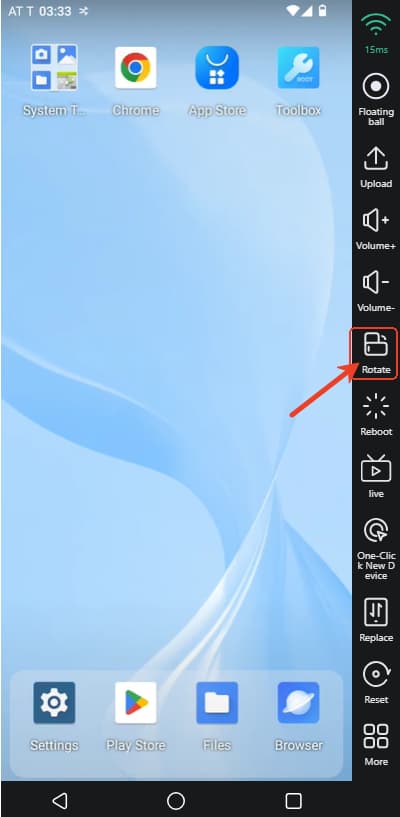
Way 1: Directly Rotate the Device
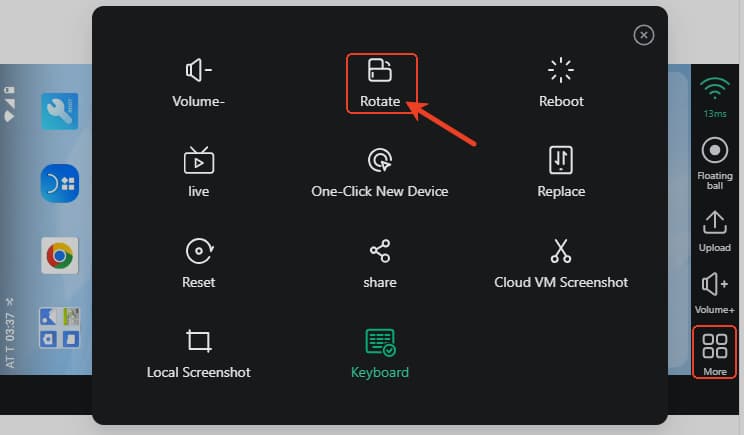
If your device already in the Landscape, click More -> Rotate to change the device's oritentaion.
Way 2: Download Rotation Controller
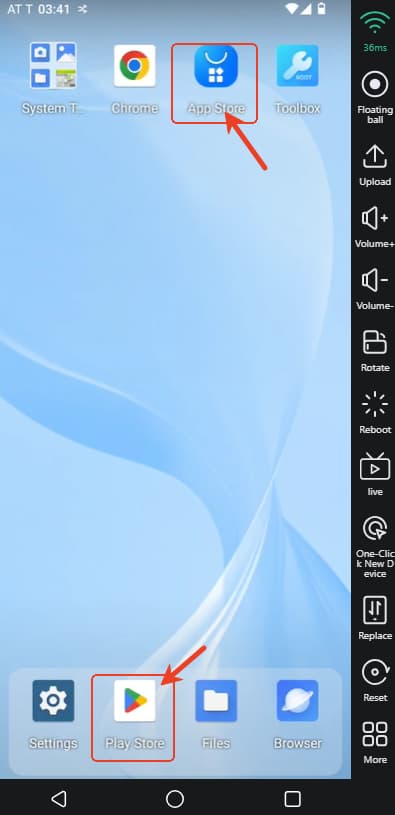
For Android users, please Download rotate controller app from AppStore or from PlayStore.