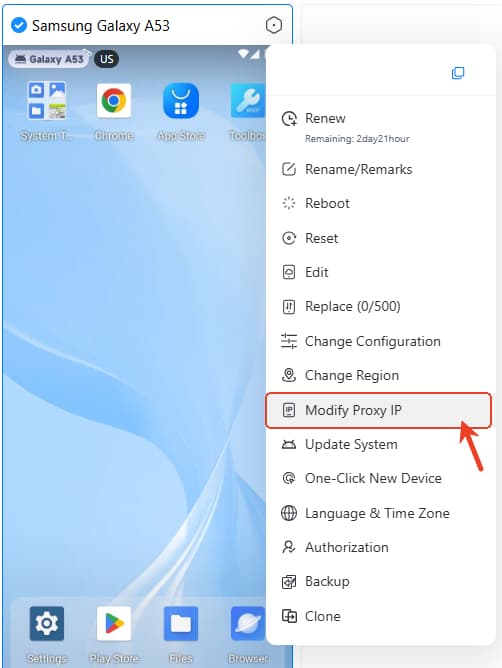
How to change the Device IP address?
Way 1: Change Region To Change Device IP
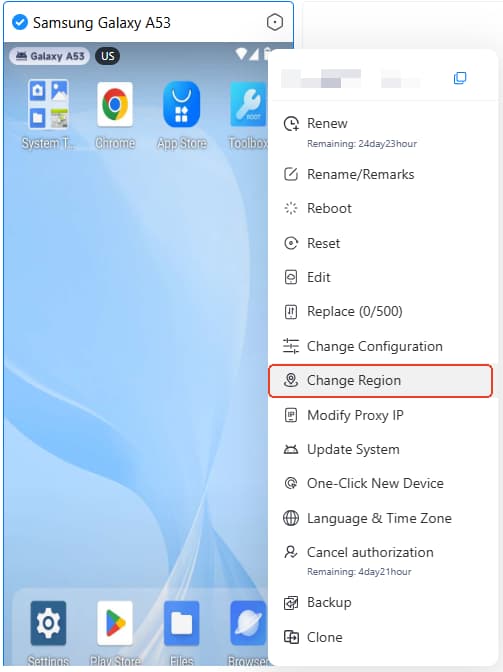
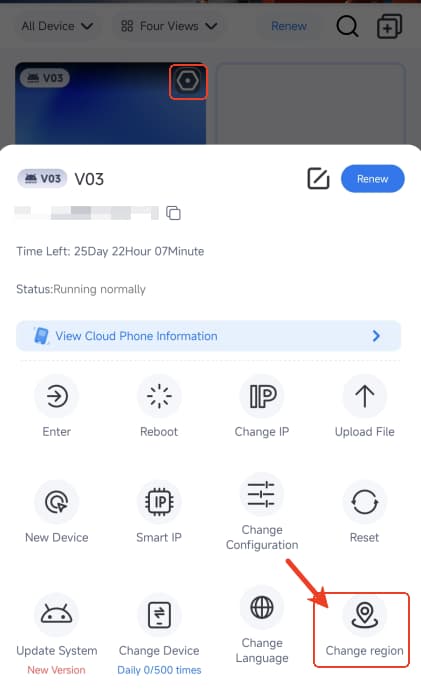
The country server you select is the default location of cloud device. Right click and select ->Change Region to replace the device IP. Please know device data will be cleared after region change!
Way 2: Modify Proxy IP
If you have a US server device, after adding the a UK proxy, the device IP address will be the UK.