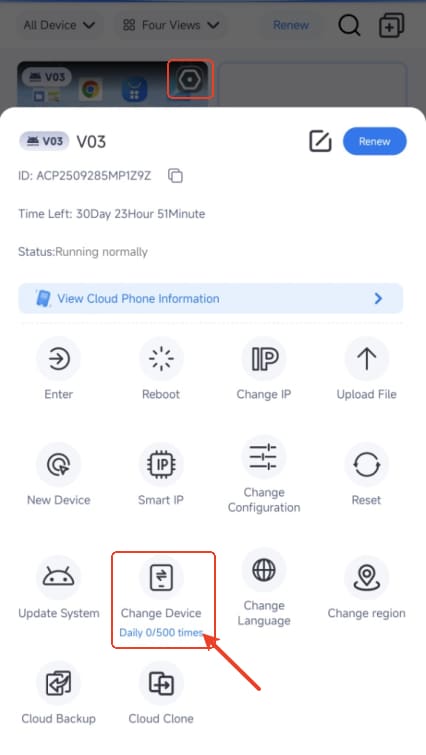
How to replace device on VMOSCloud?
Replace Device means free to switch a new device with the same configuration, but this will clear all data in your current device, please make sure you know this fact and also you can consider using the Clone & Bankup feature to recovery the data in your new device.
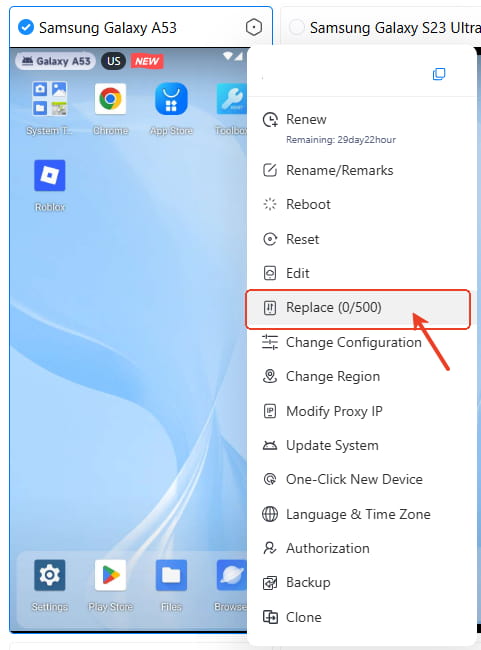
VMOSCloud-Web Users:
Go to Home page-> Right Click and select Replace (0/500)
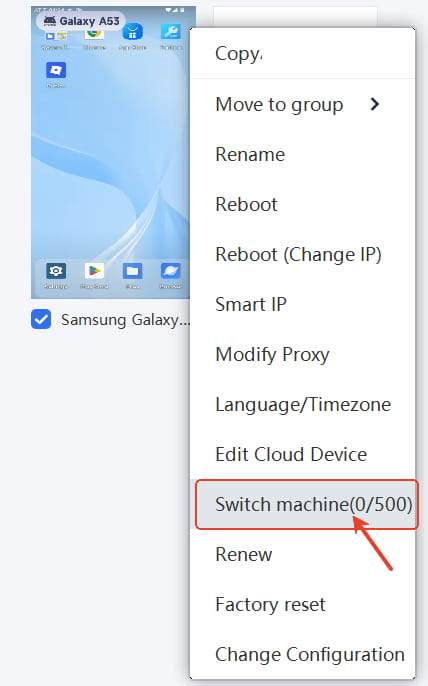
VMOSCloud-Windows Users:
Go to Home page-> select the tartget device-> Right Click and select Switch machine (0/500)
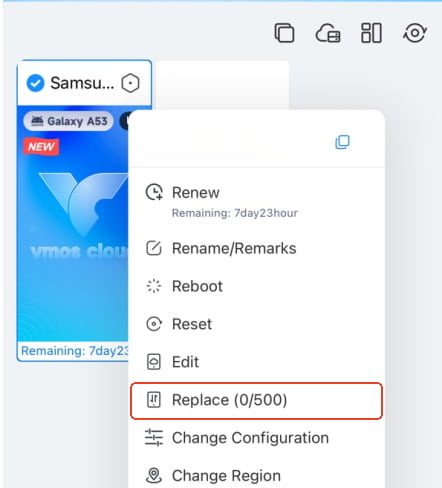
VMOSCloud-iOS Users:
Select the tartget device-> Right Click and select Replace (0/500)
VMOSCloud-Android Users:
Select the tartget device-> Click the right corner of device-> select Change Devices (0/500)