How to Unrestricted AutoClicker Accessibility?
Want to use the autoclicker on device, but get a prompt like the Restricted settings for Accessibility as follows:
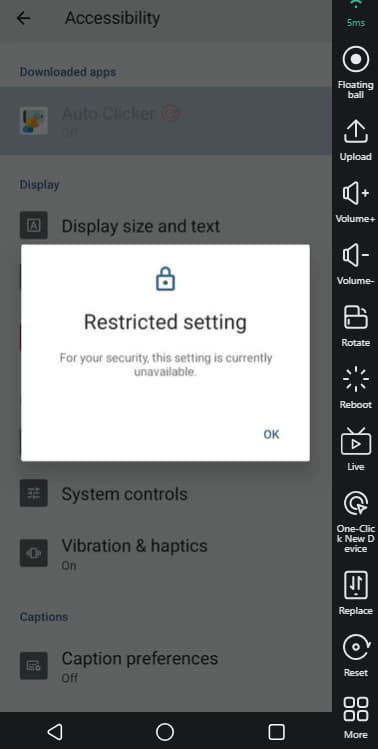
How to fix:
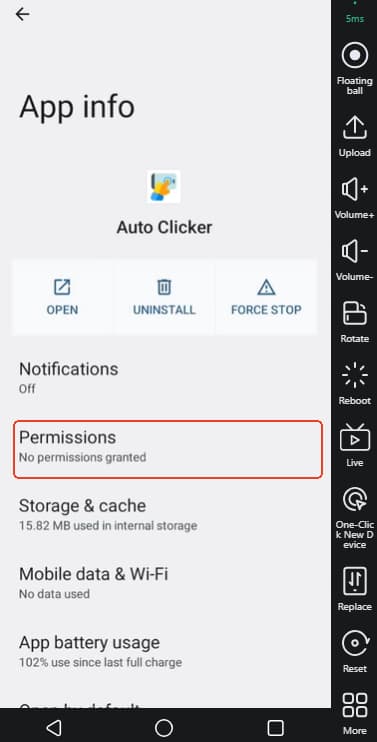
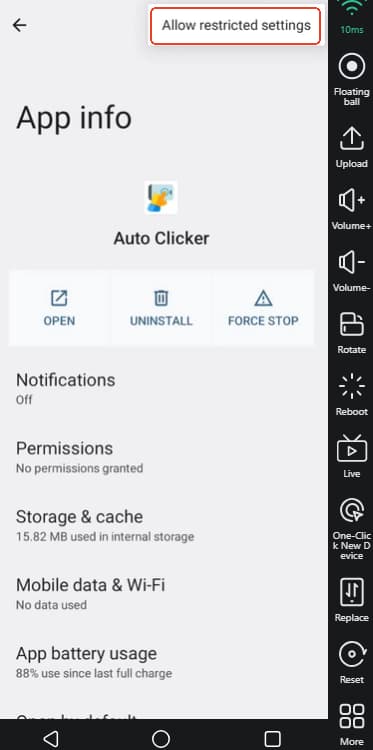
Long press Auto Clicker on the home screen -> find App info:
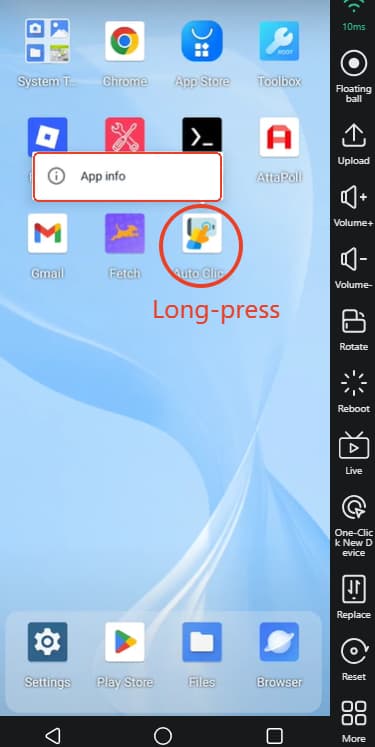
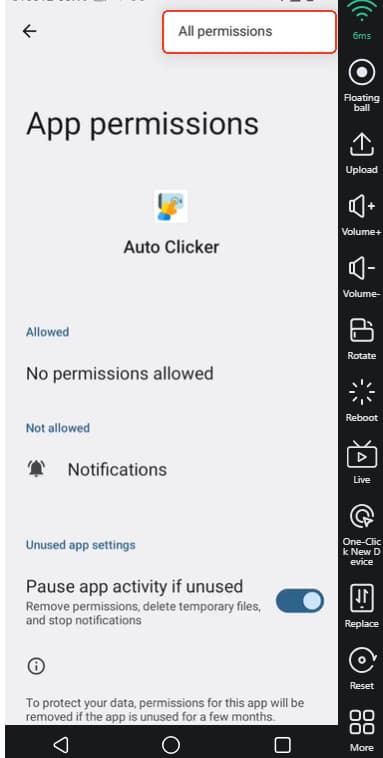
Then go to the 3 dots at the top right corner -> Allow restricted settings.
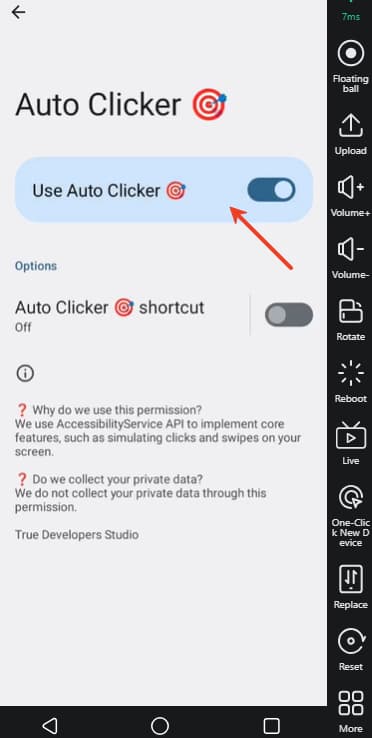
After that, back to open AutoClicker tool, and slide the button to use the tool.
Or Long press the app info-> Permission-> 3 dots at the top right corner-> All permissions-> change the permisson you want.