
Team Feature 3: How to Set Operation Permissions for Group Member Accounts?
Welcome to the VMOSCloud team feature. This guide demonstrates how to restrict cloud device operations and account functions for members to ensure data security
(1) Setting Cloud Device Operation Permissions for a Group
To configure operation permissions for all cloud devices of a specific group:
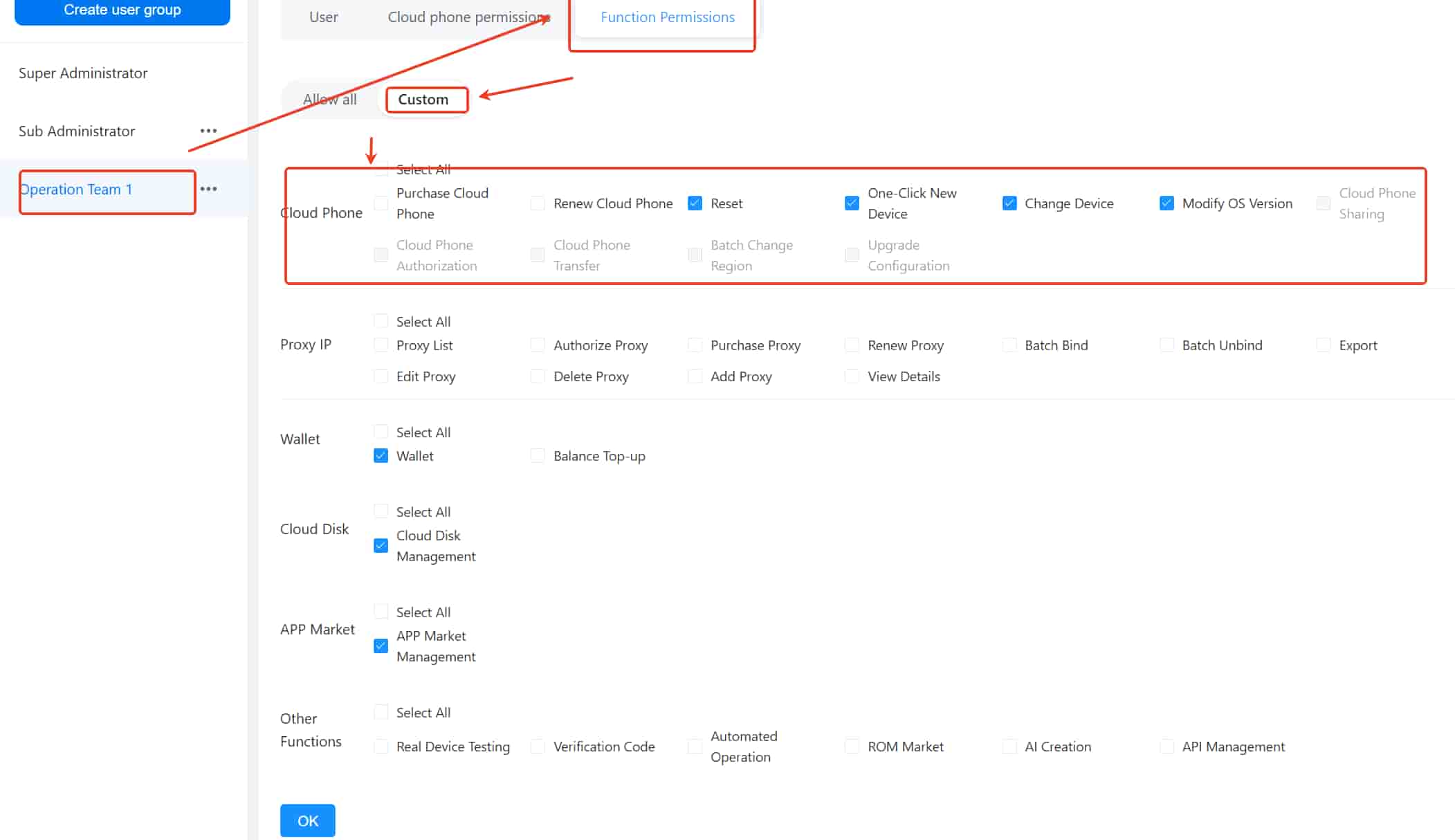
Log in with a super administrator account, click the group name > Function Permissions > Custom to enter the permissions control interface.
Locate Cloud Phone, and check the device operation permissions you want to grant to the group:
Purchase/Renew: Members can purchase new cloud devices within their own accounts or renew cloud devices assigned to the team. Notice please, devices purchased at the member’s own expense are not managed under the super admin account.
Reset: Restore the cloud device to factory settings, which will erase all data.
One-Click New Device: Clear the current device’s data.
Change Device: Replace the device with one of the same configuration, which will erase data.
Modify OS Version: Upgrade or downgrade the Android version of the cloud device.
Grayed-Out Features: To be launched soon.
3. Once checked, group members can use the corresponding functions in their accounts. Unchecking a permission will disable it.
(2) Setting App Function Permissions for Group Member Accounts
To configure functional permissions for members of a specific group:
Log in with a super admin account, click the group name > Function Permissions > Custom to enter the permissions control interface.
Check the functions you want to grant members access to.
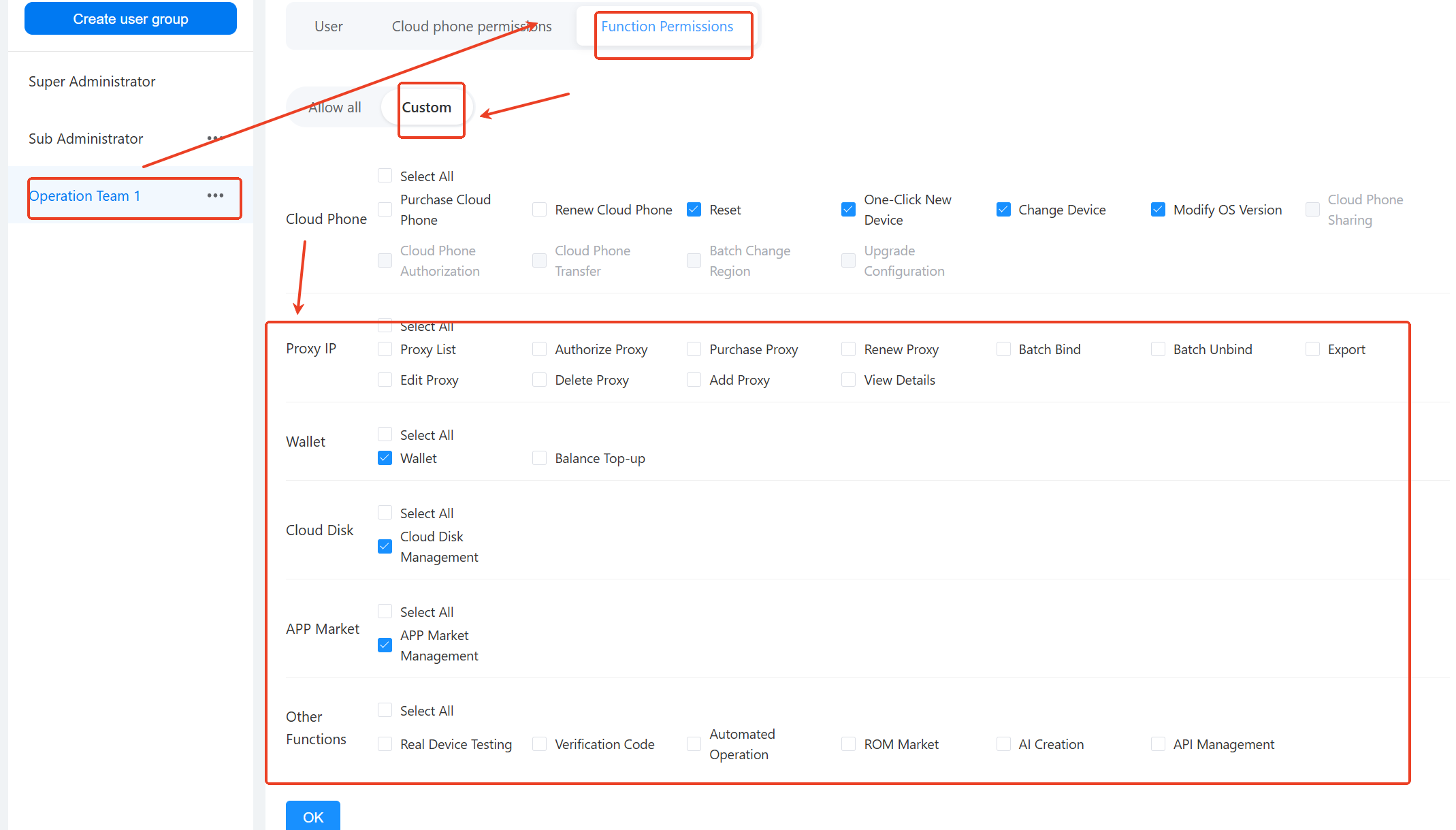
Proxy IP: Permissions related to proxy usage in VMOSCloud products.
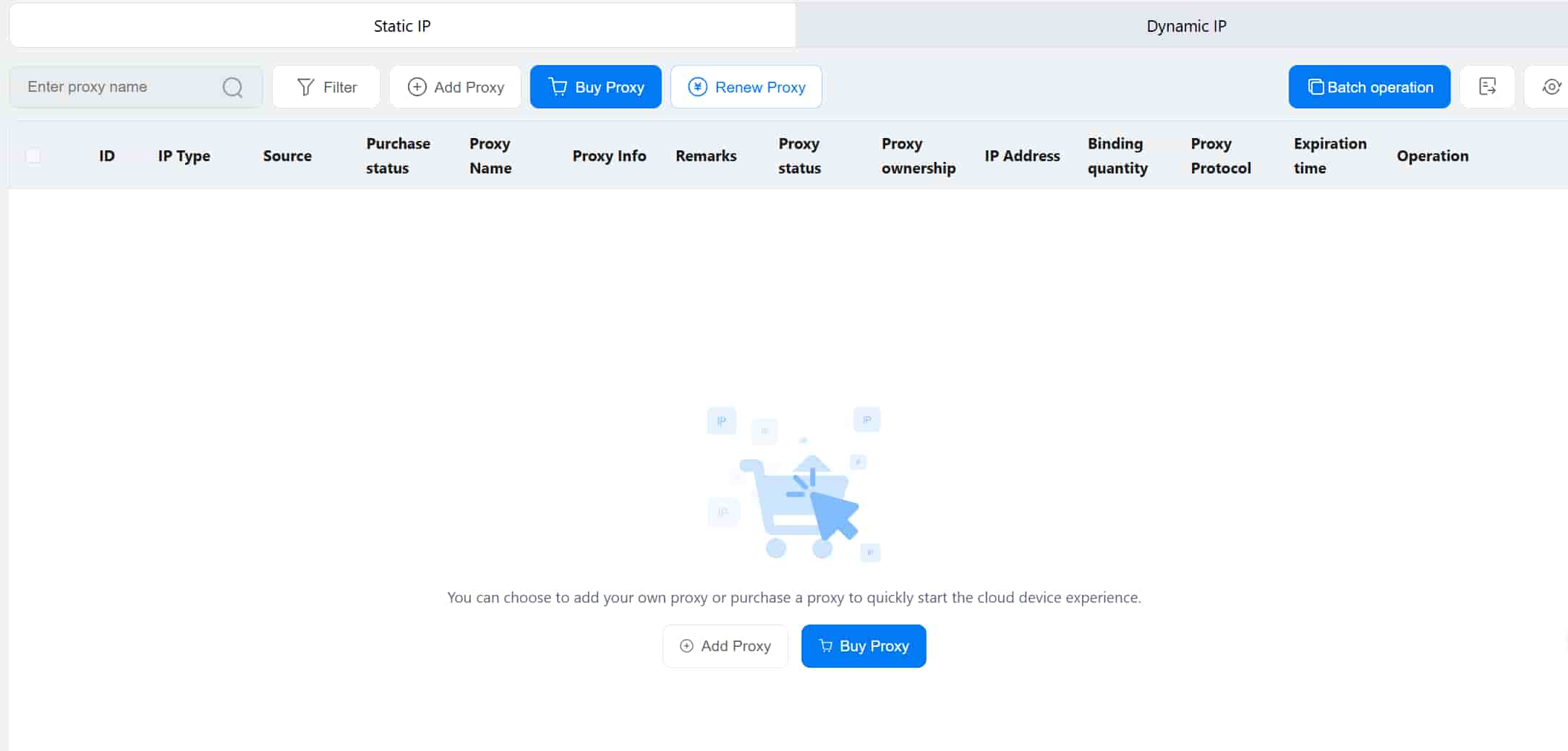
Wallet: Members can use the wallet to top up or recharge their account balance.
Cloud Storage: Members can access and use VMOSCloud’s cloud storage via the team account for file transfers.
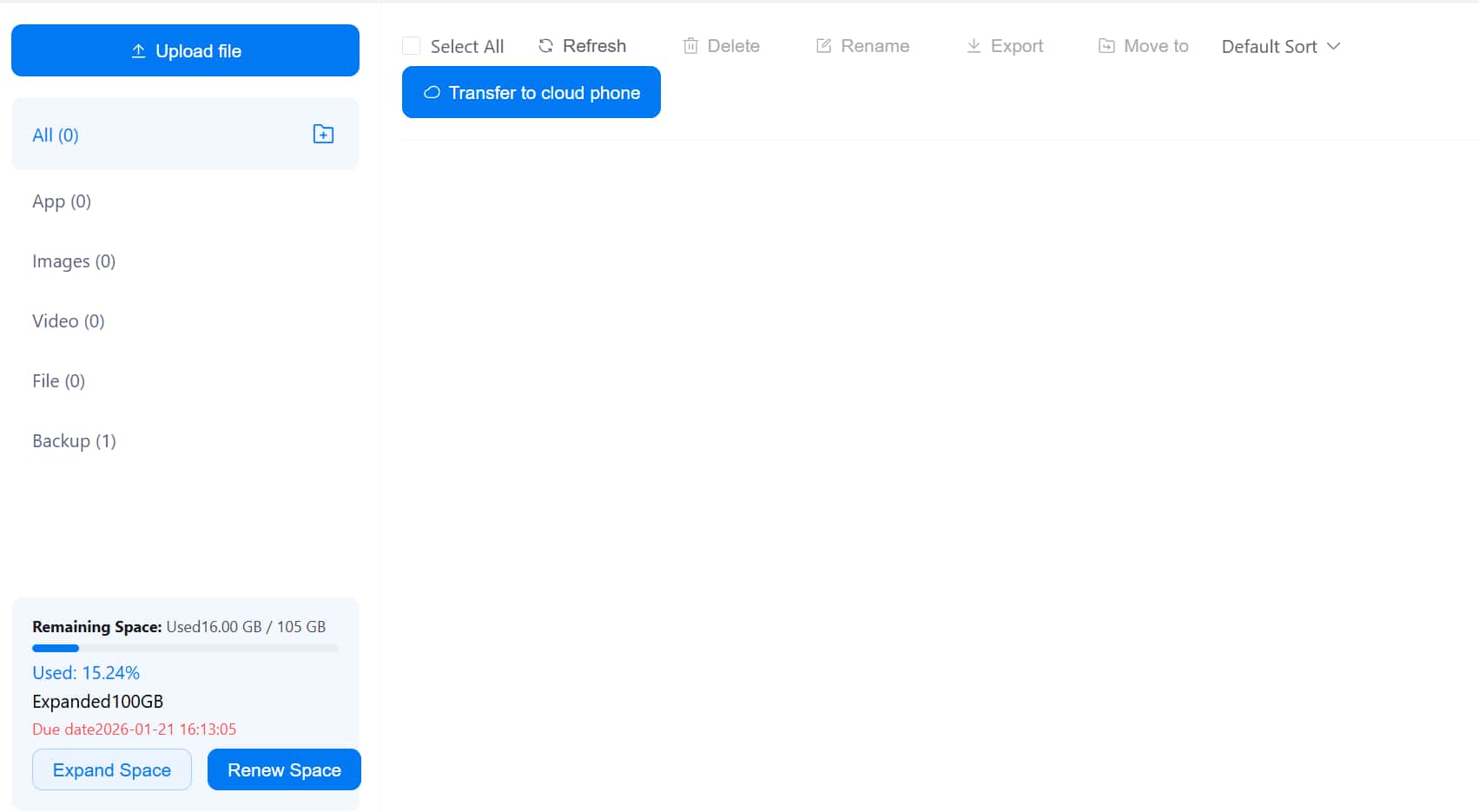
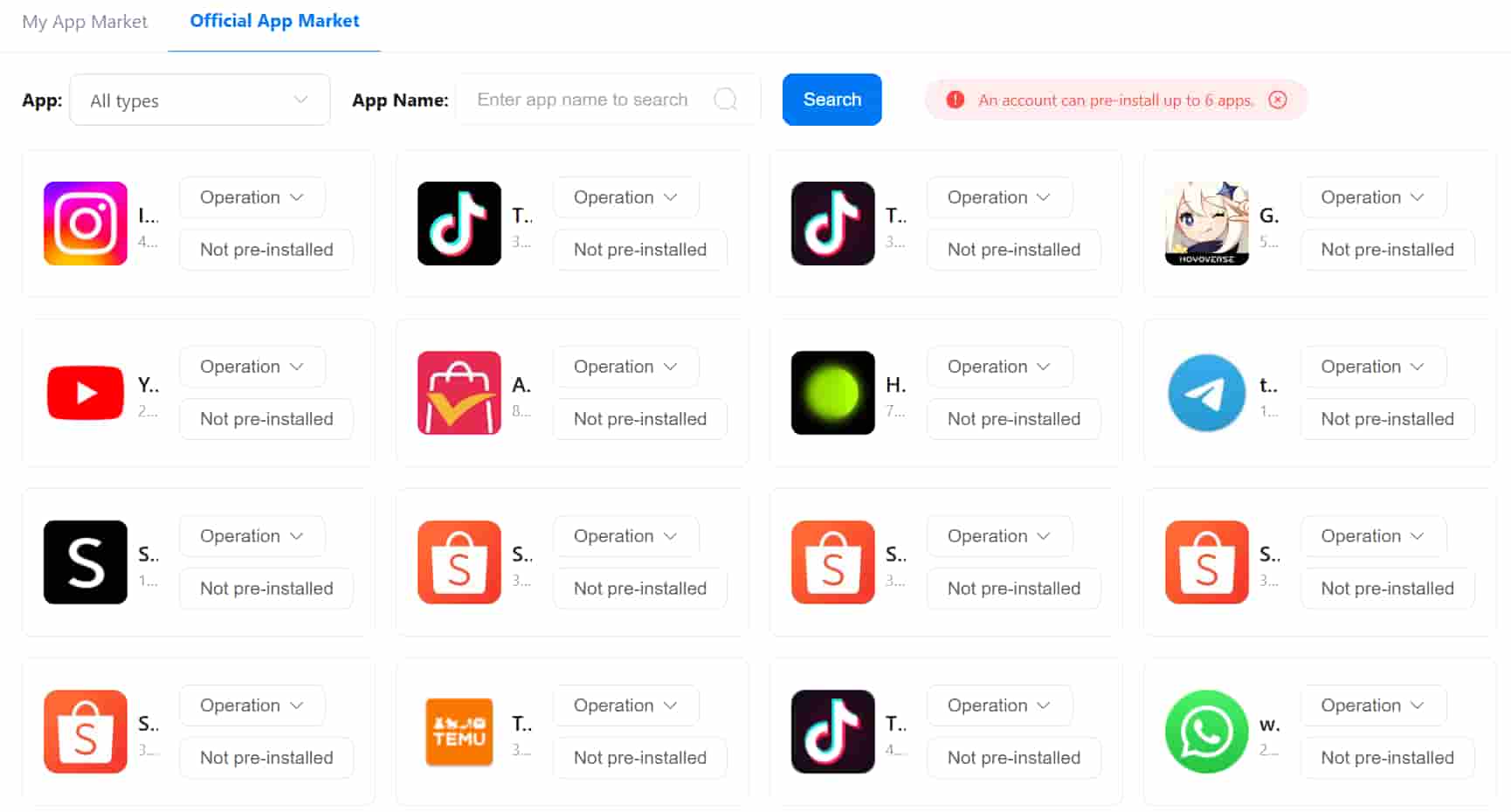
App Market: Members can access and use VMOSCloud’s official store via the team account and download applications onto the cloud device.
Other Features: Members can access and use other VMOSCloud functions available in the interface.



