
1. Check your current Marketplace status below "Extra features" of your profile
2. Review listings ensure all of them comply with Facebook’s commerce policies and community standards
3. Submit a review request through the Facebook Help Center
If you are still restricted or want to prevent further restrictions, an antidetect cloud phone is an ideal solution to help manage multiple Facebook accounts safely and stay your FB Marketplace under the radar with a healthy status. Cloud phone provide an independent device environment with unique digital parameters like a real local user, making each account run just like in an isolated real device. VMOS Cloud excels in this field to be the best antidetect cloud phone solution for managing multiple Facebook accounts. With device-level isolation, advanced anti-detection ability, robust multi-account management operation, it reduces cross-account association risks and increases the efficiency of account growth, enabling more stable and safer management of Facebook Marketplace.
Facebook Marketplace: Access Requirement, Signs and Reasons of Limits
Before taking any action, it's essential to understand who is eligible to use Facebook Marketplace and potential issues that may affect the usage. Many users suddenly encounter notifications or error messages pop-up that prevent them from accessing Marketplace, posting items, or managing listings. These notifications can indicate potential policy violations, abnormal account activity or temporary restrictions. Carefully recognizing and interpreting these common error messages is the first and most important step to remove a Facebook Marketplace ban and restore full account function.
1. What makes you eligible for Facebook Marketplace?
Age limit: You must be an adult based on the laws in your country
Meet the requirement of the country/region: Marketplace is not available in all regions. Your account must be registered in a country/region where Facebook Marketplace is officially supported, such as the United States of America, Indonesia, Hong Kong China etc. While regions like mainland China, Korea can not access FB Marketplace.
Verified account: New accounts or accounts with incomplete profiles may have limited access.
Follow the policies: Accounts that have repeatedly violated Facebook’s terms of service, commerce or other policies may be restricted from using Marketplace.
2. Why did I get suspended on Facebook Marketplace?
Commerce policies or community standards violation. Selling items that violate Facebook’s Commerce Policies, such as adult content, alcohol, tobacco or restricted services, may lead to temporary or permanent Marketplace blocks.
Account status. Newly created accounts or accounts that have been inactive for a long time may be restricted from using Marketplace until they establish sufficient activity.
High-frequency or abnormal behavior. Using an additional Facebook profile, frequent device or IP changes, suspicious account behavior like rapid listing, bulk edits, repetitive actions prompt Facebook to block Marketplace access for security reasons.
3. Common signals: How to know if you have been suspended from Facebook?
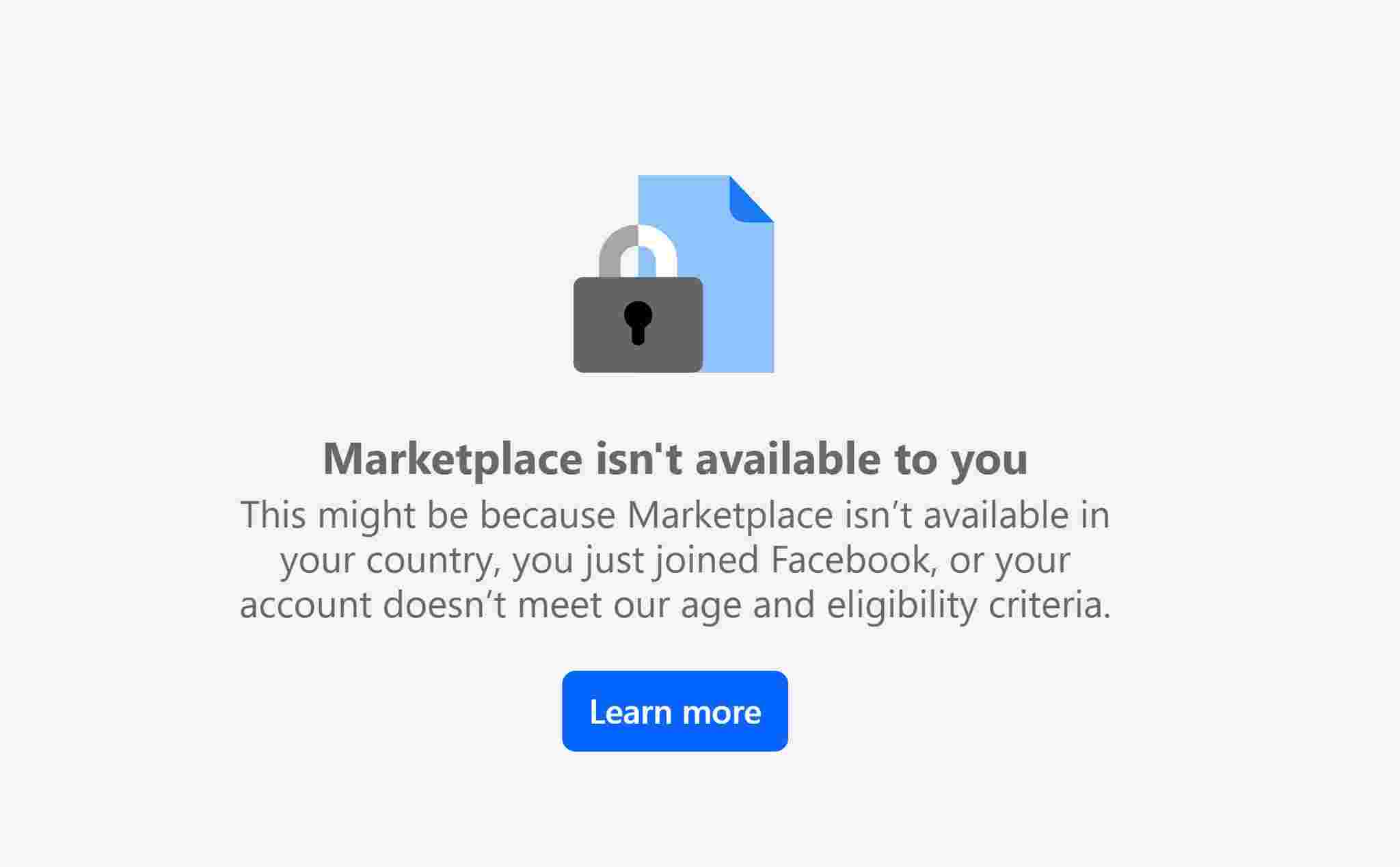
“Marketplace isn't available to you”
This message typically appears when Facebook detects that your account does not meet certain requirements. Possible reasons include being located in a country where Marketplace is not supported, having a newly created account, or not meeting the platform’s age and other eligibility criteria. Seeing this message does not necessarily mean your account is banned; it simply indicates that your account currently cannot access Marketplace.
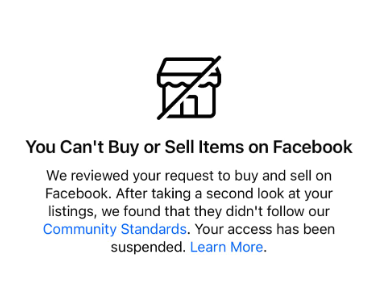
“You Can't Buy or Sell Items on Facebook”
This message appears when Facebook reviews your account and finds that your listings do not comply with its Community Standards. The notification states that your access has been suspended and emphasizes the need to review your listings.
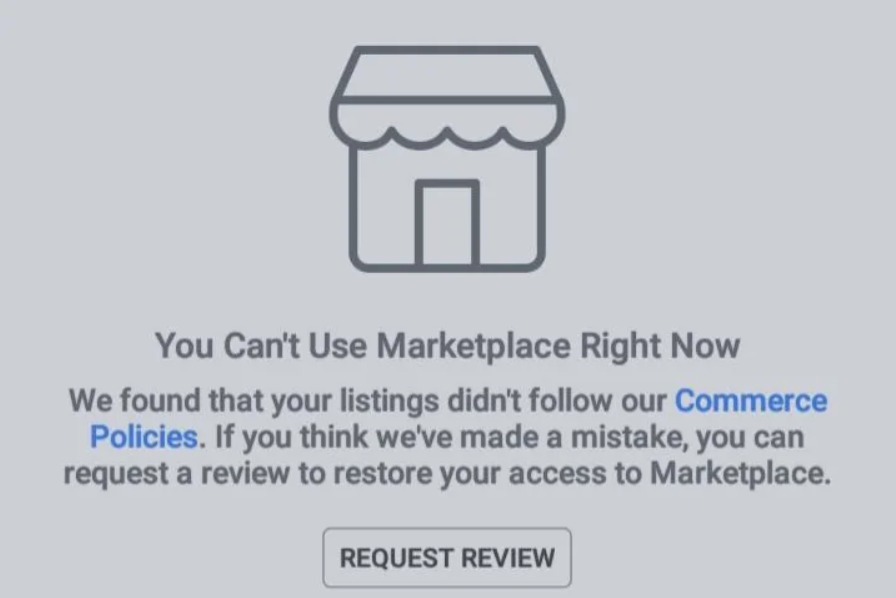
“You Can't Use Marketplace Right Now”
When Facebook determines that your listings did not follow its commerce policies this error message pops up. It also provides an option to request a review if you believe the restriction was made in error. Understanding this notification helps users take proper actions to regain Marketplace access.
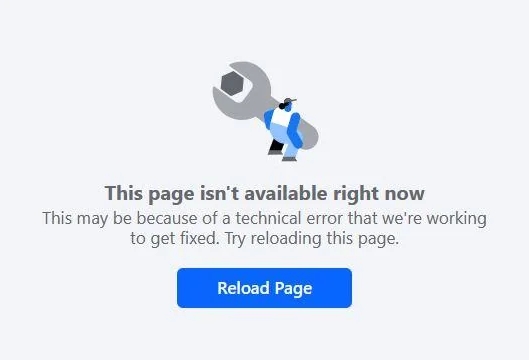
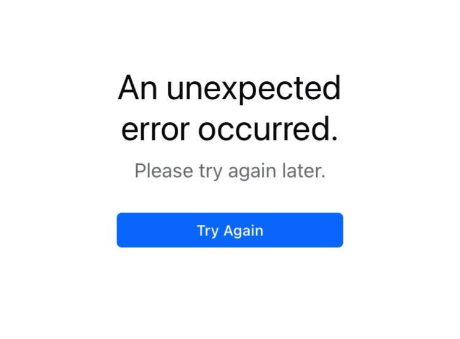
“An unexpected error occurred” or “This page isn't available right now”
Some pop-ups may not display detailed reasons or information. If you encounter such information, you may try troubleshooting on your own first. If only the Marketplace page is inaccessible while other parts of Facebook work normally, it is most likely a restriction on access to Facebook Marketplace.
Step-by-Step Guide to Get Facebook Marketplace Back
1. Check your Marketplace status and review listing
Go to your profile and get the status of Marketplace below Extra features. At the same time, review all current and past listings to ensure compliance with Facebook’s Community Standards and Commerce Policies, removing or editing any content that could trigger restrictions.
2. Request a review
If you believe the restriction was applied in error or this is the first time you’ve broken a rule, you can submit an official appeal.
Go to the Facebook help center, select Fix it now then Request review according to the instructions.
If Facebook finds that they made a mistake, they will restore your listing and access to the Marketplace.
If you did violate the rules, depending on the rule(s) you broke to submit a request according to the instruction and you may be able to remove the Marketplace ban. However, your listing(s) that led to the warning won’t be restored.
3. Prevent further potential restriction
Always follow Facebook’s Community Standards and Commerce Policies to avoid more serious restrictions or permanent bans. For marketers who manage multiple listings or accounts, cloud phone service provides a good solution. Each account runs in a fully isolated environment, enabling handling Marketplace activities safely and reducing the risk of triggering account flags.
Advanced Tool Can Help You Avoid Future Facebook Marketplace Restriction
To reduce the risk of a Facebook Marketplace ban and maintain effective account management, the isolated and safe environment is just as important as following platform rules. This is where cloud phone solutions come into play. Among various providers, VMOS Cloud stands out as a reliable Cloud phone solution for running Marketplace on multiple Facebook accounts and getting rid of being restricted.
Isolated environment
VMOS Cloud allows each Facebook account to operate in a fully independent mobile environment. Each environment mimics a real device to keep every login activity fully isolated and prevent Facebook from detecting cross-account association on the same device.
Anti-detection abilities
Each device has unique device parameters, including device brand, model, Android version (Android 10-16), language, timezone, storage, IMEI, phone number, bluetooth address, network settings. In addition, VMOS Cloud passed IPhey detection check, PixelScan unique identify check and Google Play Integrity verification, the advanced anti-detection ability makes it hard for Facebook’s algorithm to detect associated accounts and reduces the risk of account restriction.
Multi-account management
Instead of switching between different accounts, users can easily manage multiple Facebook accounts on a centralized dashboard. This ensures account activities remain distinct and avoids being flagged as suspicious account behaviors by Facebook. VMOS Cloud supports batch operation and synchronizer, enabling bulk management of multiple accounts, simultaneous actions across all devices at once. The features streamline repetitive tasks and subsequently boost the efficiency.
Automate the process of building account trust
VMOS Cloud supports AI-driven automation. By simply entering text commands, AI Agent converts them into executable instructions to perform repetitive tasks. It reduces time cost and simplifies the growth and nurturing of Facebook accounts.



