
What Is 'Maximum Number of Attempts Reached' For TikTok Login?
You typed the account email, next with the password, but sometimes TikTok may bring to an error like the below picture. Maximum attempts reached on TikTok is a security measure designed to protect user accounts from unauthorized access, brute-force attacks, and suspicious activity. If you see this message, it means TikTok's system has detected an unusually login, registration, or verification attempts—in other words, the system believes that "someone may be attempting brute-force attacks or abusing the account."—so the official has temporarily blocked further actions to avoid potential risks. Keep reading to understand the underlying causes and troubleshooting strategies is crucial for regaining access to your account and maintaining a smooth TikTok experience.
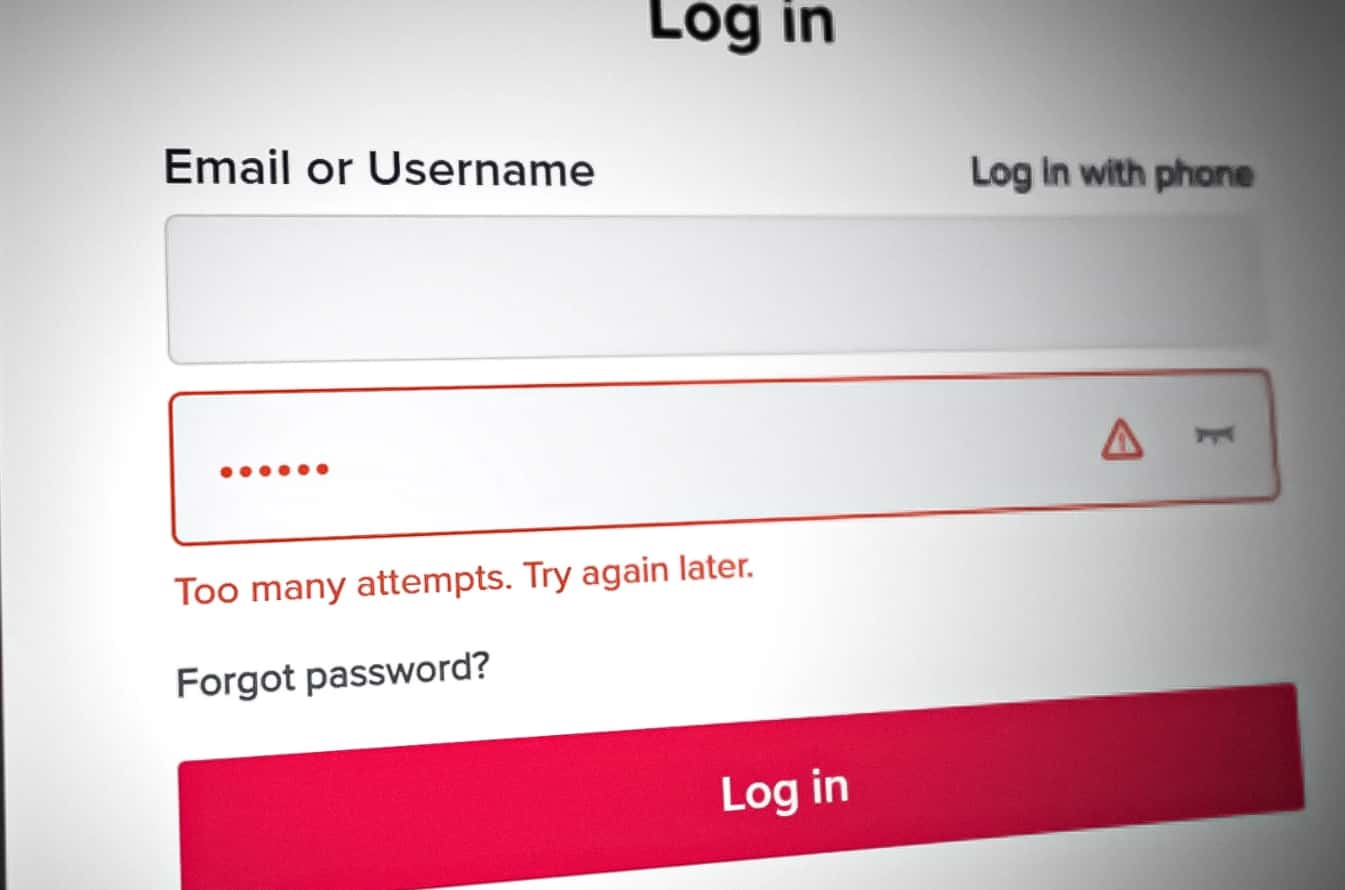
We list the 7 key reasons behind the Maximum Attempts during TikTok logins:
1. Incorrect credentials: Repeatedly entering the wrong password during login attempts. TikTok limits the number of login attempts (usually 5-7) within 24 hours. If you mistype your password repeatedly, the system may mark this as a potential attack.
2. Excessive account abuse: Creating multiple new accounts in a short timeframe.
3. Many reset attemps: Trying multiple password reset requests in a short period, or Resending SMS or Email verification codes too frequently.
4. Unstable VPN usage: Inconsistent switching the IP addresses with the Virtual Private Networks will be flagged as spamming. A 2023 TikTok support report noted that 30% of "maximum attempts" errors stem from shared IP issues.
5. Device fingerprint conflicts: Using one device to manage multiple TikTok accounts, like frequently switching between many personal and business profiles, TikTok may flag this as an "automated behavior" and block further attempts. Keeping one account paired with one device would be better, then each device can has an uniuque "fingerprint" based on device ID, app data, and settings.
6. Geo-restrictions: Certain regions have stricter limits due to local regulations or high spam rates.
7. Automated attacks: Using unreliable auto-fill tools, scripts or bots to automate sign up, or verification will violates TikTok's terms of service, which triggers the error immediately.
Guide to Fix the 'Maximum Number of Attempts Reached' Error
Resolving the "Maximum Number of Attempts Reached" error requires addressing its root cause. Below are tested methods, from quick fixes to advanced workarounds:
1. Recover your account (recommand, one account only)
Tap the Need help logging In? on the error page, then select ->Recover your account. So it's going to ask you to enter your username or email to find the account need recovery, follow its guide to search the account, then you can see TikTok will provide you a choice: Choose a way to log in. Select one of ways you like, then it will redirect you to Entering the password again->Tap Next, after a while you can login the account sucessfully.
2. Wait and try again after the cooldown period
TikTok typically implements a temporary lockout period, and the duration of this lockout can vary, ranging from a few minutes to several hours. Sometimes the simplest solution is alwayls the most effective. You just stop all login/registration attempts and wait. If you fails the attemps after the 30 minutes, you should consider do this again around 24-48 hours for further action.
3. Switch to a stable network
If the error caused by shared or flagged IP, please consider temporarily disable your VPNs or try logging in with a more stable internet connection like residential IP. And make sure the login IP same as the most used address before will increase the trustworthy.
From Wi-Fi to mobile data (or vice versa)
Use a private VPN with a clean server
Move to a different physical location with a new Wi-Fi network
4. Use a dedicated device for each account (multiple accounts recommanded)
To avoid device fingerprint conflicts, manage one TikTok account per physical device. If you need to handle multiple accounts for business, consider using VMOSCLOUD—a software that can emulates a separate device environment. VMOSCloud provide isolated virtual devices (cloud phone) with unique fingerprints and IPs, reducing the risk of triggering "maximum attempts" errors during the account login.
5. Clear app data and cache
Corrupted cache or outdated app data can cause TikTok to misinterpret normal activity as suspicious. On Android, go to Settings > Apps > TikTok > Storage > Clear Cache. On iOS, delete and reinstall the app. This resets temporary data and may resolve minor glitches.
6. Contact TikTok support
If the error persists after 48 hours, or you’re certain you didn’t violate TikTok’s policies, submit a support ticket. Include details like your device, IP address, and a timeline of your activity. While response times vary, TikTok’s team may manually unblock your account if they confirm no misuse.
How to Prevent the 'Maximum Attempts' Error in the Future
Proactive steps can reduce the risk of encountering this error again. Here’s what you can do:
1. Limit Account Actions
Avoid rapid-fire login attempts, password resets, or registrations. Set a 5-minute gap between actions, and cap daily attempts to 3-5. For registration, space out new accounts by at least 24 hours.
2. Use Unique Devices and IPs
For multiple accounts, use separate physical devices or cloud-based solutions (like VMOSCloud) that offer unique virtual environments. This prevents device fingerprint overlap and reduces IP-related flags.
3. Avoid Automation Tools
Stick to TikTok’s official app for all account actions. Even "helpful" tools like auto-fill extensions can trigger the error. If you need to manage multiple accounts efficiently, opt for TikTok’s built-in features (e.g., profile switching) instead of third-party software.
4. Monitor Account Activity
Regularly check your TikTok account for unrecognized logins (Settings > Security > Login Activity). If you spot suspicious attempts, change your password immediately—this helps prevent unauthorized activity that could trigger the error.
FAQ:
Q: How long does the 'Maximum Number of Attempts Reached' block last?
A: Most blocks last 24-48 hours. In rare cases, if TikTok detects severe misuse, it may extend to 7 days or longer. Waiting is the most reliable way to lift the block.
Q: Will this error affect my account permanently?
A: No—this is a temporary block. Once the cooldown period ends, you can resume normal activity. However, repeated violations may lead to more severe penalties, like account suspension.



