
DLDR: YouTube sign-in errors can halt your viewing, uploading, or engagement entirely and become the first and biggest roadblock to growing your account. These login errors often arise from outdated app versions, corrupted cache/data, temporary server glitches, unstable internet connections or account restrictions.
Key takeaway for common sign in errors and fixes in YouTube platforms (2026):
1. We couldn't sign you in: This is caused by an outdated app version
Android: Google Play Store → Update
IOS: App Store / Google Play Store → Update
2. Something went wrong: For the sign in issue triggered by temporary server glitches or network problems, try following methods to get it solved.
Restart device
Check network connection (switch Wi-Fi/mobile data, restart router)
Temporarily disable VPNs or firewalls
3. There was an issue signing you into YouTube
Browser: open the browser → tap “Delete browsing data ” at the top right → choose a time range → click to “Delete Data” . You can also try to use incognito mode or switch browsers.
Android: long-press the YouTube app icon → App info → clear the data/cache or you can go to the settings, find the YouTube app to clear.
IOS: Uninstall and then reinstall the YouTube app
4. Couldn't sign in
Clear data/cache →find “Accounts & Sync” / “Users & accounts” in settings → Remove Google account → sign in with the correct credentials again
Switch network or wait 30 minutes ~ several hours to let the account recover itself
5. Account suspended or disabled
Check email from YouTube/Google for reason
Follow instructions to submit appeal
Wait for review
Listed fixes can solve common sign-in errors. However, frequent failed login can interrupt engagement, disrupt account growth and even trigger account suspensions. Is there any way to keep your YouTube account always online rather than keep signing you out? Staying your account in a clean and isolated environment is crucial to prevent such issues. Cloud phone perfectly solves this by providing an isolated environment and efficient multi-account management, enabling users, marketers and teams to manage multiple YouTube accounts safely without interference of login errors or risk of account restriction.
Common YouTube login errors and fixes (working in 2026)
Sign in YouTube should be a seamless experience, but many users encounter login errors that prevent them from accessing their accounts. These issues can arise from incorrect credentials, corrupted data/cache, temporary server glitch or network problems. Understanding the most common login errors is the first step to resolving them efficiently.
We couldn't sign you in
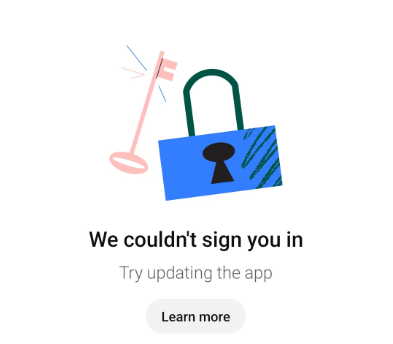
This error often occurs when your YouTube application is outdated. If the app hasn't been updated to the latest version, it may fail to connect properly to YouTube's login servers, resulting in this error message.
Fix:
Ensure using the latest version of the YouTube app. Keeping your app up to date ensures proper communication with YouTube's login servers and often resolves this sign-in error immediately.
Android: Open the Google Play Store → search for YouTube → tap “Update” if a new version is available.
IOS: Open the App Store/Google Play Store → search for YouTube to check app version → click “Update” if there is a new version
Something went wrong
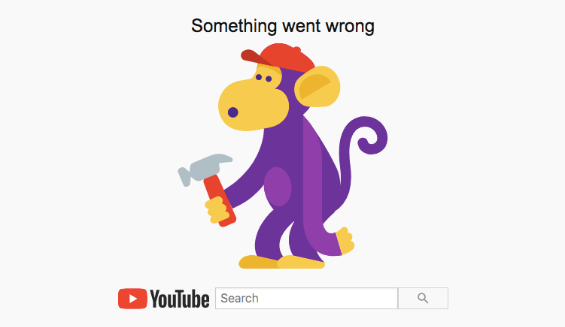
Temporary server-side glitches or network problems may be the triggers of this login error. On the server side, YouTube may be experiencing high traffic, maintenance, or unexpected downtime, which can prevent your login request from being processed correctly. On the client side, unstable internet connections, weak Wi-Fi signals, or firewall/VPN restrictions can interrupt communication with YouTube's servers.
Fix:
Restart the device: Sometimes, a simple reboot can clear temporary glitches affecting the app or network.
Check network connection: Ensure your network is stable. If needed, switching between Wi-Fi and mobile data or restarting your router to resolve connection issues and improve network stability.
Disable VPNs or firewalls: Some VPNs, proxies, or firewall settings can interfere with YouTube's ability to verify your account. Disabling these network restrictions may allow your device to connect directly to YouTube's servers, reducing the chance of login errors.
There was an issue signing you into YouTube.
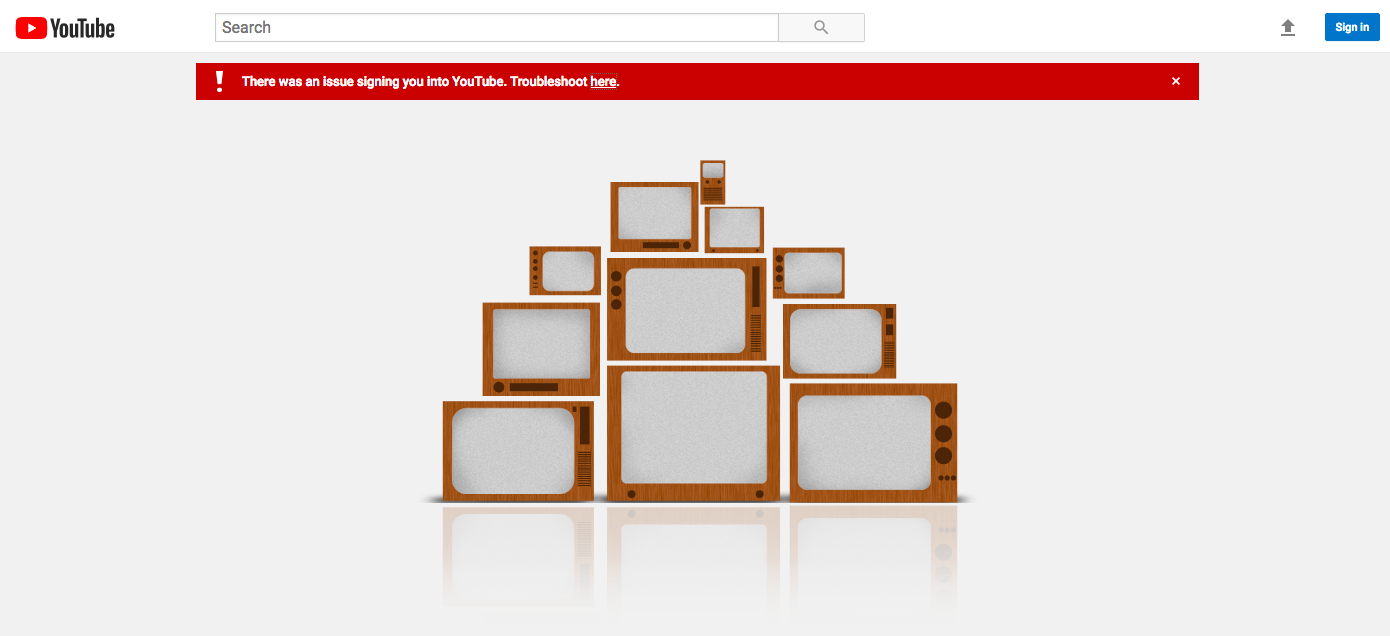
Corrupted data or cached files on your device or browser can often lead to this login error. Sometimes, app updates, interrupted downloads or failed background processes can also damage app data. In browsers, outdated session data or corrupted cookies can similarly interfere with the sign-in process.
Fix:
Clear cache & cookies: When you use a browser, like Chrome, it saves some information from websites in its cache and cookies. Clearing them fixes certain problems, like loading or formatting issues on sites:
Open the browser on your computer → find “Delete browsing data ” at the top right → choose a time range, like Last hour or All time → click to “Delete Data”
If it can't resolve your YouTube login issue, trying to use incognito/private mode or switching to a different browser to sign in may help
Clear data & cache:
Android: Long-press the YouTube app icon and click App info → find “Storage” and “Data usage” to clear it or go to the “Settings” and find the application to clear the cache and data.
IOS: Uninstall the YouTube app → reinstall YouTube from the App Store (or Google Play Store if using cross-platform) → launch the app and sign in again
Couldn't sign in.
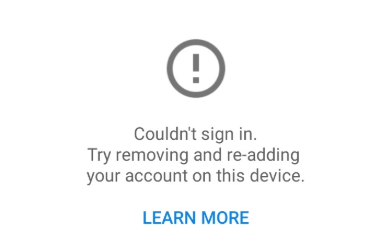
This message typically appears when account data on your device has become corrupted or misconfigured as well. Over time, settings, authentication tokens, or cached credentials may conflict with YouTube's login system, preventing proper sign-in. In some cases, sync errors between your Google account and the device can also trigger this error. Essentially, the device is unable to properly authenticate your account due to outdated, damaged, or inconsistent account data, prompting YouTube to suggest removing and re-adding the account.
Fix:
Re-add account as per description: Clear data or cache using the methods described above first → go to settings → “Accounts & Sync” / “Users & accounts” → Remove Google account → launch YouTube and sign in with the correct credentials
According to users from Reddit, you can also try to switch the network or just wait for 30 min or a couple of hours to let it solve itself.
The account is suspended or disabled.
When YouTube detects activity that violates rules or poses a security risk, it may suspend or disable your account, preventing login until the issue is resolved. Possible reasons of the account restriction include:
Violation of YouTube policies – Posting content that breaches community guidelines, copyright rules, or terms of service can lead to temporary or permanent suspension.
Repeated security concerns – Suspicious login attempts, account hijacking, or unusual activity may trigger a temporary lock to protect your account.
Multiple policy violations over time – Repeated offenses may lead to permanent account disablement.
Fix:
Check email from YouTube/Google: YouTube usually sends a notification explaining the reason for the suspension or disabling.
Follow the instructions to appeal: There may be a link or form to appeal the suspension in the email. Provide accurate details and any supporting information and submit the appeal. If there is no link or form in the email, open YouTube Studio on the computer and click “Begin Review” below the termination info to review the reason and submit an appeal.(click for more detailed step-by-step guide)
Wait for review.
How cloud phone helps to protect YouTube accounts with an isolated environment
For individual users, the fixes listed above are usually sufficient to troubleshoot and resolve login issues and recover the account usage. However, for social media marketers, MCN agencies, or large-scale teams managing multiple YouTube accounts, frequent sign in errors can lead to more serious consequences. Missed uploads, delayed campaign execution or interruptions in engagement can directly affect audience growth and revenue. Worse, repeated login failures or device/account cross-contamination can trigger YouTube's security systems, potentially resulting in account suspensions and restrictions.
Maintaining an isolated and stable environment is crucial to prevent these problems. Ensuring that each account operates in a separated and consistent environment reduces the risk of account association, login errors and security-related restrictions. This is where cloud phone solution becomes invaluable. Social media marketers and teams can use VMOS Cloud to assign a dedicated cloud device to each YouTube account and manage multiple accounts securely, efficiently, and independently without interference between them, minimizing the risk of account association and login errors.
Stable and isolated environment for each YouTube account
Each account runs on its own virtual device, preventing cross-account interference or data conflicts that could trigger login errors, security flags, or account restrictions. And unlike physical devices, cloud phone is less likely to be affected by device-specific issues, ensuring that each account operates in a consistent and reliable environment. This stability not only reduces login problems but also protects account integrity, allowing users to manage multiple accounts safely without risking suspension or unwanted account association.
Simplified account management
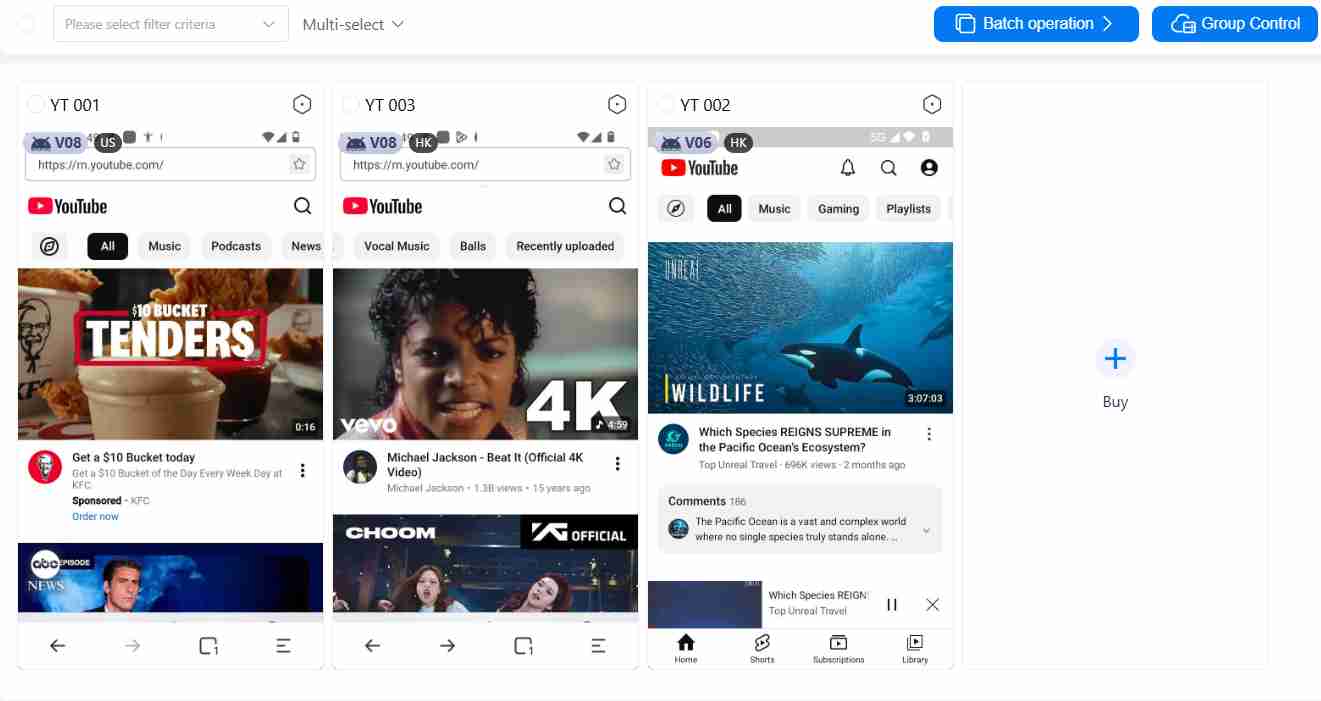
Users can run multiple instances of YouTube simultaneously and control them in a centralized dashboard. In addition, batch operation, synchronization and team collaboration features provide a huge boost for large teams managing multiple accounts, enabling them to work efficiently, reduce repetitive tasks, and coordinate campaigns, uploads, and engagement safely.
Scalable for social media marketers, agencies and teams
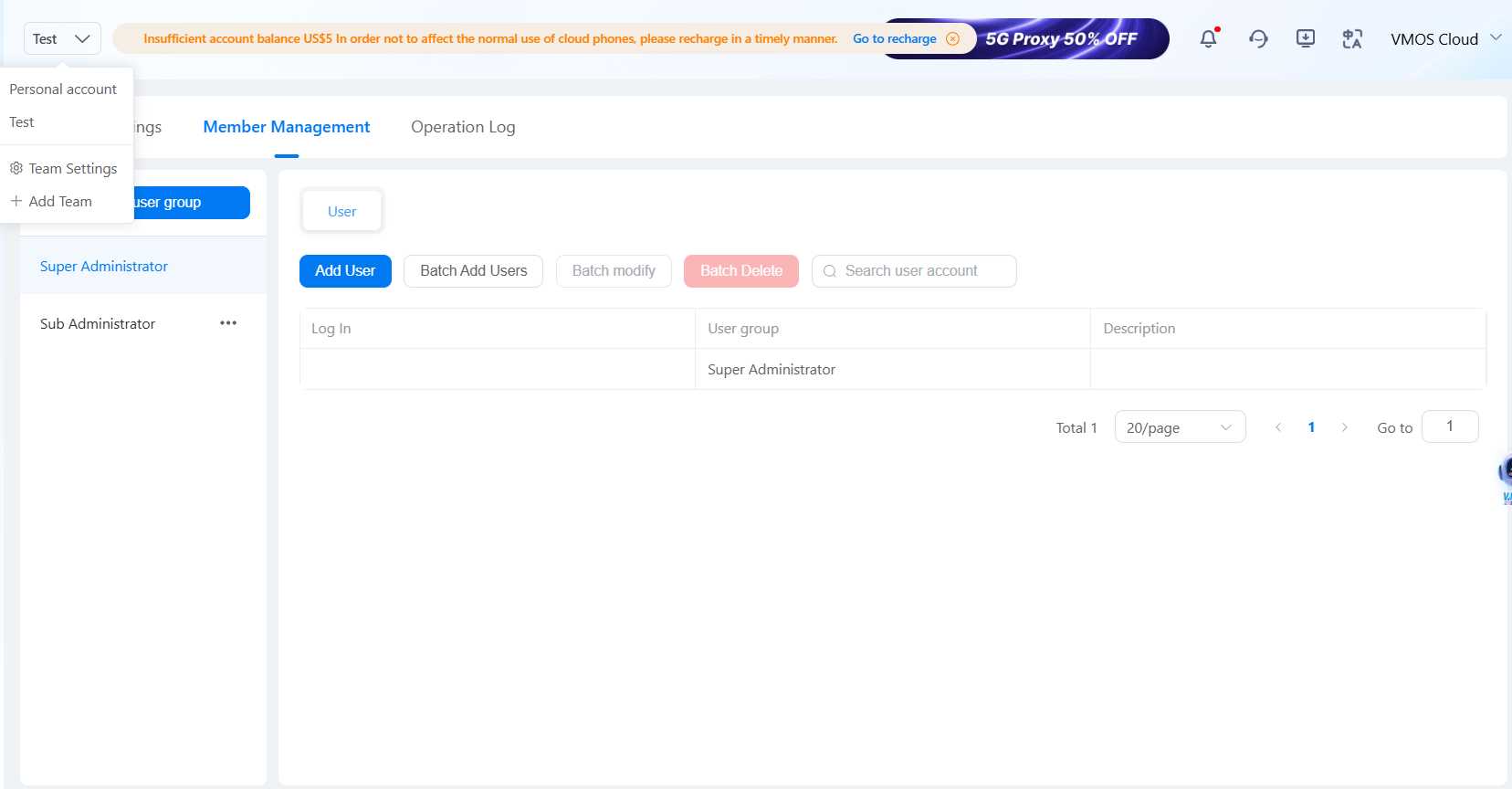
VMOS Cloud allows marketers, agencies and large-scale teams to expand account management without worrying about device limitations or local system conflicts, providing a professional-grade solution for large-scale operations.
Automate YouTube workflow with no-code task bot
VMOS Cloud provides powerful automation features: RPA workflows, AI agent-driven automation, or Open API that greatly simplify the management of multiple YouTube accounts. Users or teams without programming knowledge can also efficiently handle complex multi-account operations like login, browsing, subscribing, or publishing while reducing human error and repetitive work. This automation not only saves time but also ensures consistent, reliable performance across all accounts, making large-scale YouTube management much easier and safer.
FAQs
Why is my YouTube not letting me login?
YouTube may prevent you from logging in due to outdated app versions, corrupted cache or data, unstable network connection, temporary server glitches or account restriction.
How to fix the sign in problem on YouTube?
You can try to restart the device first. And please ensure a stable network and use the latest version of the app. If the problem persists, try to clear the broken cache/data or change a different browser to see if it helps or not.(scroll up to check detailed fixes in section 2)
How do I get my disabled YouTube account back?
Check your email from YouTube/Google for the reason and submit an appeal through the link or YouTube Studio. Wait for YouTube review for the result.
How to sign in multiple YouTube accounts safely on a device?
A clean and stable environment is important for multi-account management. You can use cloud phone to assign an isolated environment for each account and prevent cross-account conflicts, login errors, and security flags.



