



Common triggers of Tinder login errors and practical fixes in 2026:
1. Incorrect login method or login credentials
Log in via the method that you used to create the account.
Ensure to input the correct email, phone number and password
Update phone number if it has changed or unavailable:
Tinder app/official website → tap “Log In” → click “Trouble signing in?” → enter the mailbox associated with account → log into Tinder with new phone number
2. Network connection issue
Switch between Wi-Fi and mobile data for stable network connection
Restart router or device to fix temporary network issues
3. Tinder-side glitches
Check the status of Tinder via downdetector or platforms like Reddit
Wait for recovery if the issue lies on the server side
4. “Oops! Something went wrong.”: This error message often comes with outdated app version or corrupted data/cache
Make sure Tinder is up-to-date
Android: Google Play Store → check the status of Tinder → click “Update” if there is a new version availableIOS: App Store/Google Play Store → search for Tinder → click “Update” if there is an updated version
Clear app cache/data.
Android: Settings → find the Tinder app → clear the data and cache
IOS: Uninstall and reinstall the app to clear corrupted files
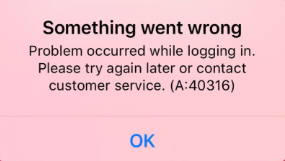
5. "Something went wrong.” (A:40316): When there is a verification issue, the error message pops up.
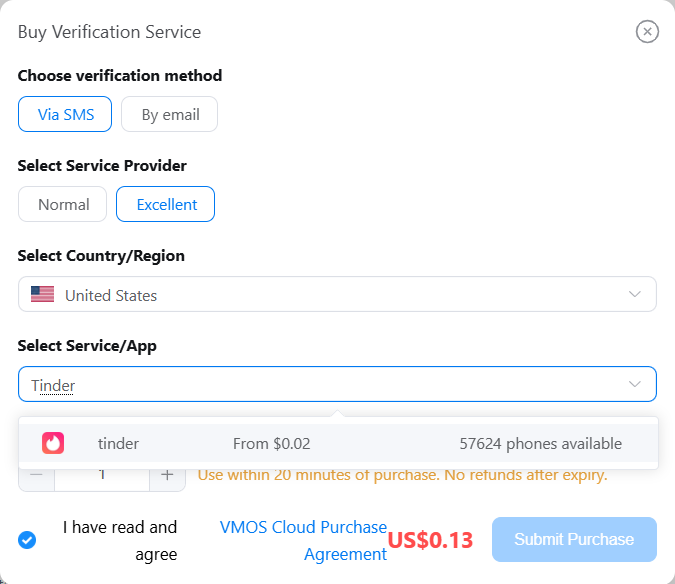
Link account to a valid and accessible phone number or select a trusted service provider if you prefer a temporary number.
Wait 24–48 hours before retrying if your account is blocked temporarily due to excessive attempts
6. Account suspension/restriction
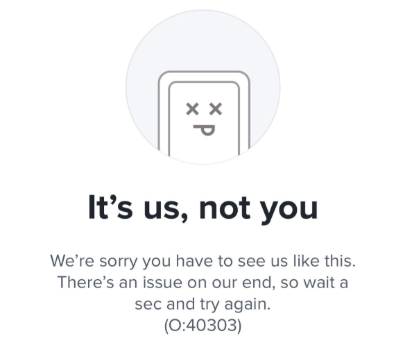
Check account status: error message with code 40303, email from Tinder or official notification can tell if your account is restricted or not
Go to Tinder's Appeal Center → state the situation and submit an appeal → wait for the reply from Tinder
Sometimes all the above solutions will fail and Tinder keeps logging you out. Because the device environment is not safe and being marked as suspicious devices. Is there any solution to keeping your Tinder profile in a safe device environment? Running your account in an android cloud phone can help with this issue. It provides a fully independent mobile environment on the cloud, you can run each Tinder account in a seperate device. Each device is based on a real ARM server with unique parameters, enabling your Tinder activity to stay under the radar and maintain a healthy status.
Common causes of Tinder login issues and practical troubleshooting guide 2026
Experiencing frequent logouts on Tinder can be frustrating, but the good news is that most issues have straightforward solutions. By identifying the specific cause—whether it's a login mismatch, expired credentials, network problems, app glitches, or account restrictions—you can follow practical steps to stay logged in and enjoy a smoother experience. Here's a complete troubleshooting guide for fixing Tinder login issues in 2026.
Incorrect login method or login credentials
Tinder will prevent you from logging in if the login method you are using doesn't match the one originally used to create your account. For example, switching between Facebook, Google, or phone number login can confuse the app and lead Tinder to create a new account instead of accessing your existing one. In addition, if your account credentials have expired or changed, Tinder may not be able to maintain your session. This often happens when account credentials are updated or login tokens expire, requiring you to log in again. 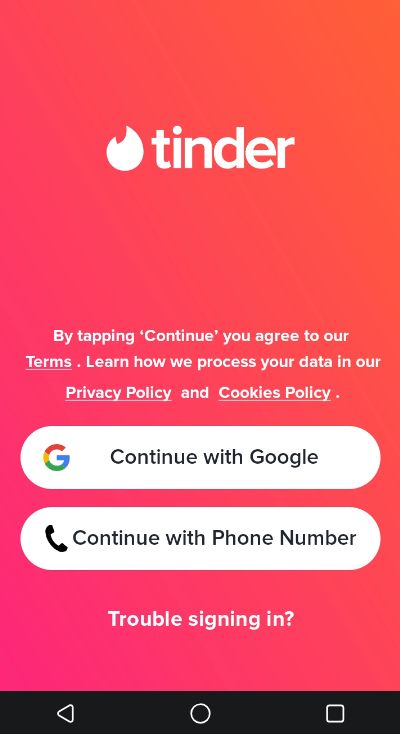
Fixes:
Maintain a consistent login method: Always use the same login method you chose when creating your Tinder account (Facebook, Google, Apple, or your phone number).
Double check the login information: Make sure that you've correctly entered your email address, phone number and password, and heads up, this field is case sensitive.
Update unavailable phone number: If your phone number is changed or can’t be accessed, refer to the following steps to update it. Logging out and back in after updating so that Tinder can refresh your session and maintain your login.
Launch the Tinder app or visit its official website → tap “Log In” → click “Trouble signing in?” → Enter the email address associated with your Tinder account → login to Tinder with new phone number
Network connection issue
Unstable internet connections can interrupt your session on Tinder. Weak Wi-Fi and mobile data or sudden drops in connectivity can cause the app to log you out unexpectedly.
Fixes:
Switch between WIFI and mobile data
Restarting the router or device may help to fix temporary network issues.
Tinder-side glitches
Occasionally, Tinder itself experiences temporary bugs or server issues. These glitches can result in sudden logouts or prevent users from staying logged in until the problem is resolved on Tinder's end.
Fixes:
Check the status via tools like downdetector or browsing the feedback of users from platforms like Reddit (e.g. r/Tinder and r/Tindersupport). If the issue lies behind Tinder's server, just wait for the server to get back on track.
Outdated app version or corrupted data/cache
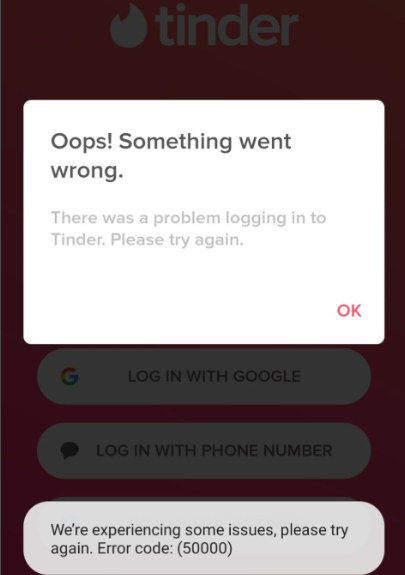
“Oops! Something went wrong.” with error code 50000 is a common login problem on Tinder. It typically occurs when the app version is outdated or the data/cache has become corrupted. Outdated versions may not be fully compatible with the server of Tinder, while corrupted data/cache can prevent session authentication, leading to repeated logouts or login failures.
Fixes:
Update app version:
Android: Go to Google Play Store → check the status of Tinder → click “Update” if there is a new version available
IOS: Open the App Store/Google Play Store → search for Tinder to check app version → click “Update” if there is an updated version
Clear the cache/data:
Android: Go to Settings → find the Tinder app → clear the data and cache
IOS: Uninstall and reinstall the app to clear corrupted files

Verification loop
Tinder requires a verified phone number to confirm the account. Using an unverified phone number may prevent successful verification, stuck you in a loop where cannot complete the login process. Additionally, excessive code requests can temporarily lock your account for 24–48 hours. During this period, you may encounter the following error: “Something went wrong.” with error code 40316.
Fixes:
Link your account to a valid and accessible phone number. If you prefer a temporary number, select a trusted service to ensure successful verification.
Avoid excessive attempts. If your account is blocked temporarily, wait 24–48 hours before retrying.
Submit a request to get help from Tinder support team if the problem persist
Account suspension/restriction
Account suspension/restriction is one of the pain points on Tinder, often acting as the biggest obstacle preventing you from accessing your account. When your account is restricted, Tinder will block login attempts until the review process is accomplished. Common behaviors that may trigger a Tinder account flag include:
Frequent switching from multiple devices or different IP addresses may be interpreted as suspicious activity by Tinder.
Using multiple accounts or several failed login attempts on the same device or IP address.
Behaviors that violate community guidelines or terms of use on Tinder, including spammy messaging or abused automated actions.
You are reported by other users on Tinder
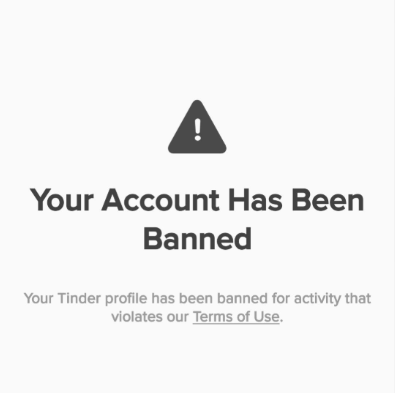
Then how to identify if your account is banned by Tinder? Here are 3 simple ways: you may see an error message pop up (error code 40303), receive an email or see a notification when you attempt to log in.
Fixes:
Find the violation you want to appeal in the Appeals Center
State your case clearly and politely and submit the appeal
Wait for the outcome from Tinder
How to safely run Tinder in an isolated environment?
If you've tried all the troubleshooting methods above but still experience frequent logouts, or if your account appeal is stucking in the review process too long, it may be time to consider creating a new Tinder account. Tinder deployed a sophisticated system to track account behavior. The question then becomes: how to create a new account and keep it stay under radar to reduce the possibility of login errors? The solution lies in providing your account with a stable, isolated environment. You can use cloud phone to run Tinder in an independent environment to reduce session conflicts, frequent logins and logouts, and keep the account in a healthy status.
Fully isolated device environment for each Tinder account
VMOS Cloud does not rely on emulated environments (x86-based virtualization), it is an ARM-based real-device cloud. That is to say each virtual environment is just like an authentic phone with unique parameters derived from physical devices, including device brand, model, Android version(Android 10-16), language, timezone, storage, IMEI, phone number, bluetooth address, network settings. This isolation helps to keep your Tinder account under the radar in a safe environment, minimizing the risk of frequent logout and account restriction.
SMS service make it easier to create Tinder accounts
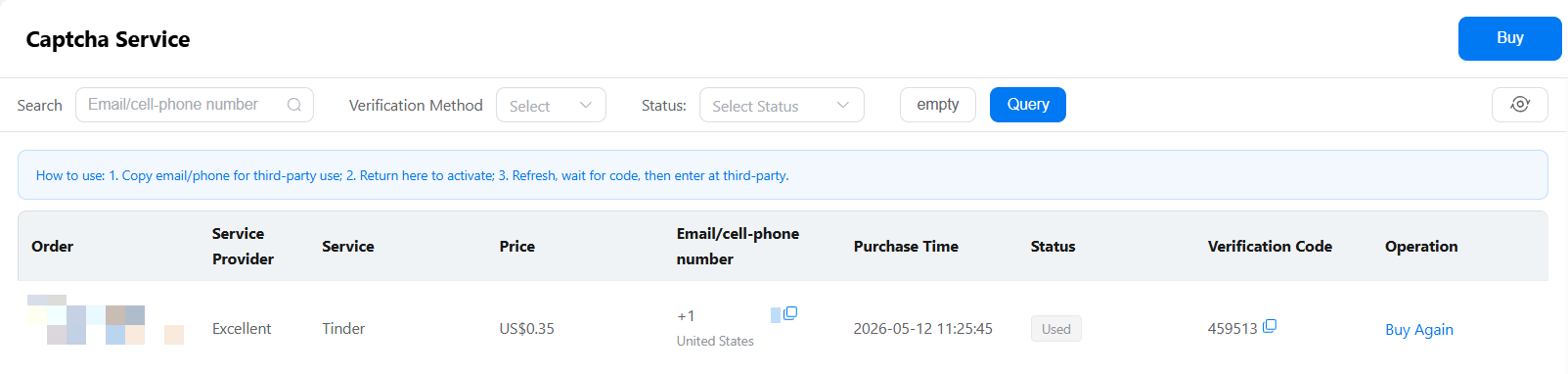
A valid phone number is required for verification when creating a Tinder account. If you don't have access to an additional physical SIM card, VMOS Cloud's built-in SMS service provides a convenient solution. This add-on service allows you to receive verification code directly within the same platform, reducing the reliance on external platforms. By signing up and logging into Tinder on one platform, you can manage your account seamlessly and effortlessly.