





Best 6 Facebook Story Downloader in 2026:
What is a Facebook Story Downloader?
A Facebook Story Viewer & Downloader is a tool that allows users to view publicly available Facebook Stories without opening them directly through a Facebook account. These services typically work through a web browser. Depending on the tool, viewers may simply need to enter a public Facebook profile, Page, or Story link to browse available Stories. This makes them a good fit for users who want to browse Facebook Stories anonymously without having their personal profile appear in the Story's viewer list.
A typical Facebook Story Viewer & Downloader often comes with:
Anonymous Story viewing
No Facebook login required
Access for public Facebook profiles and Pages
Story downloading on some service providers
Why do people want to view Facebook Stories anonymously?
Privacy matters more than ever on how people navigate the digital world. As more online activity is tied to personal accounts and digital identities, many users prefer to have more control over what information they reveal and when.
The same idea applies to social media. Every time you interact with someone's content, you may leave a small digital footprint behind. Viewing a Facebook Story is one example—your profile is exposed in the creators' viewer list, even if you never like, comment, or send a message. Not everyone wants the creator to know they've stopped by. Sometimes, people simply prefer to look around without drawing attention to themselves.
Browse under the radar
Sometimes you just want to see what's out there without making your visit obvious. Anonymous viewing lets you check public Facebook Stories while keeping your personal profile out of the spotlight.
Peek at competitors discreetly
For social media marketers and businesses, Facebook Stories can reveal a lot about how a brand communicates with its audience, from product promotions to limited-time offers and content ideas. Viewing anonymously allows marketers to do this research quietly, without signaling that they're keeping an eye on a competitor.
Look around without login
People may sometimes want to check a public profile or Page without signing into Facebook, especially when browsing from a different device or when they prefer not to use a personal account in the workplace.
Draw a line between work and personal browsing
Social media research is often part of SMMs' job. Keeping stories viewing and personal profile apart makes it easier to research and monitor public content without mixing work activity with your everyday Facebook page.
Best 6 Facebook Story Downloaders in 2026: Tested Reviews
So, how can you actually view Facebook Stories without letting the creators know? Facebook Story viewer & downloaders offer a simple way to do just that. These browser-based tools give you access to public Stories without signing in to your Facebook account. Not every tool performs at the same level, so we looked at factors such as supported content, ease of use, and downloading options to narrow down the list to 6 tools worth trying in 2026.
BraveDown — Flexible story viewing & downloads
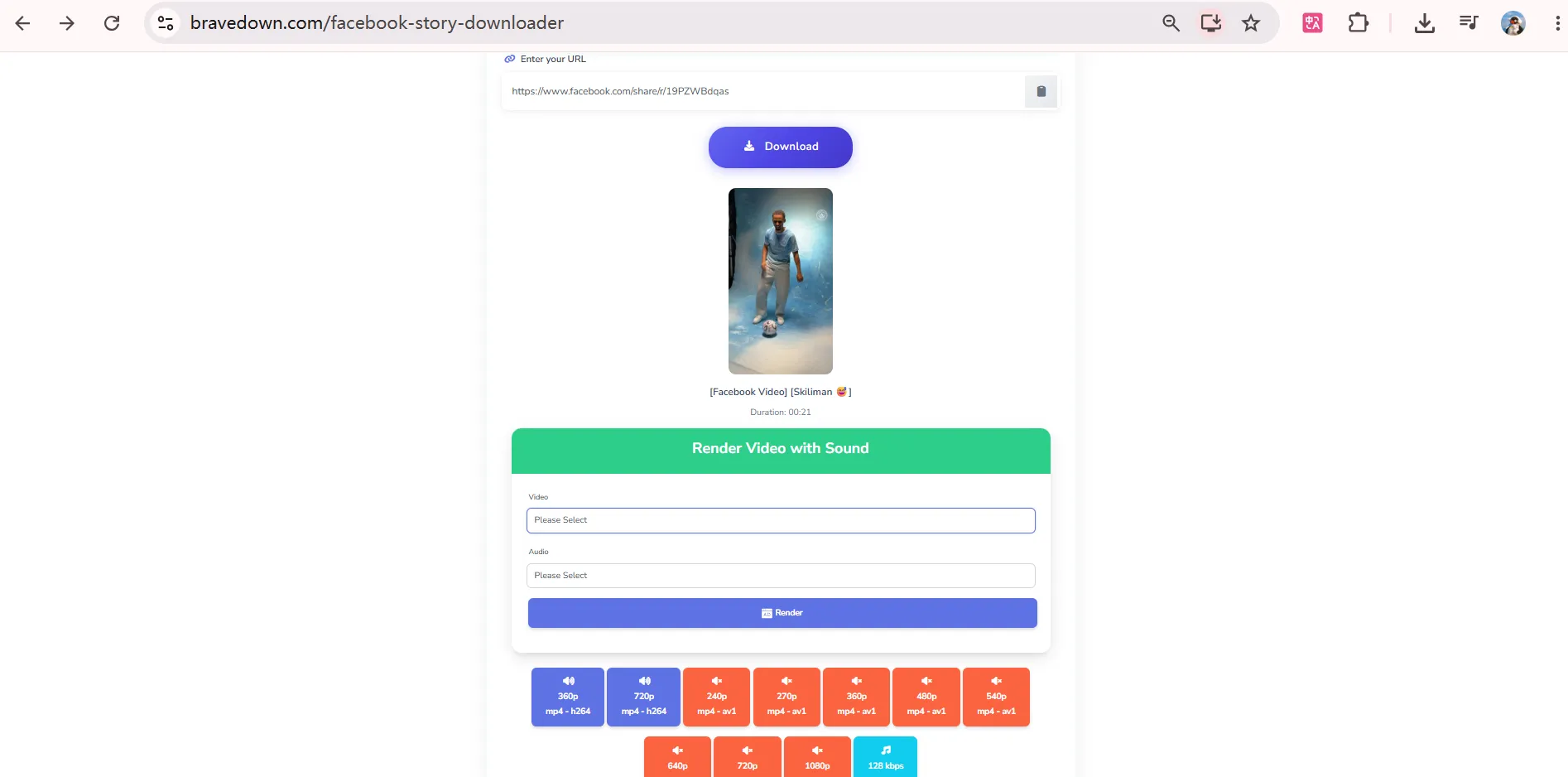
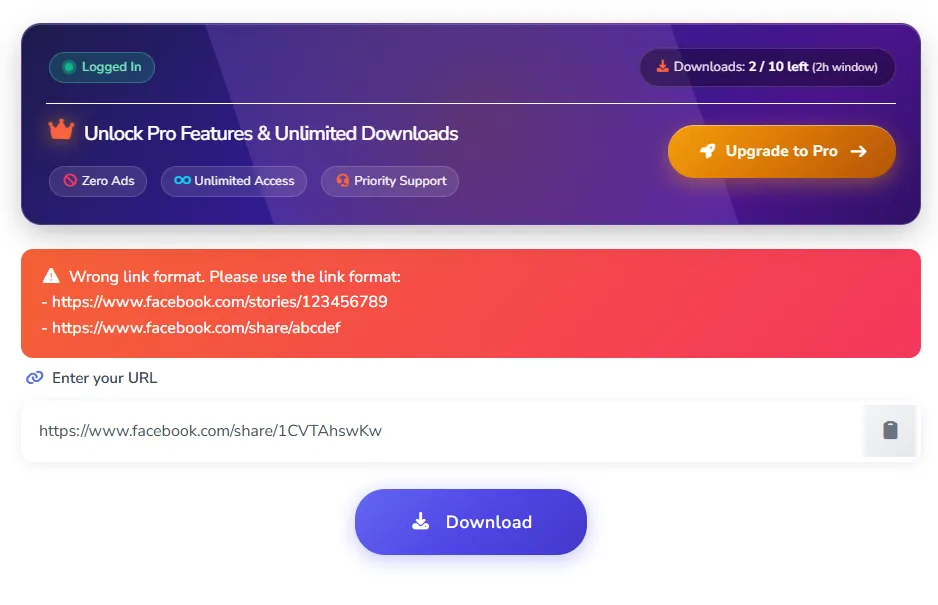
BraveDown makes Facebook Story viewing straightforward. Simply copy and paste the public Story link into the tool and click Download. There is a wide range of video resolutions, from 240p to 1080p. You can either watch the Story directly in your browser at different resolutions or download it for free. MP3 format is also available if you only need the audio. The free plan currently allows up to 10 downloads within a 2-hour window, with the remaining download quota displayed on the page.
One limitation we noticed during testing is that photo-based Story links that worked with other viewers returned an error on BraveDown. We also tried adjusting the link format as suggested by the tool, but the issue persisted.
Hitube — Quick viewing with no download limit
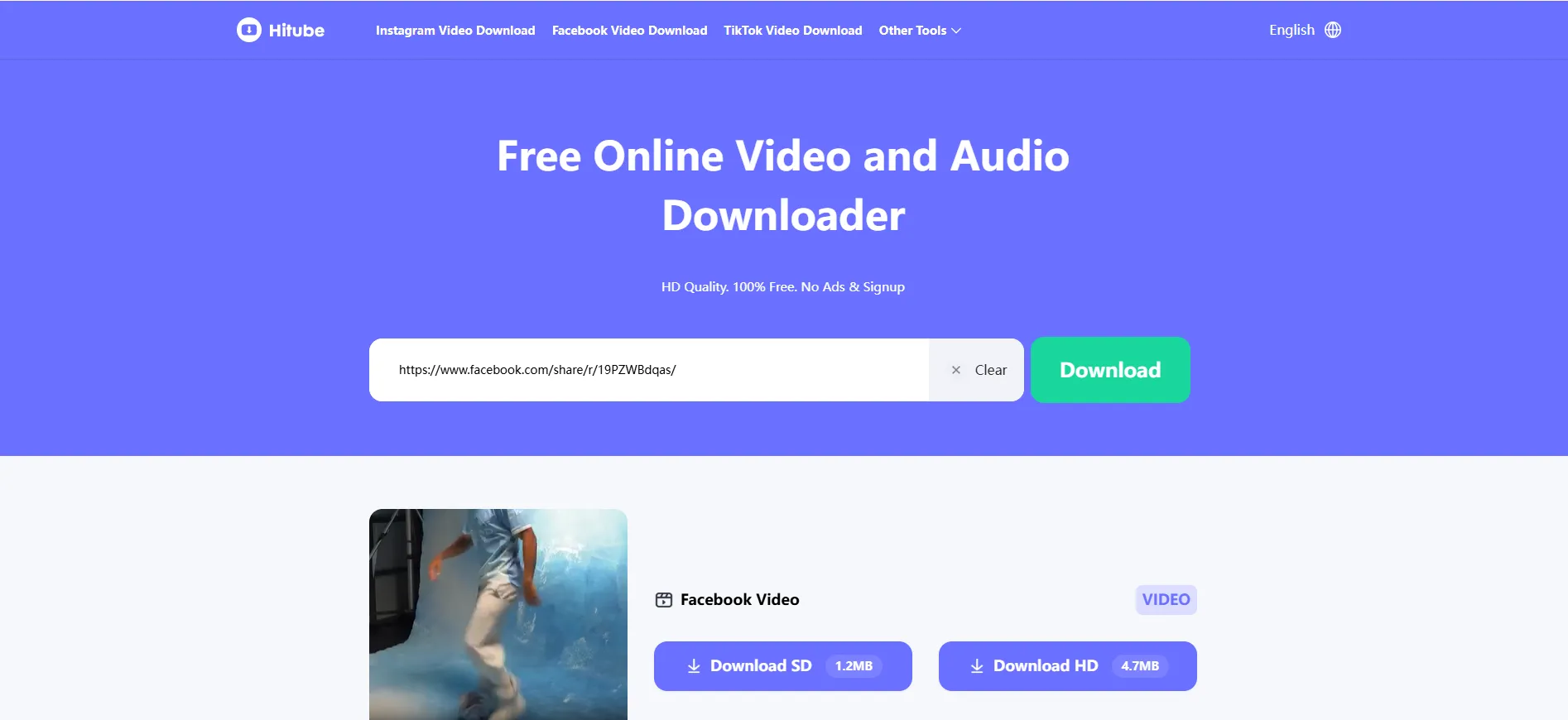
Hitube keeps things quick and uncomplicated. Paste the Facebook Story link, hit Download, and wait for the content to finish processing. Once it's ready, you can view the Story directly or save it to your device.
Compared with BraveDown, Hitube offers limited format options, with videos available in SD or HD quality. The upside is that there is no download limit, so you can use it as often as needed.
Publer — Reliable option for HD Story view & downloads
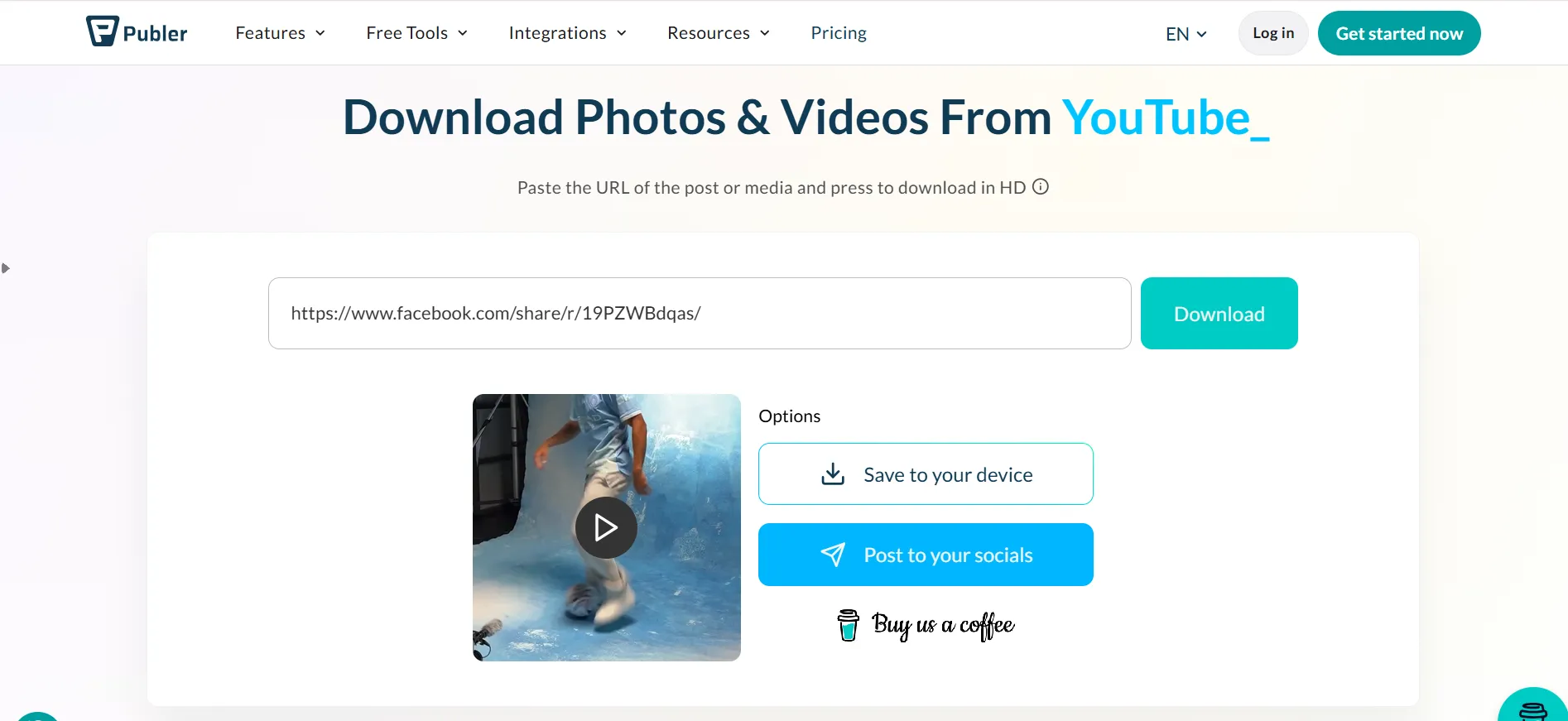
Publer takes a similar link-based approach as well. Enter the public Facebook Story URL, click Download, and give it time to load. It supports both photo and video Stories, while videos are available to download in HD quality.
The main trade-off is loading speed. During testing, Publer took a little longer to load than BraveDown and Hitube, and there are fewer quality options to choose from. Still, the overall process is simple and reliable.
StoryViewer.ai — All-in-one profile viewing
StoryViewer.ai may be the simplest option on the list. Instead of pasting a Story link, looking up an individual Story link, you only need to enter a Facebook username to see the profile's available content, including Stories, Reels, and posts. Content loads quickly, and available photos and videos can be viewed or downloaded directly.
The main downside is that it offers less flexibility when it comes to download formats, so it may not be the best choice if you want more control over the file type or quality.
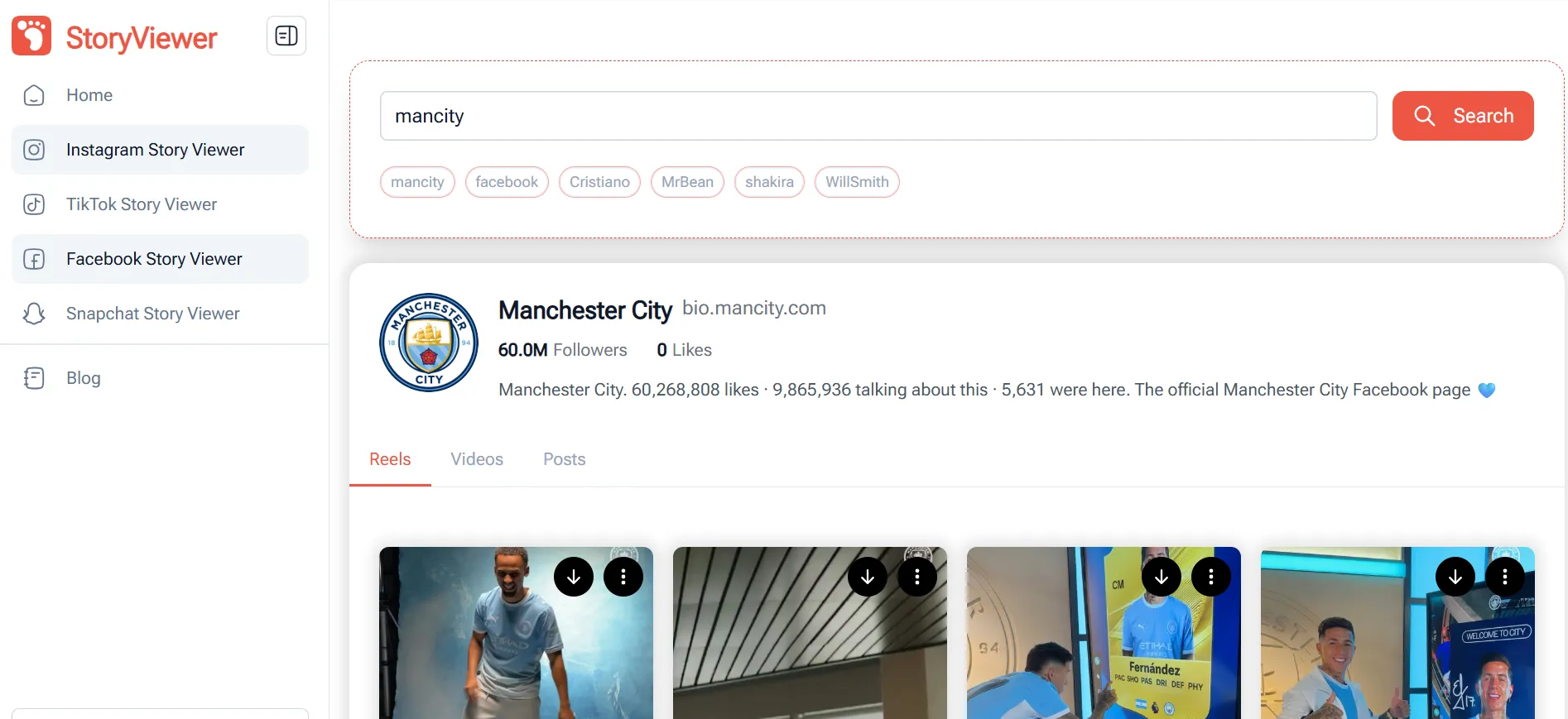
FDownloader — Viewer with rich format & quality choices
FDownloader follows the same simple process: copy the Facebook Story link, paste it into the tool, and wait for the content to load. It supports both MP4 and MP3, with video quality options ranging from 540p to 720p and audio quality from 64kbps to 320kbps.
In our test, it took around 10~20 seconds to process the link. And another drawback we found is that FDownloader doesn't handle photo-based Stories as well. The same image Story link can not load properly and is shown as a totally irrelevant video.
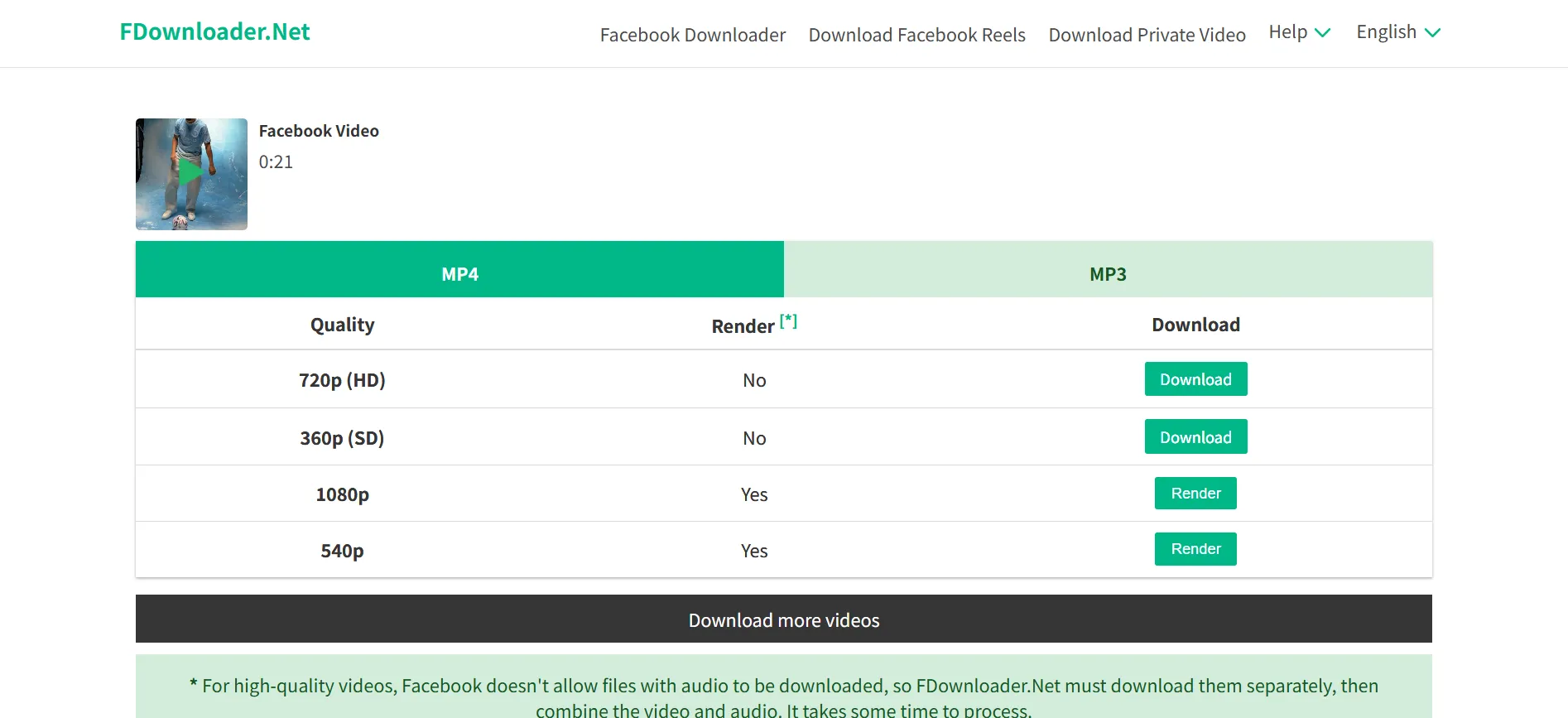
FBTake — Popular option that currently fails our test
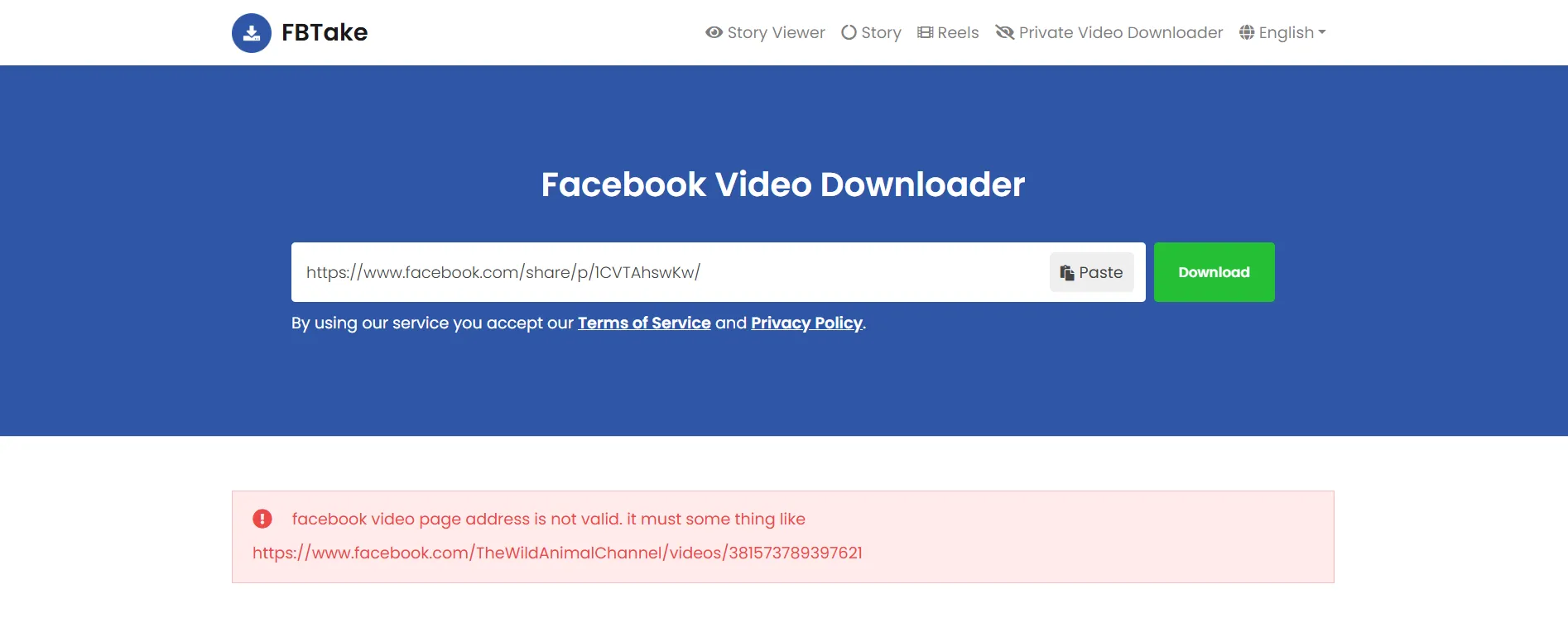
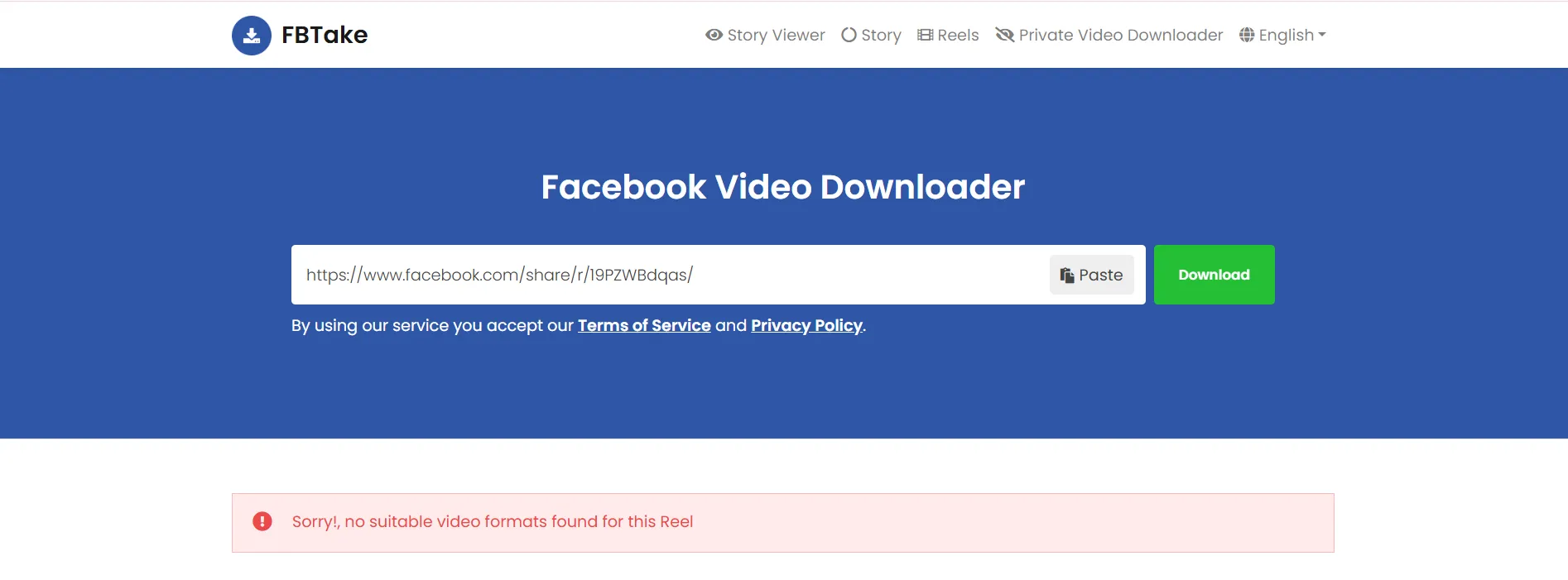
FBTake is a tool that often comes up in lists of Facebook Story viewers. However, some Reddit users have reported that the service is no longer working, and our own testing showed the same result. We tried both video and photo Story links that worked with other tools, but FBTake returned an error each time.
So while FBTake may have been a useful option in the past, it currently doesn't appear to be a reliable choice for viewing Facebook Stories.
How to stay anonymous on Facebook with cloud phone?
When Facebook Story downloader falls short
Facebook Story viewer&downloaders are handy when you just want to check a few public Stories from time to time. But for creators and marketers, that's often only a small part of the picture. You may also want to browse posts and Reels, keep an eye on engagement, or follow what a brand is sharing over time. And for many of these activities, you'll need to be logged in to a Facebook account.
In that case, creating a dedicated Facebook account can give you much more room to work with. You can get the full Facebook experience, follow the accounts you want to monitor, and stay updated as new content goes live. That's especially a good fit for Stories, which disappear after 24 hours—you won't have to keep checking manually and risk missing something valuable.
How to view Facebook anonymously and safely in an isolated environment?
Keep your Facebook identity in its own space
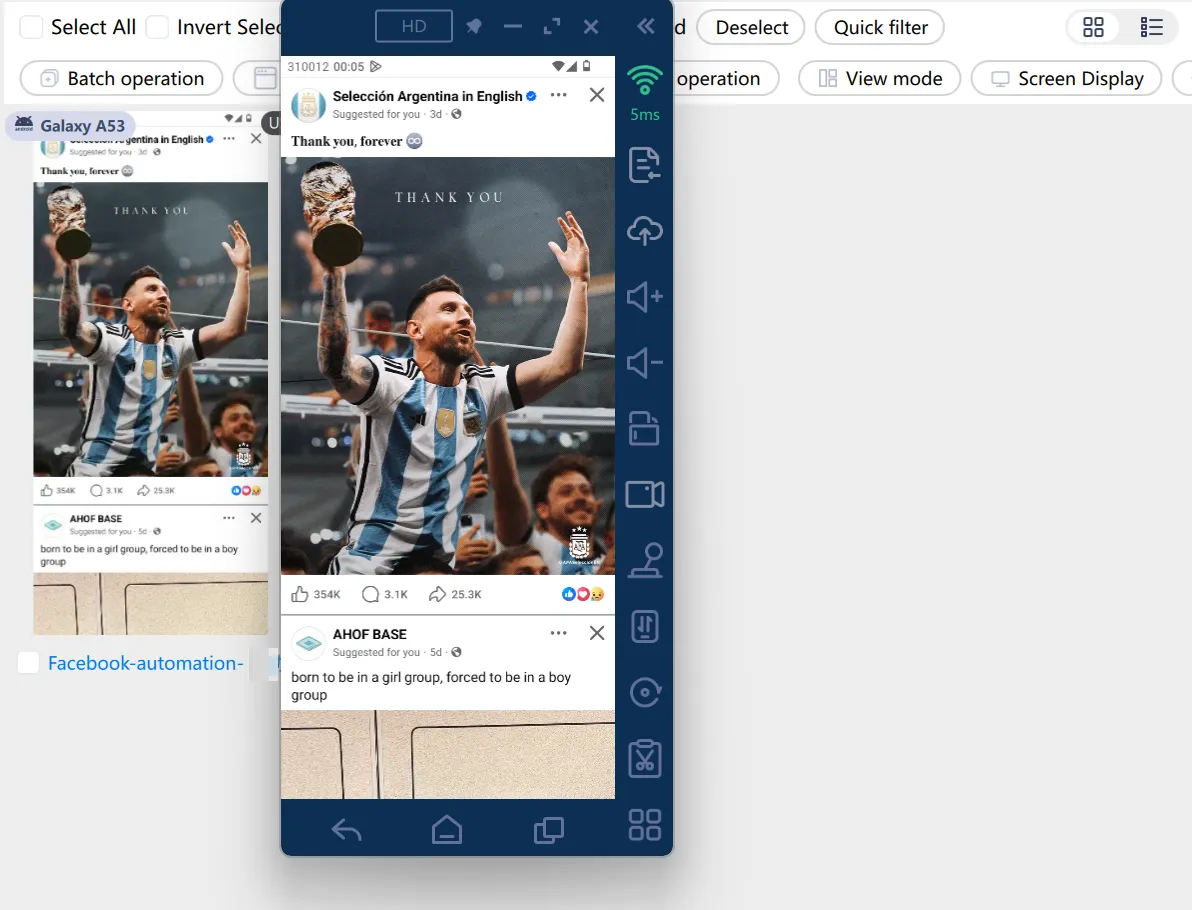
VMOS Cloud provides cloud Android devices hosted in real ARM servers, with independent device signals like brand, Android version, IMEI, storage, language and time zone. Each cloud phone works just like a separate real mobile device, giving your Facebook accounts a fully isolated environment instead of being crowded into the same setup.
Scale Facebook without mixing accounts up
Once you start working with dozens of or even more Facebook accounts, keeping everything on track can quickly become a headache. Different accounts may be used for market research, regional campaigns, content testing, or different business niches, and frequently switching between them in a shared environment can make daily management more complex and carries potential risk of red flags. VMOS Cloud paves an easy path for creating multiple devices , assigning a Facebook account to each one and managing them on a centralized dashboard, while advanced features like automation, batch operation, synchronizer and team collaboration make it effortless to streamline workflows.Give each account a unique geolocation signal
The device environment is the foundation of multi-account management, but IP configuration matters too, especially when you're working with profiles for different regions. VMOS Cloud lets you add and manage proxy IPs for individual cloud phones through the Proxy interface, so different Facebook accounts can run on separate IP addresses.
Combined with an isolated device environment, flexible proxy settings help keep multiple accounts more clearly separated while making regional social media marketing more convenient.



