How to Use TikTok Message Sending Template on VMOSCloud?
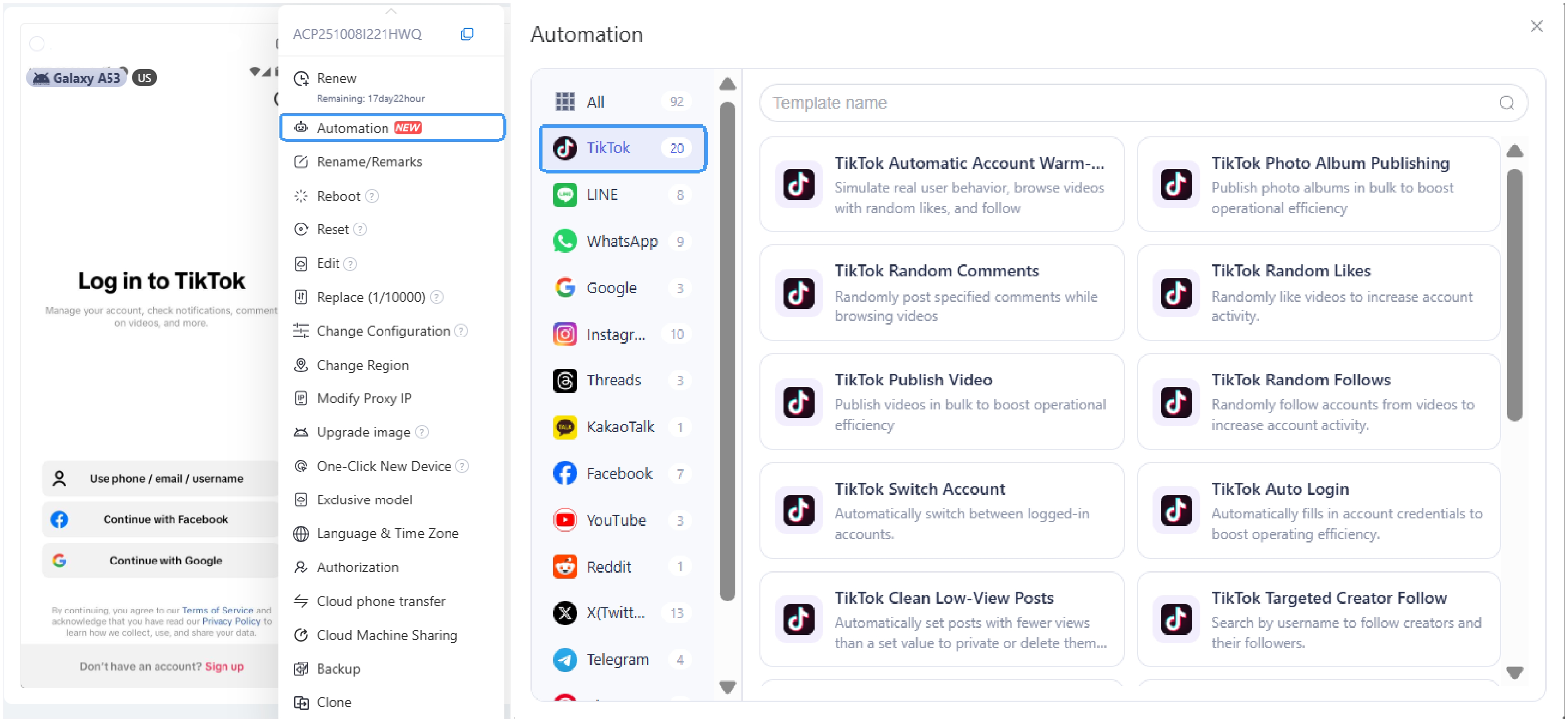
1. Find TikTok Direct Message Sender workflow template in Automation Template store.
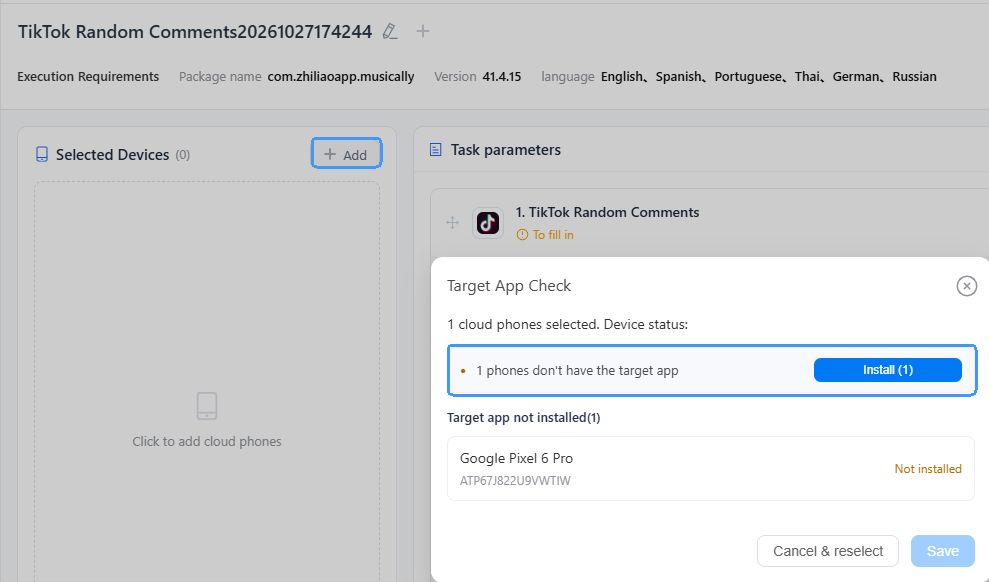
2. Install TikTok on the devices you want to use.
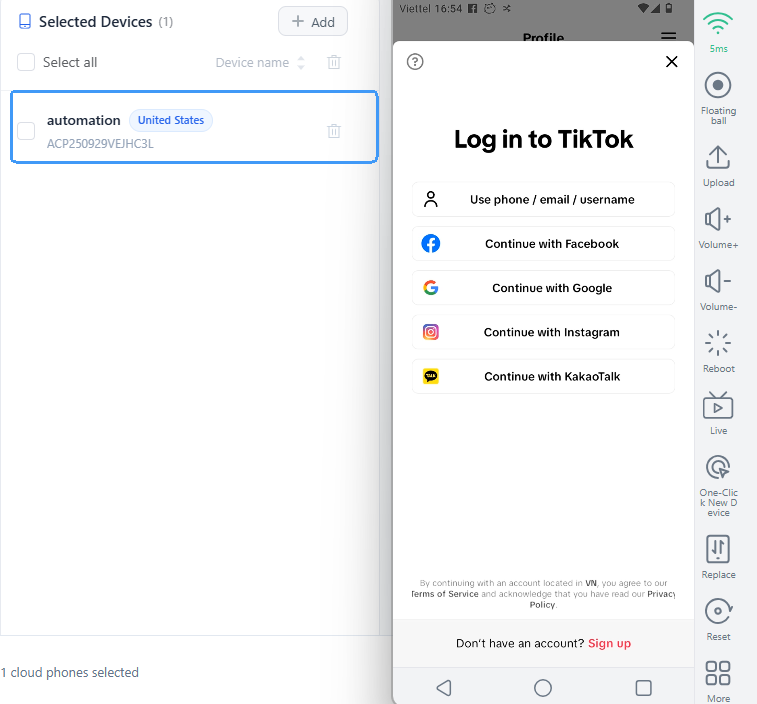
3. Access the selected device and log into your TikTok account.
4. Unified: Enter multiple TikTok usernames and set one Direct Message (DM) content to apply the same message to all users.
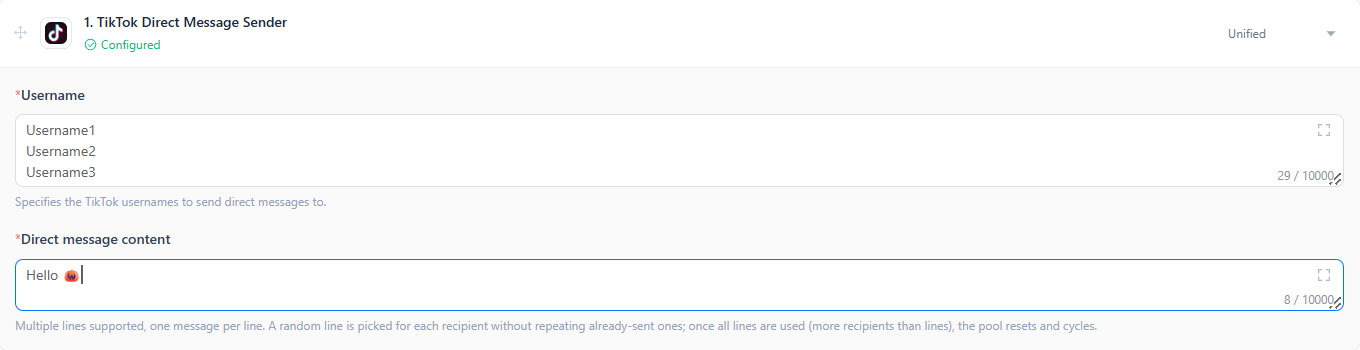
5. Per-Device: Configure different DM content for individual devices. Use the Bulk feature to enter usernames and message content at once, then distribute them to different devices with a single click.

6. Go scheduled execution if you need to run this task workflow at a specific time, or publish the task immediately and track the running status in the Task Center.
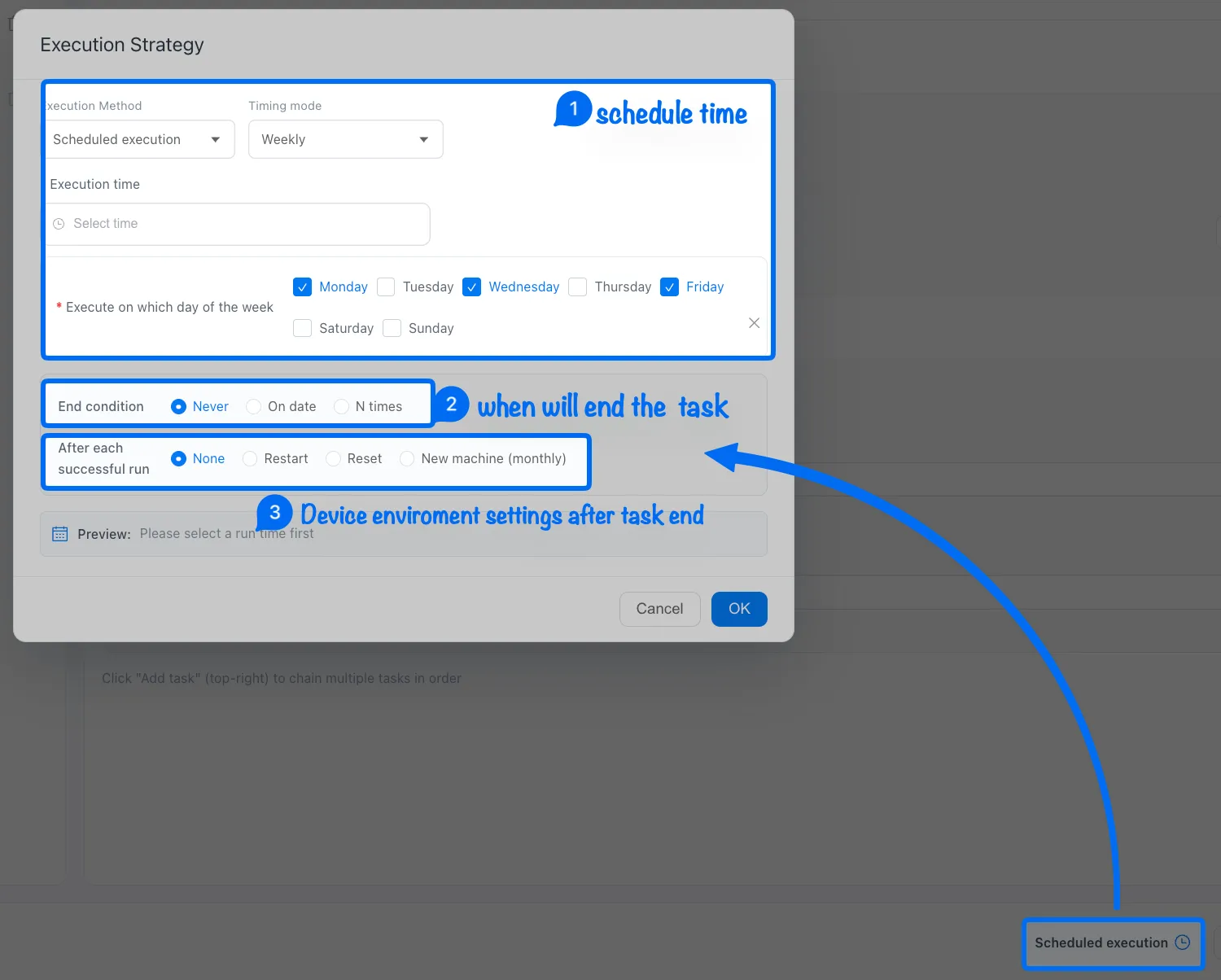
Note: ➌ None means keep the current device environment, restart the device after a task finished, or use Reset to clear the device environment data.