
How to Publish Facebook Reels on VMOS Cloud?
1. Go Automation-> Template store in the left sidebar, and find Publish Facebook Reels template.
2. Select one or more devices with Facebook logged in on the left panel.
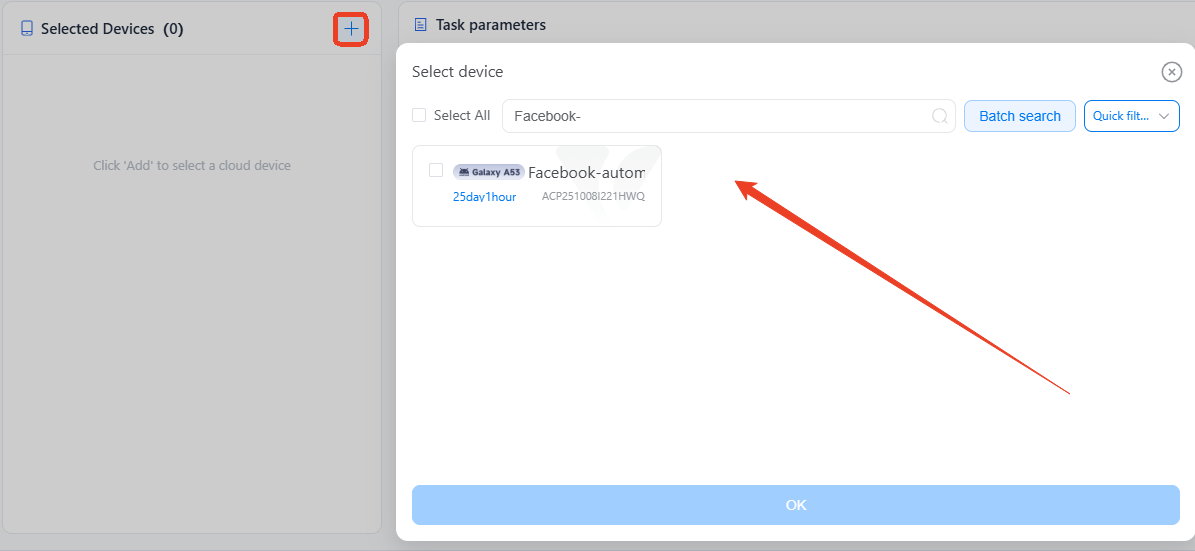
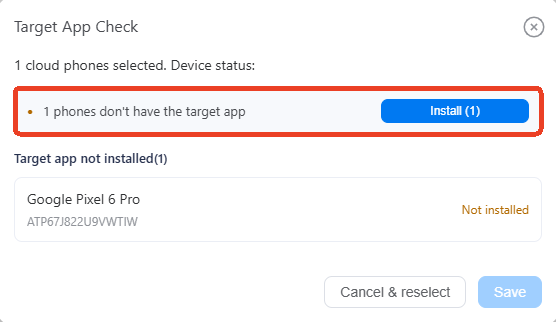
3. Click to Install correct Instagram version if device not have yet, which may take a few minutes. English version only.
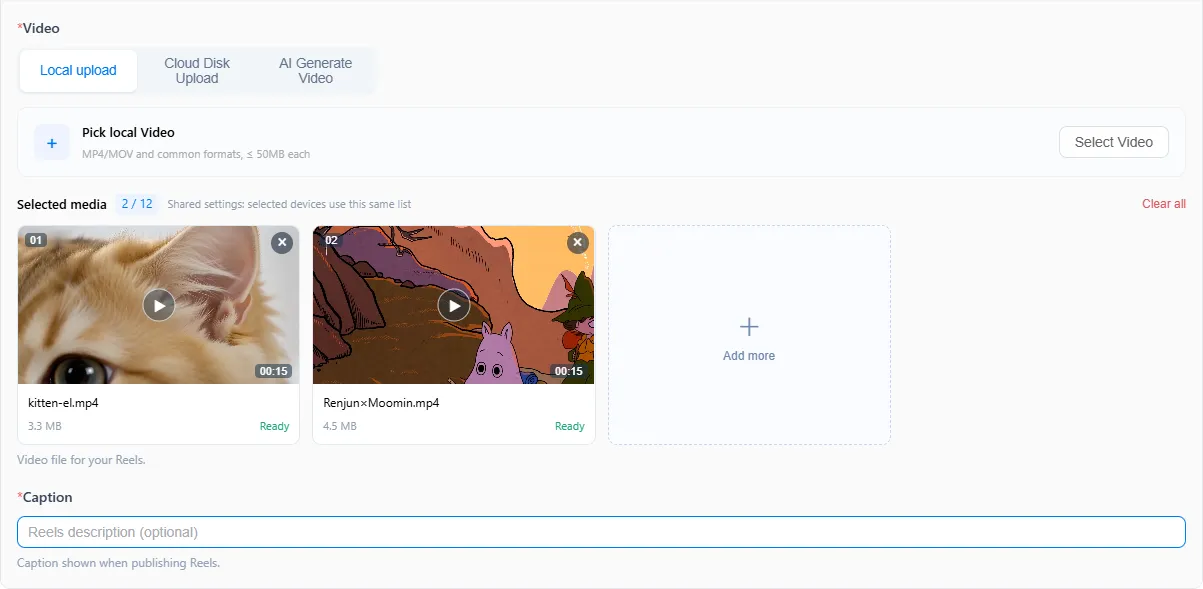
4. Choose a method to upload the video you need to publish: Local Upload (recommended), Cloud Disk Upload (cloud storage fees apply), or AI Generate Video (AI credits required).
5. Set caption for the Reels.
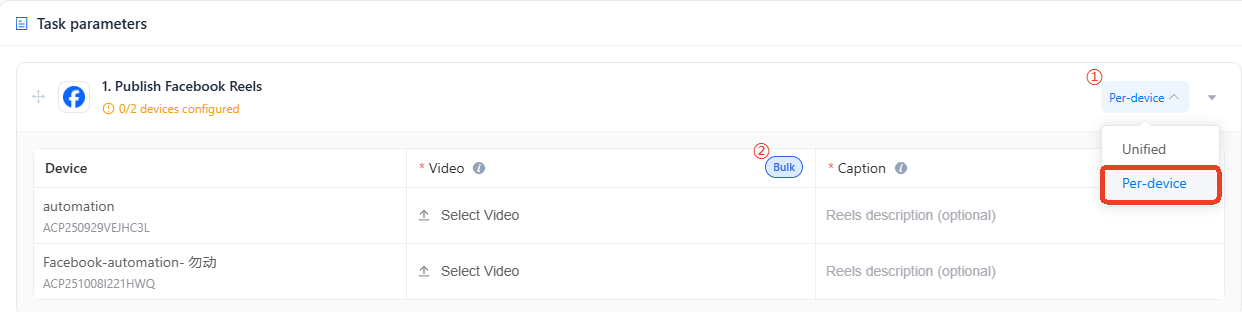
6. For users managing multiple pages, switch to Per-device mode to assign different videos to each device. Use the Bulk feature to add videos and Reel captions at once and distribute them across different accounts.
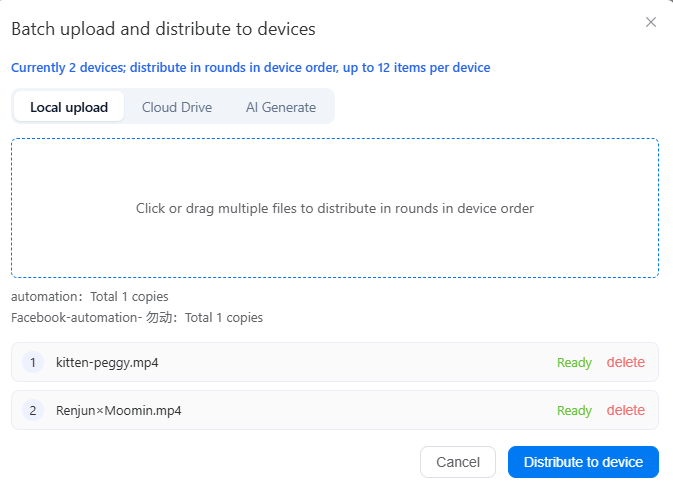
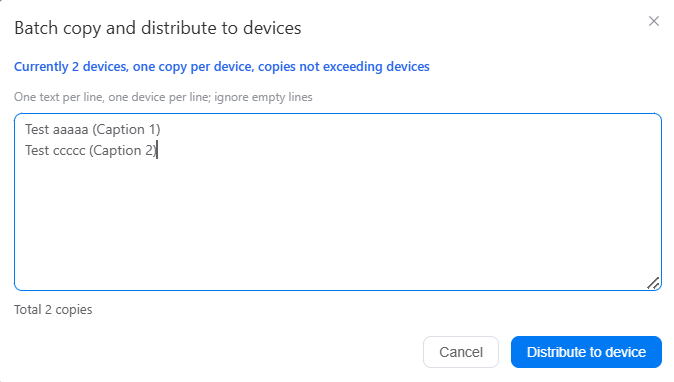
7. Run tasks instantly as a one-off job (Execute immediately), or set up a recurring schedule on a specific time, day or week(Scheduled execution).
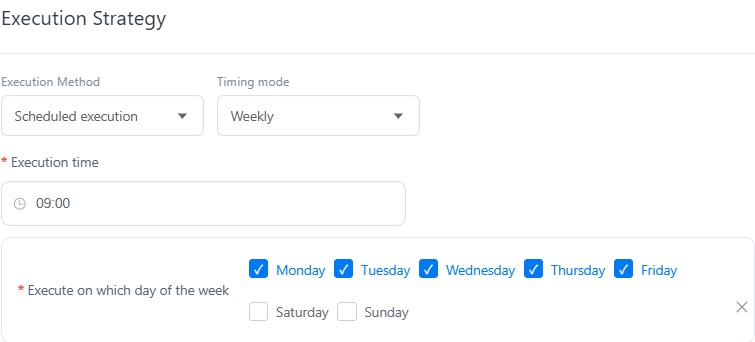
8. Click Publish to run the task and track running status in the Task Center.



