How to Search and Watch Facebook Reels’ posts on VMOS Cloud?
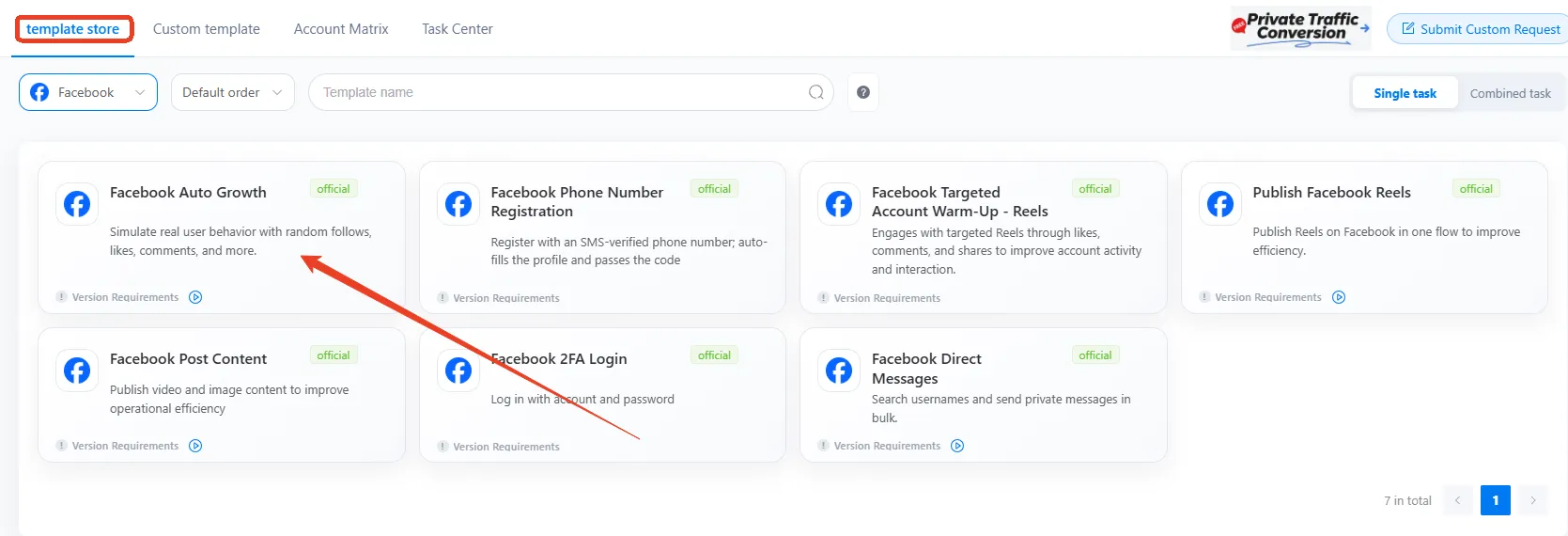
1. Go Automation-> Template store in the left sidebar, and find Facebook Auto Growth template.
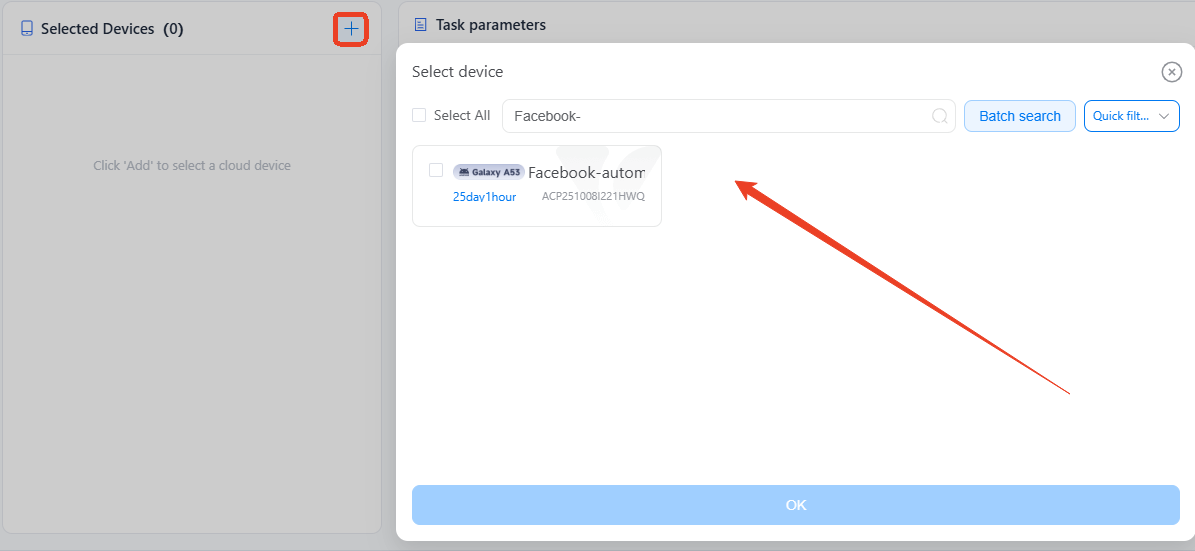
2. Select one or more devices with Instagram logged in on the left panel.
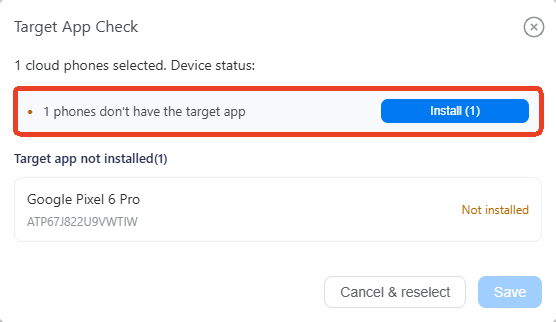
3. Click to Install correct Instagram version if device not have yet, which may take a few minutes. English version only.
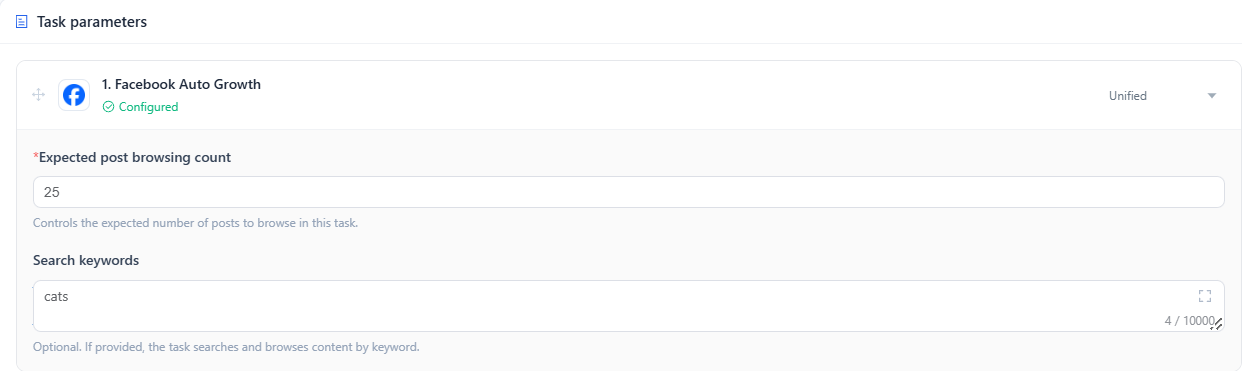
4. Set how many posts you want to scroll in Expected post browsing count.
5. Add a keyword in Search Keywords, such as "cats," to find related videos on Facebook Reels and scroll through them.
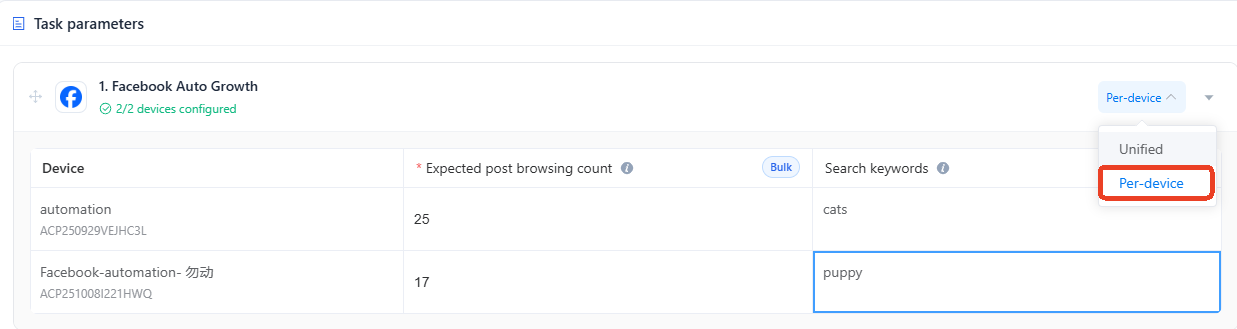
6. Switch to Per-device mode, set different browsing counts and search keywords for each device to run separate tasks.
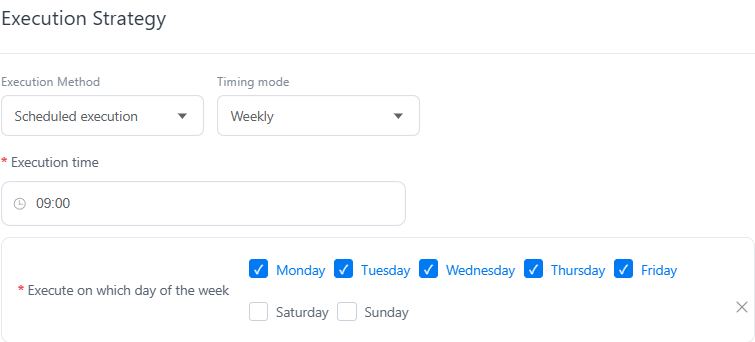
7. Set the Execution Strategy to choose when the task runs. Click Publish to run it immediately, then check its status in the Task Center.