How to Edit Instagram Profile on VMOSCloud?
1. Go Automation-> Template store in the left sidebar, and find Instagram profile edit template.
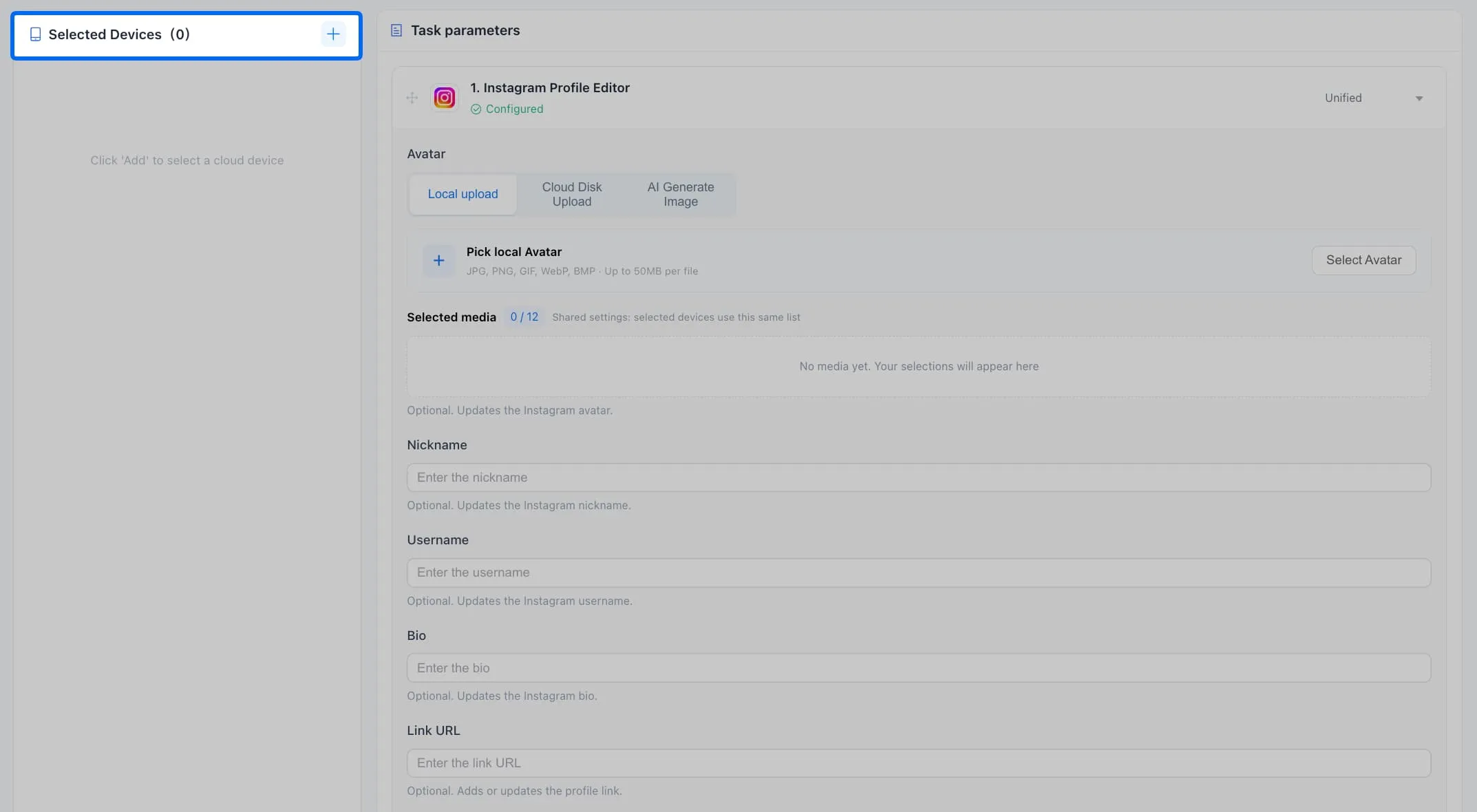
2. Add one or more devices with Instagram logged in:
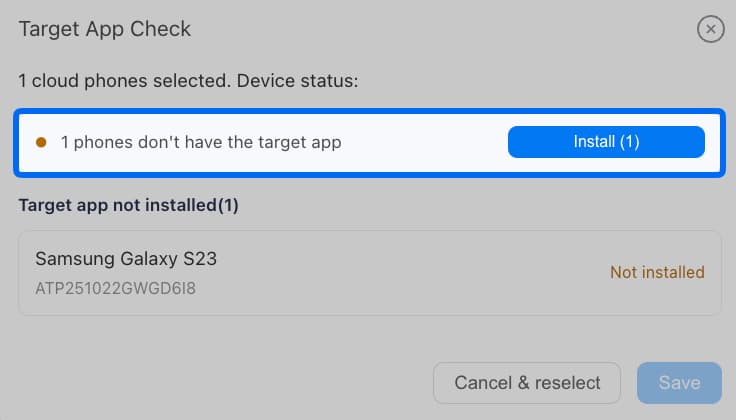
3. Click to Install correct Instagram version if device not have yet, which may take a few minutes. English version only.
4. There are three ways to upload avtar: Local upload (recommend), cloud space (will cost cloud storage), and cost AI credits to generation.
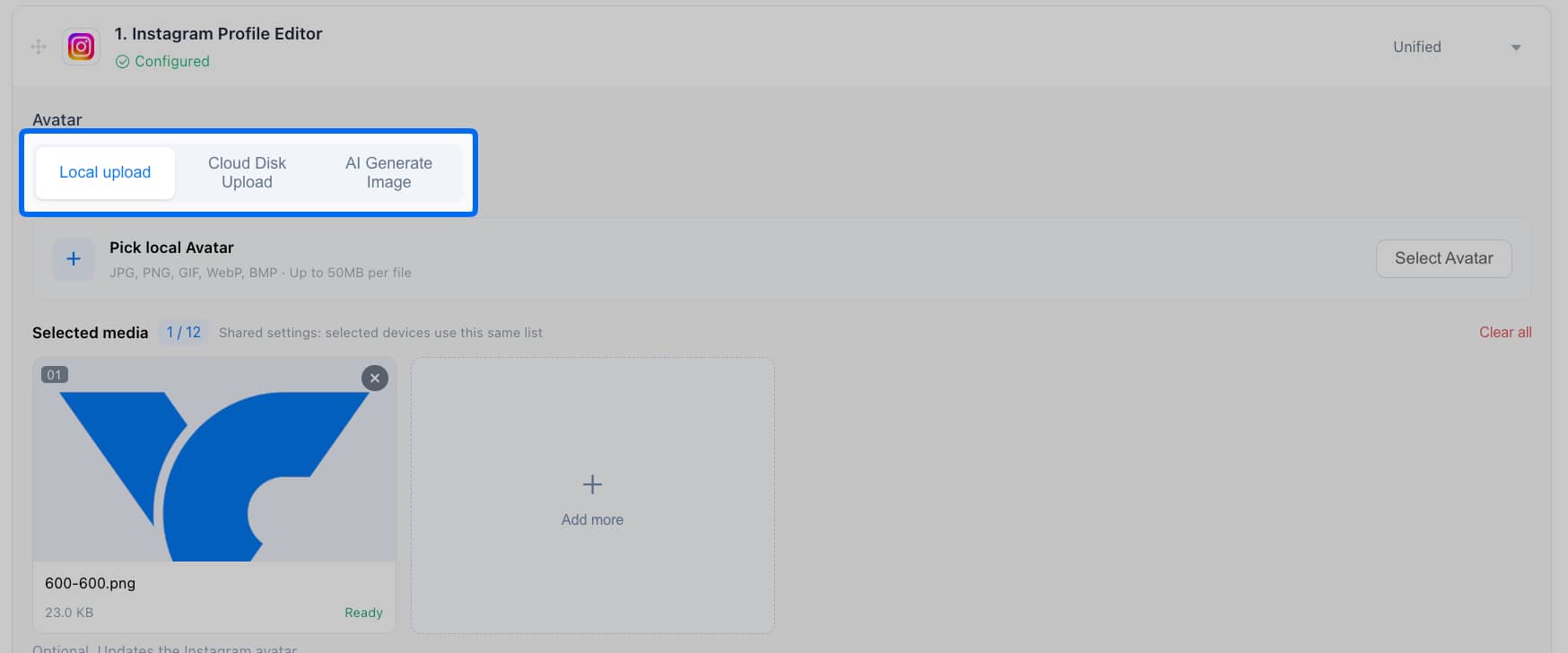
Or use per-device to set different devices with different avatars.
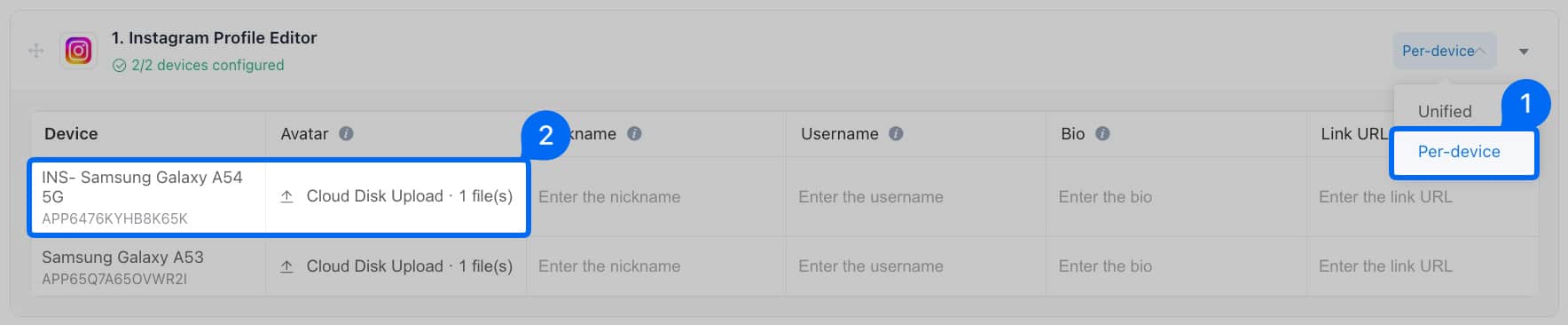
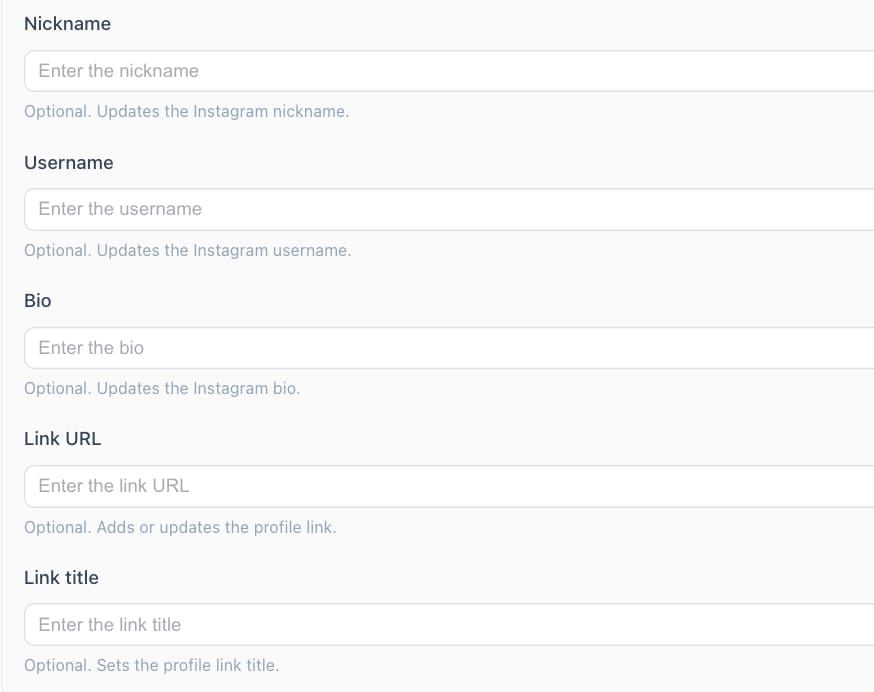
5. Next is to finish the personal settings of nickname, username, bio, link url and link title.
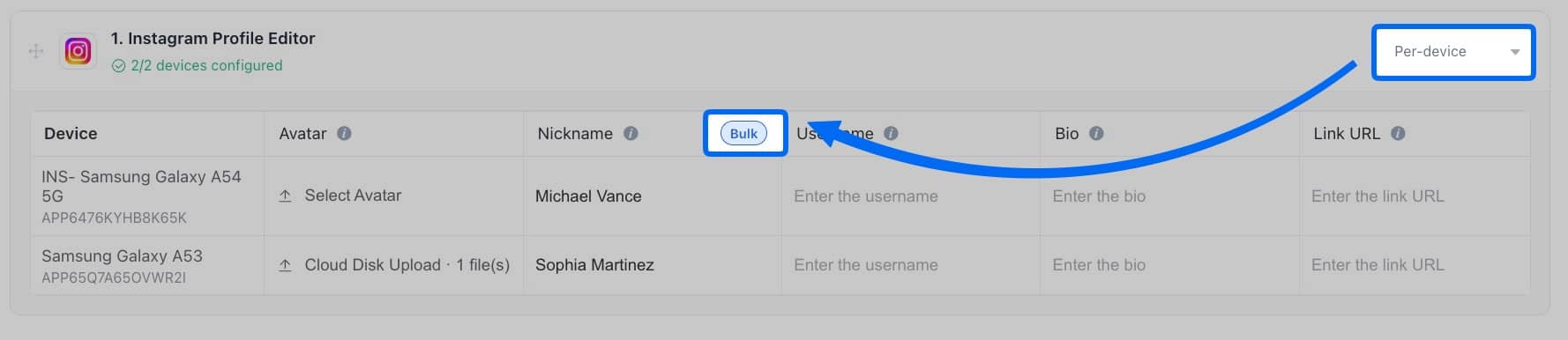
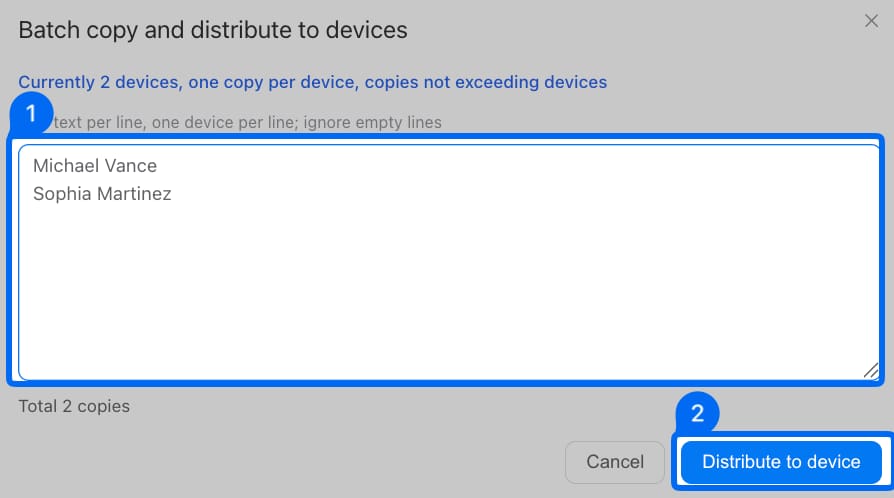
Fast to assign different Nicknames for different devices, find the Bulk feature to paste the content and use distribute to devices to finish changes.
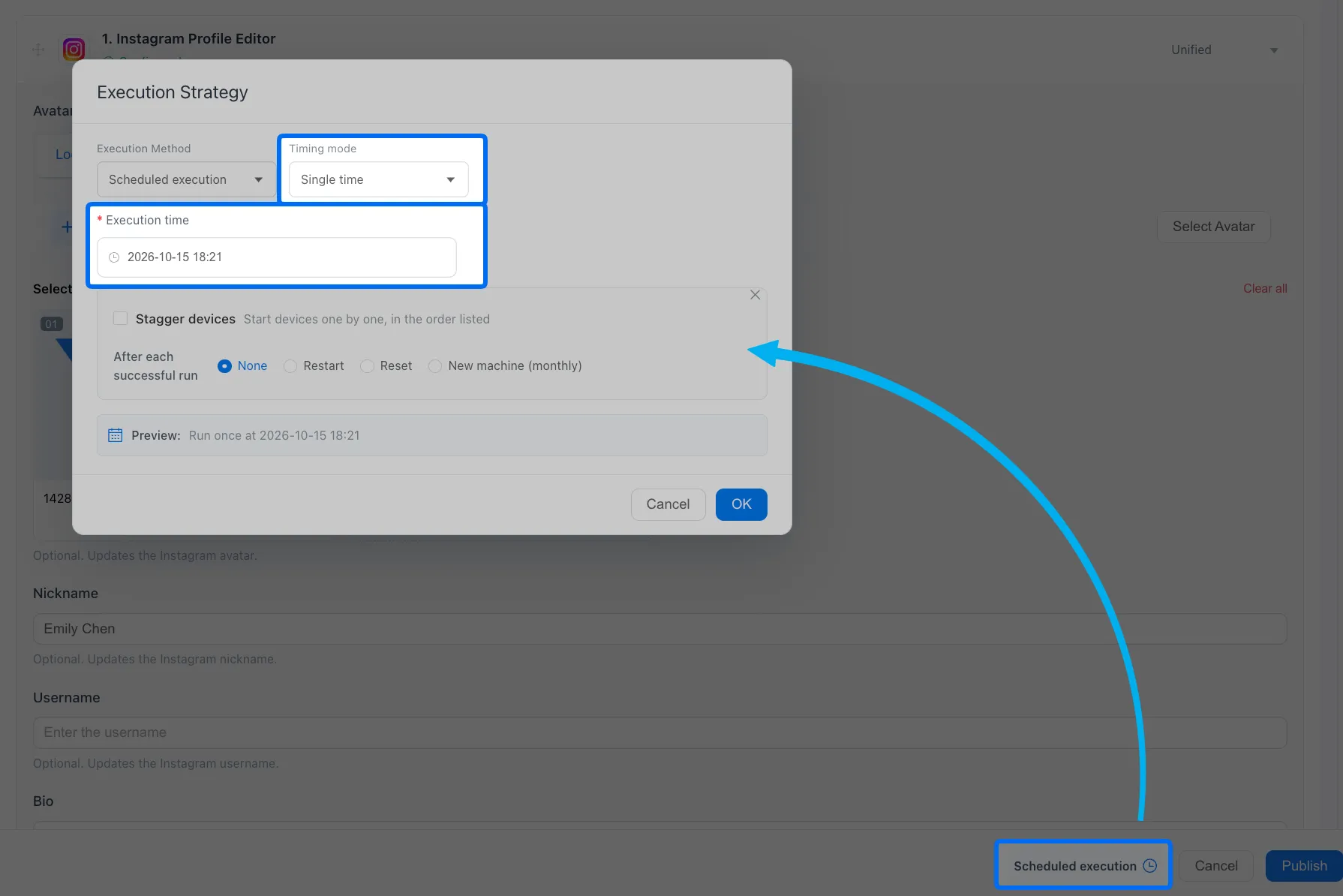
6. Go scheduled execution if need to run this task workflow at a specific time, or directly start it and go check the tasklist.