
How to browse video from search results on Instagram?
1.Find Automation-> Template store in the left sidebar, and then select Instagram from the dropdown menu.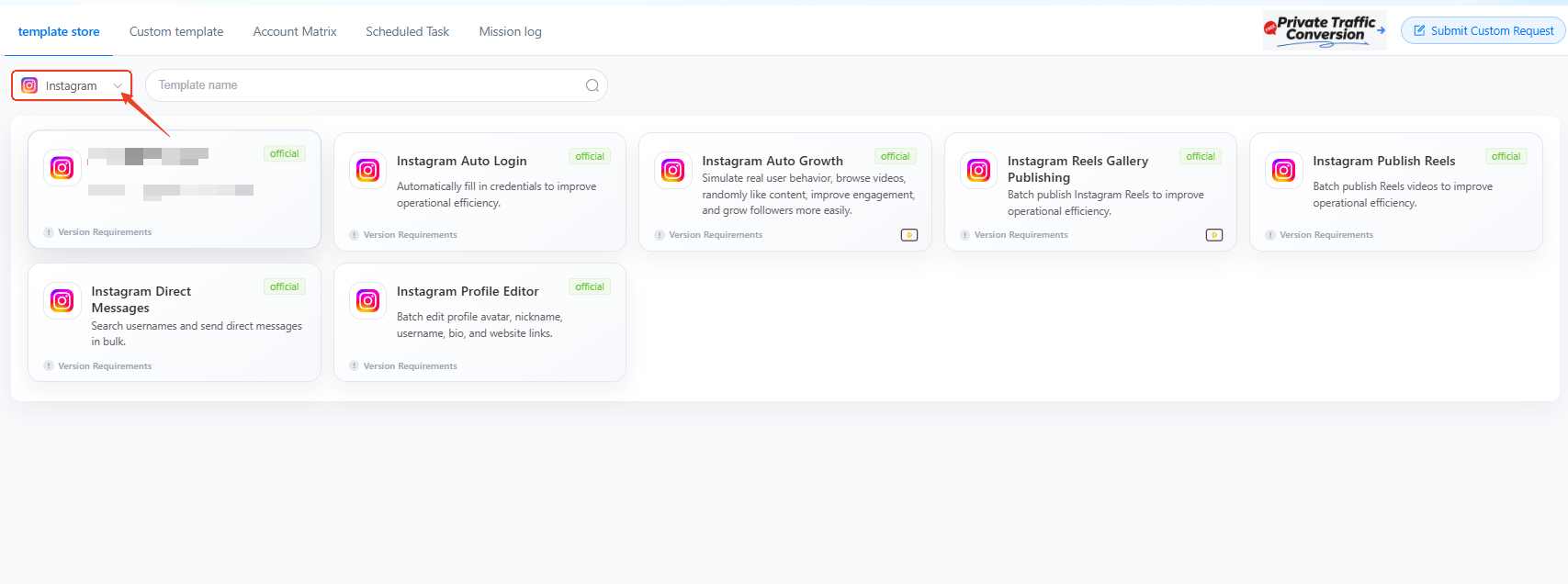
2.Go Instagram auto growth template, then complete the required fields as the example:
Name your task in Task name
Remark is not required.
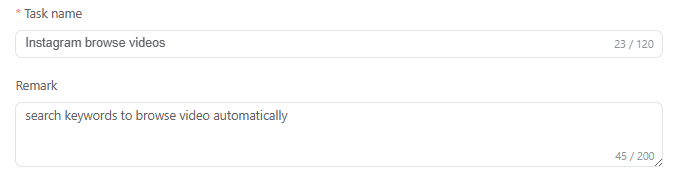
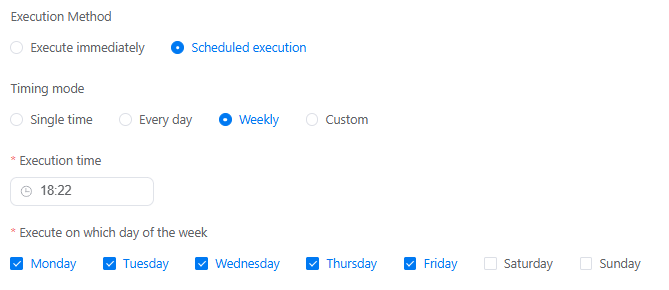
Run tasks instantly as a one-off job(Execute immediately), or set up a recurring schedule on a specific time, day or week(Scheduled execution).
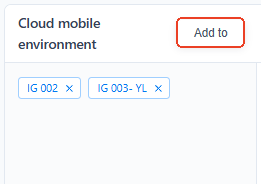
Use Add to select cloud phone devices that need to run this task.
Typing the Search keywords to decide what content needs to search in IG.
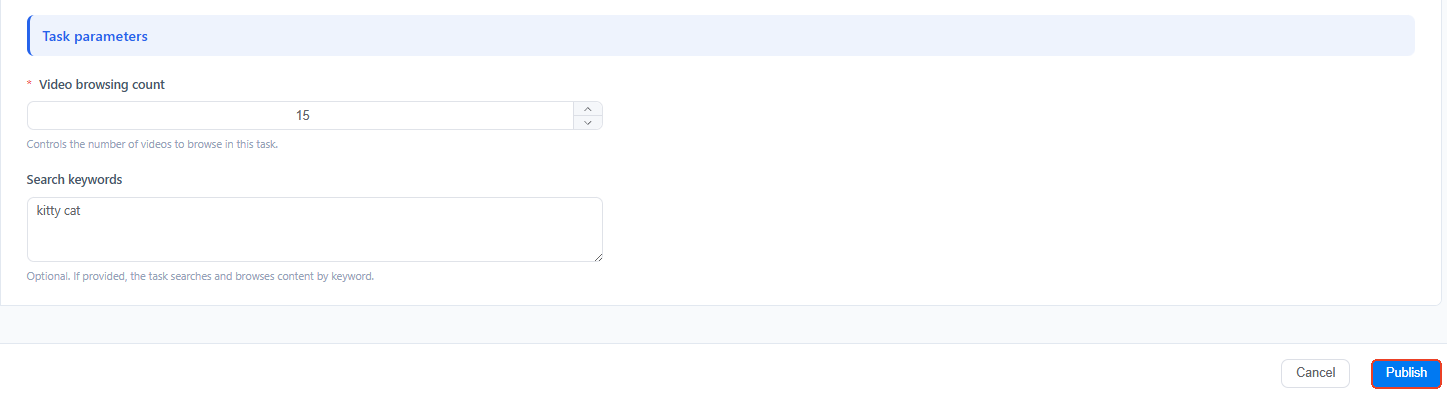
After that, using Video browsing count means how many videos you need bot to scroll and watch, then Publish this task.
3. How to make different accounts watch different videos?
Use Batch parameter settings, you should first add 2 devices at least. And configure unique workflows for each cloud phone device. Like setting one to stream cat videos and another to target World Cup content. Then publish it.

4. What if get stuck on errors?
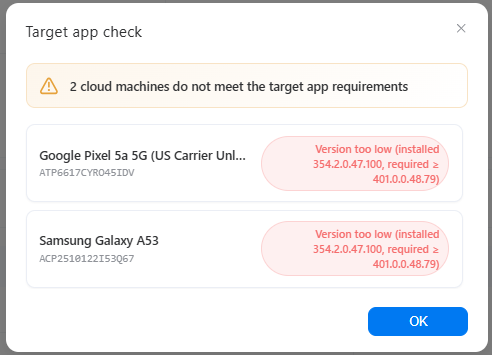
Error 1: Not meet the target app requirements
Error 2: target app not installed
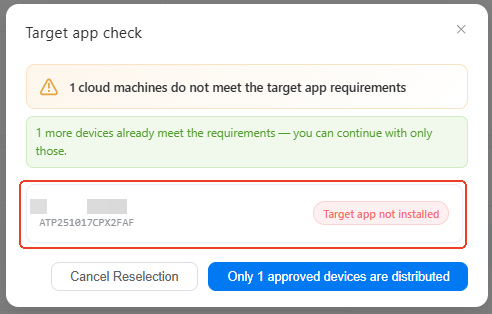
Solution: these two errors caused by the app in selected cloud phones. Please go App Market-> Official app market, search Instagram and Install to update it. If you have multiple devices with the same issue, try using batch install.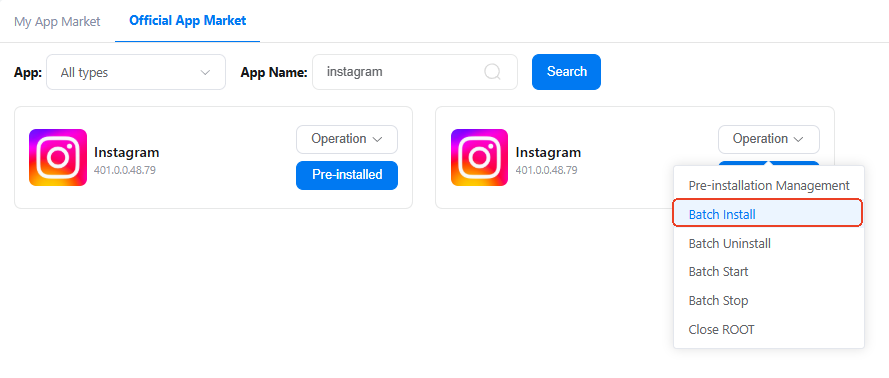
5. How to check if my task workflow runs well or not?
On the Mission log page, you'll see the status of every single task there as a list. Click Details to view the report and find out which step is blocking the workflow.

6. Can I build upon existing workflow templates to customize my own workflow?
You absolutely can.
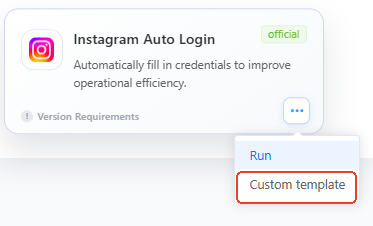
Find Custom template, it will take you to the RPA workflow builder, where you can add, delete, or modify specific actions based on the existing setup.
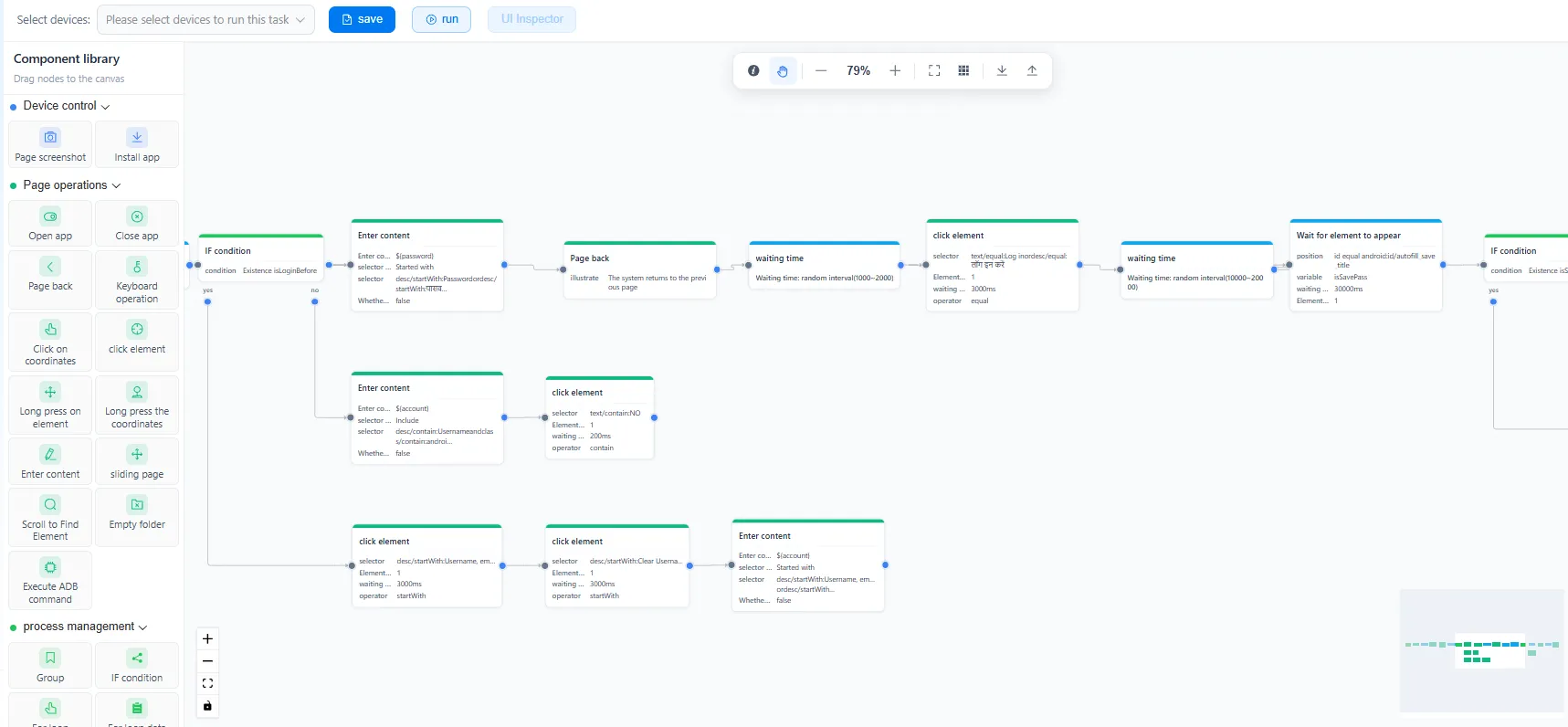
If you're just starting out in this field, click to see how to build RPA workflow step-by-step here.



