
How to Random Like and Follow on TikTok?
1. What should you do before you start?
(1) Go to App Market-> Official app market, search TikTok to install version 41.4.15.
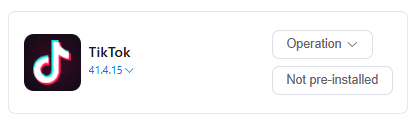
(2) Log in to your TikTok account in the cloud phone.
(3) Find Automation-> Template store in the left sidebar, and select -> TikTok random likes.
2.How to schedule time to start randomly like on a cloud phone?
(1) Set Task name and Remark (not required).
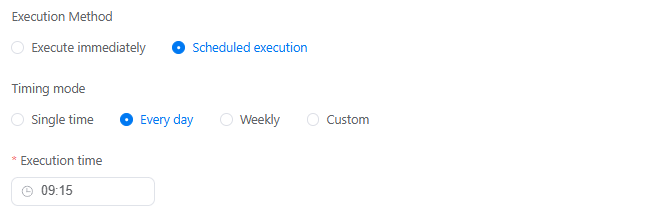
(2) Execute immediately can schedule time to run tasks right now, or use Scheduled execution to set up a recurring schedule on a specific time, day or week.
(3) Let's set 9:15 of every day to start a random task for like videos.
3. How to set a random like workflow on TikTok?
(1) Add to one device for this task (eg. XXXXXXX01).
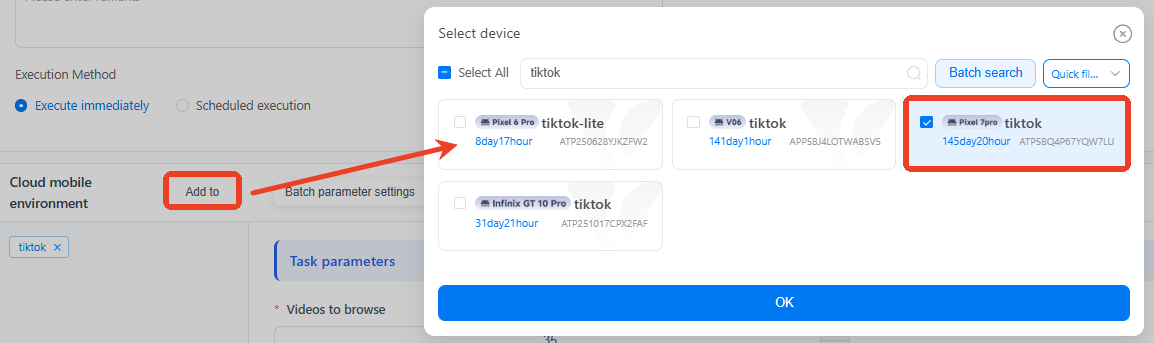
(2) Like probability= 40, means there are 40% to start random like videos when scrolling the videos.

(3) Once you've completed all the settings, just click Publish.
4. How to set a random follow workflow on TikTok?
(1) Then find Automation-> Template store -> TikTok random follows.
(2) Let's set 9:45 of every day to start a random task to follow creators.
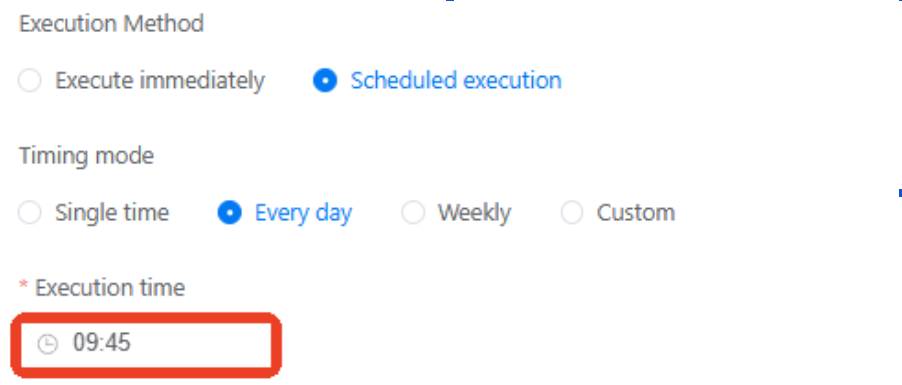
(3) Add to the same device (XXXXXXX01) above.
(4) Set the follow probability=20, meaning there's a 20% chance to follow the creators when scrolling content.

After publishing, you already schedule a simple workflow as follows:
9:15 device XXXXXXX01 starts random likes when watching TikTok videos.
9:45 device XXXXXXX01 starts a random follow when watching TikTok videos.
VMOSCloud automation also supports users to build a comment workflow on TikTok.
5. Common errors that will get you stuck on automated workflows
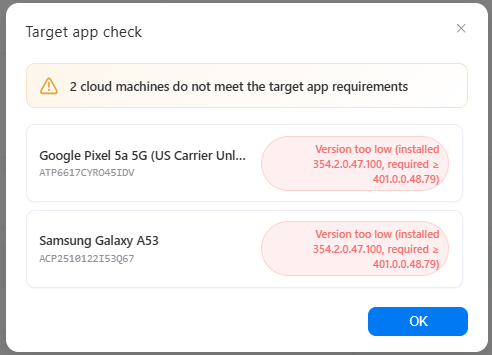
Error 1: Not meet the target app requirements
Error 2: target app not installed
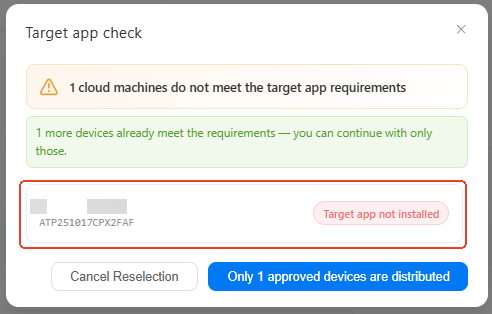
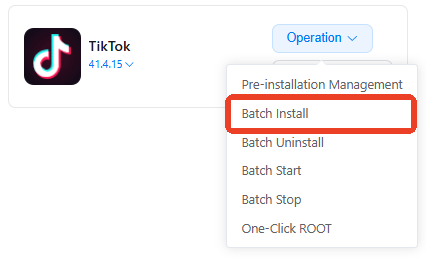
Solution: these two errors caused by the app in selected devices. Please go to App Market-> Official app market, install the correct TikTok version. If you have multiple devices with the same issue, try using batch install.
6. How to check if my task workflow runs well or not?
On the Mission log page, you'll see the status of every single task there as a list. Click Details to view the report and find out which step fails.

7. Can I build upon existing templates to customize my own workflow?
Definitely. Try using the custom template to build your own workflow. It will take you to the RPA workflow builder, where you can add, delete, or modify specific actions based on the existing setup.
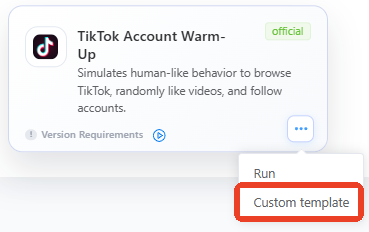
(example picture from vmoscloud)
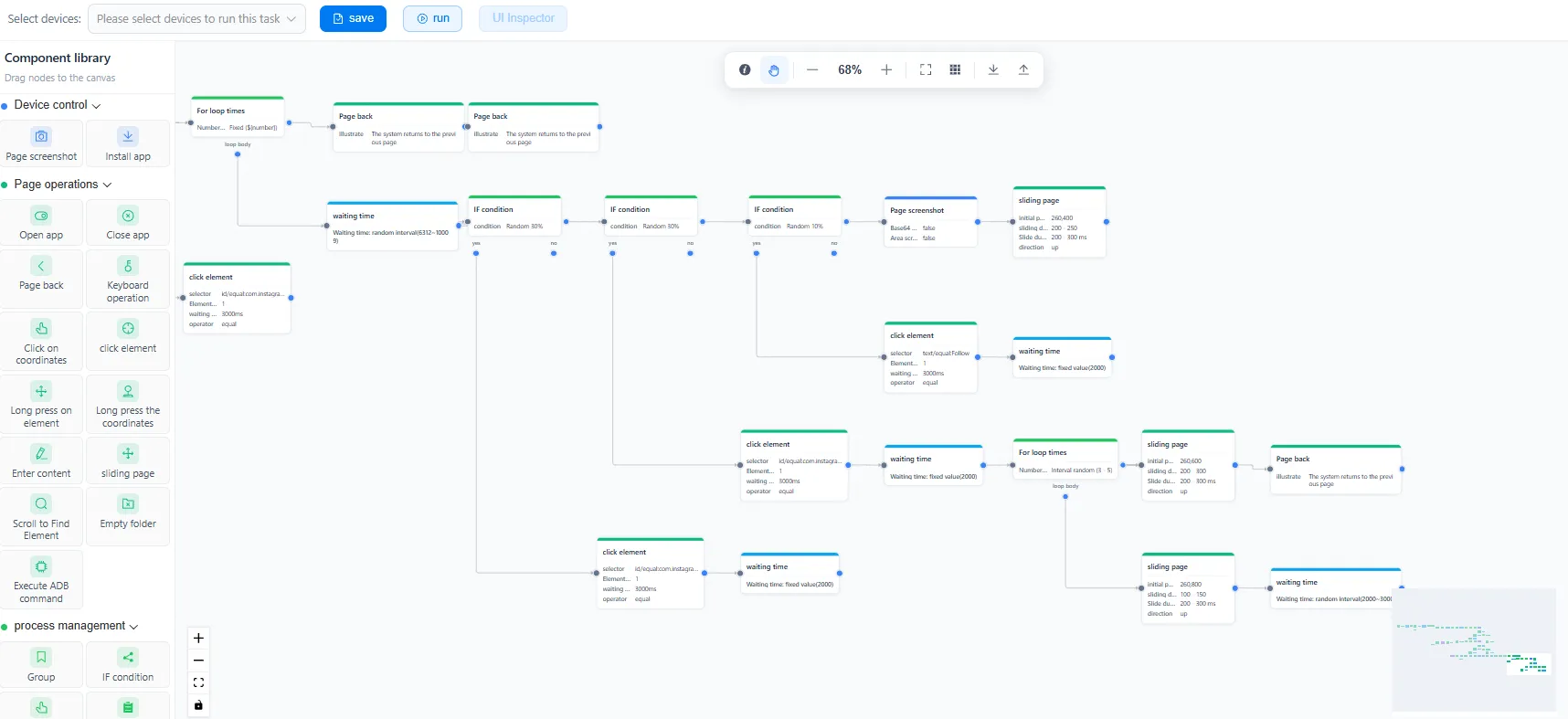
If you're just starting out in this field, click to see our beginners-level lesson: how to build RPA workflow step-by-step.



