
How to Edit TikTok Profile Efficiently?
1. Everything you need to know before start
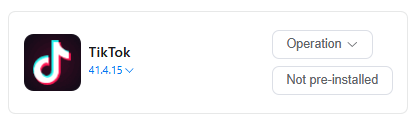
(1) Go to App Market-> Official app market, search TikTok to install version 41.4.15.
(2) Log in to your TikTok account in the device .
(3) Find Automation-> Template store in the left sidebar, and select -> Edit TikTok Profile template.
2.How to set a workflow to edit TikTok profile on a cloud phone?
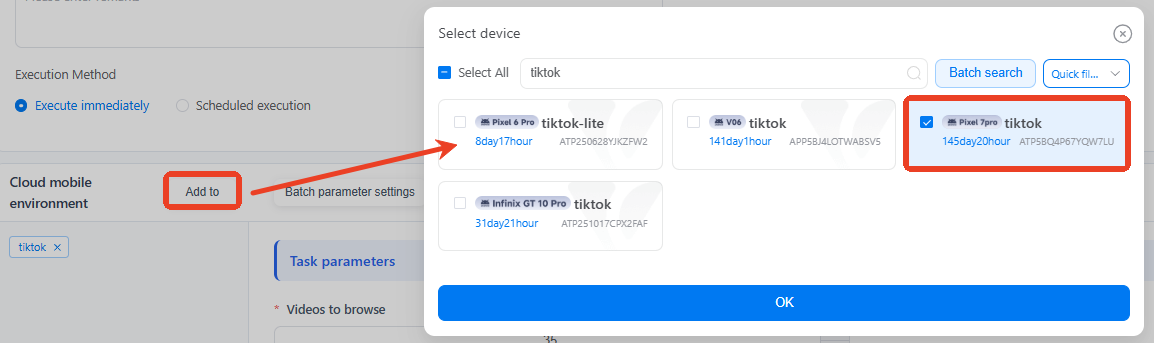
(1) Use Add to select any one of the devices that is already logged into TikTok.
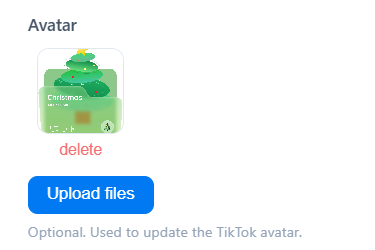
(2) Upload a picture to as avatar.
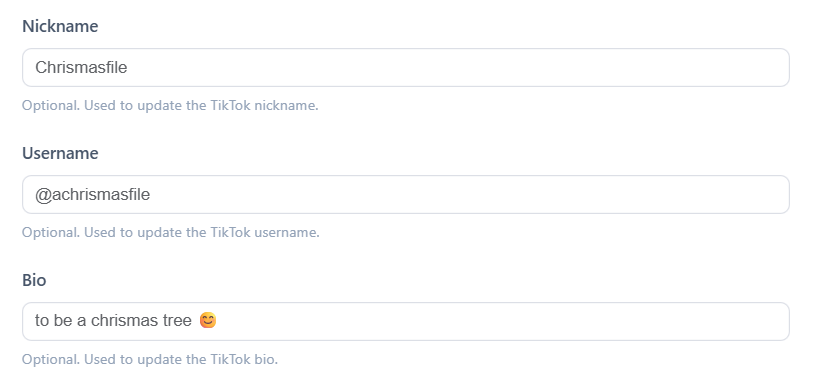
(3) Input your Nickname, Username and Bio. Once you've completed all the settings, Publish it.
3. How to edit multiple TikTok profiles easily?
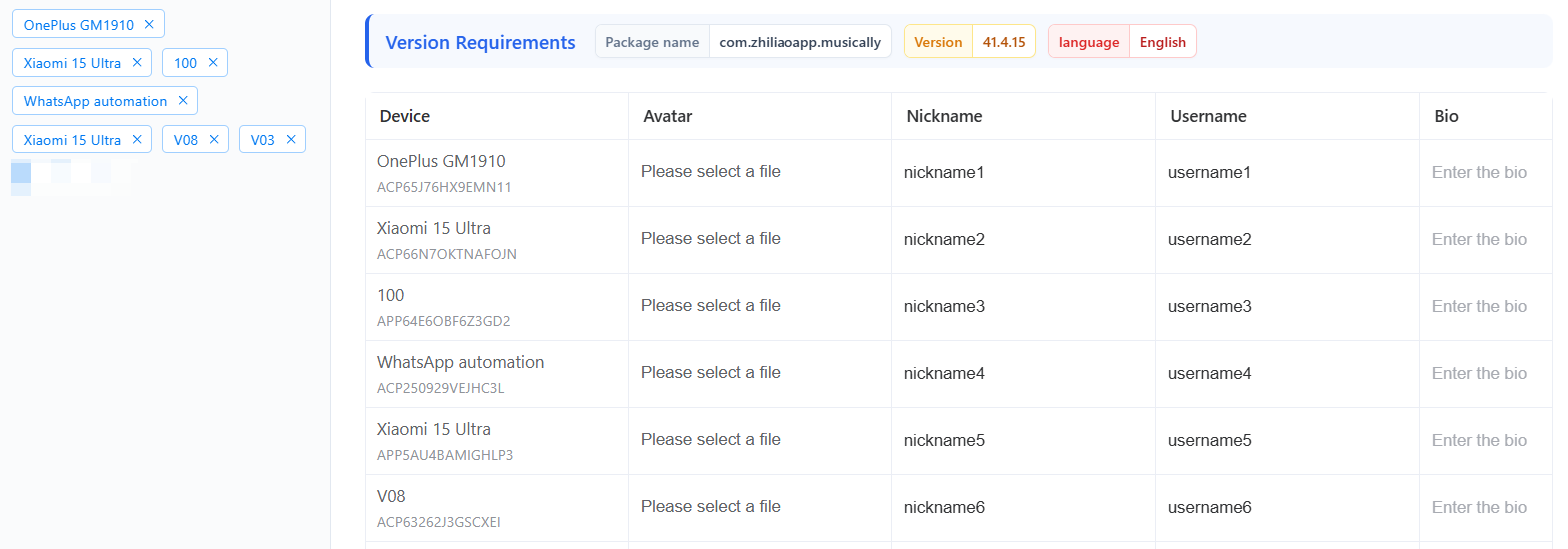
If you need to manage hundreds of TikTok profiles, try editing profiles in bulk. Select multiple cloud phones first, and use Batch parameter settings to set as required. Publish this task to easily edit profiles at scale.
4. Common errors that will get you stuck on automated workflows
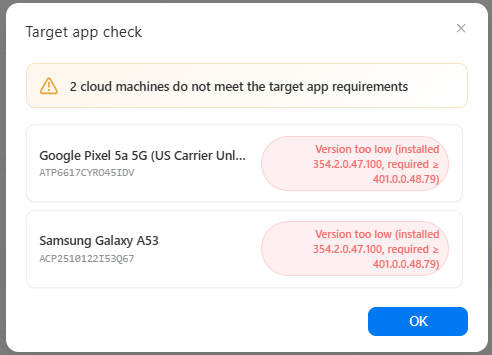
Error 1: Not meet the target app requirements
Error 2: target app not installed
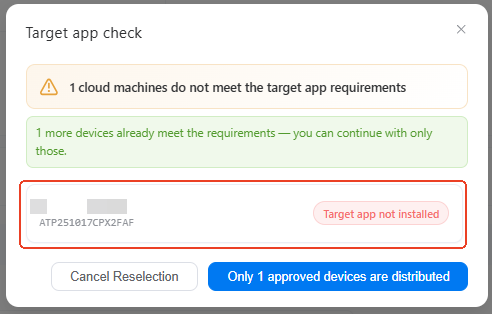
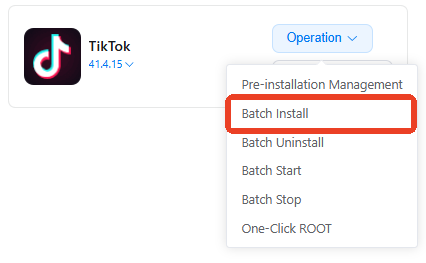
Solution: these two errors caused by the app in selected devices. Please go to App Market-> Official app market, install the correct TikTok version. If you have multiple devices with the same issue, try using batch install.
5. How to check if my task workflow runs well or not?
On the Mission log page, you'll see the status of every single task there as a list. Click Details to view the report and find out which step fails.




