
Step 1: Unboxing & Preparation
Welcome to VMOS Edge Local Cloud Machine Box!
This guide will take you from unboxing to successfully creating and experiencing your first cloud machine in just a few steps.
Unboxing and Setup
1. Check Accessories
After unboxing, please confirm the following items are complete:
- VMOS Edge Host ×1
- Power Adapter ×1
💡 It is recommended to use in a stable, well-ventilated environment, avoiding high temperature and humidity.
2. Solid State Drive Preparation and Installation
::: tip Important:
VMOS L1 comes with only 32GB built-in storage by default, which is insufficient to create cloud machines.
Please insert or install an external SSD to enable full functionality and normal use. :::
Purchase Solid State Drive
- Only supports NVMe protocol M.2 2280 specification SSDs, compatible with NVMe 2.0 / 3.0 / 4.0 interface specifications.
- JD.com platform recommended link: Click to jump (Users can purchase from other platforms or merchants according to business storage needs. This link merchant is for recommendation only and has no partnership with VMOS Edge)
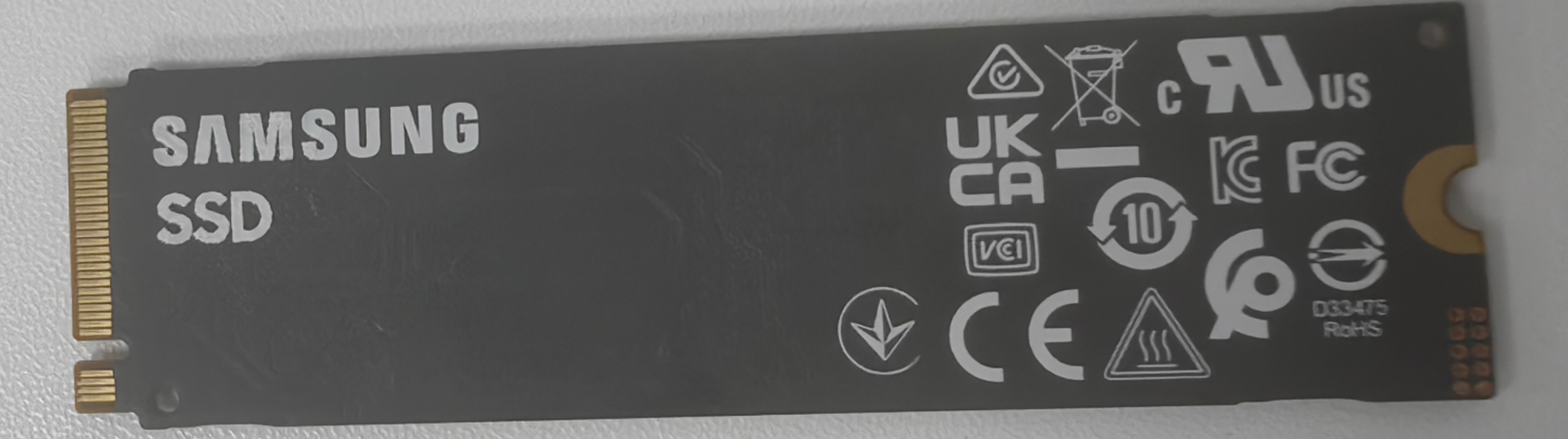
- Capacity recommendation: 256GB and above to create multiple cloud machines later.
Install Solid State Drive
- Disconnect the box power, open the magnetic cover;
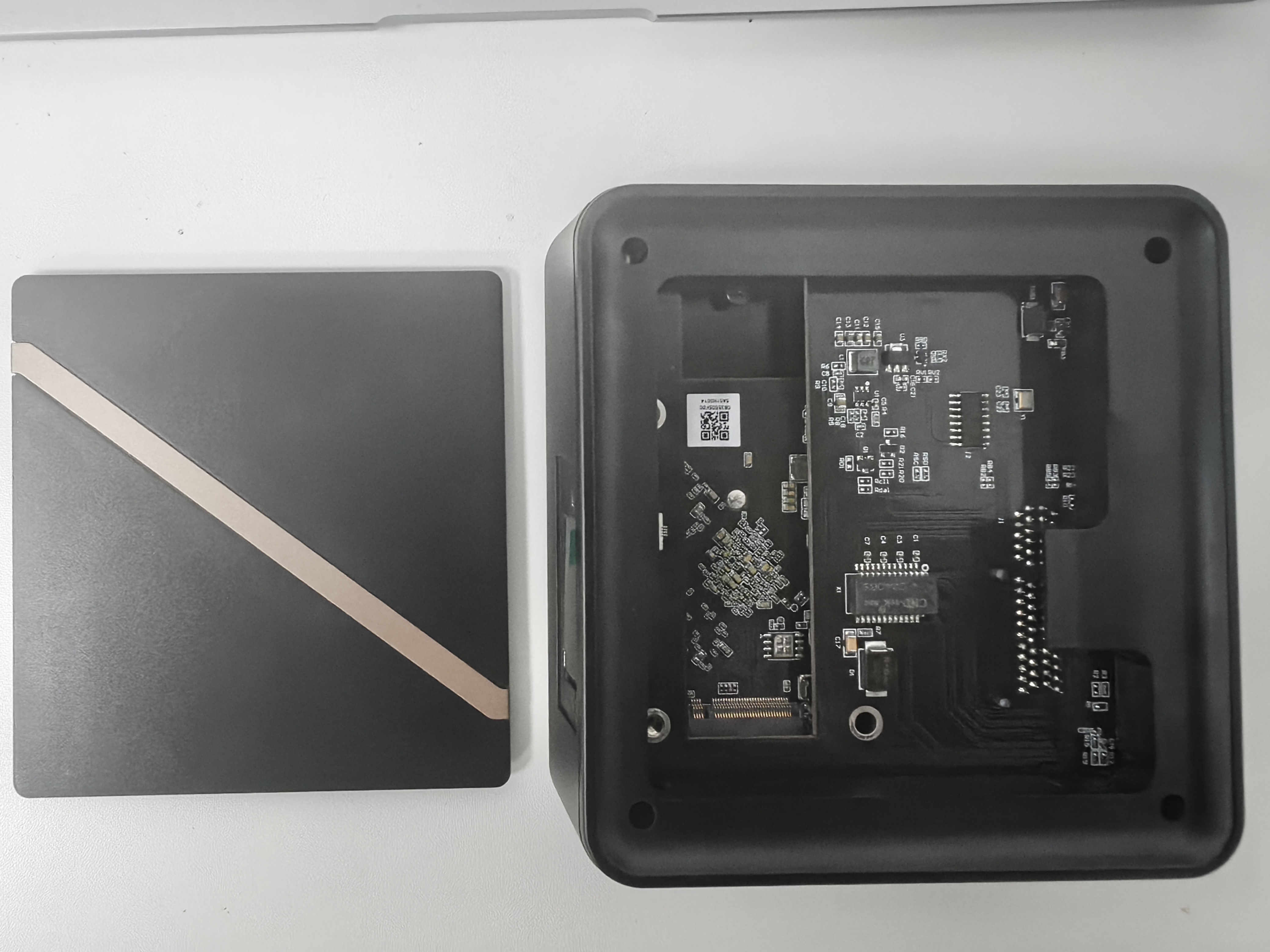
- Disconnect the box power, open the magnetic cover;
- Remove the hard drive reserved interface fixing screw;
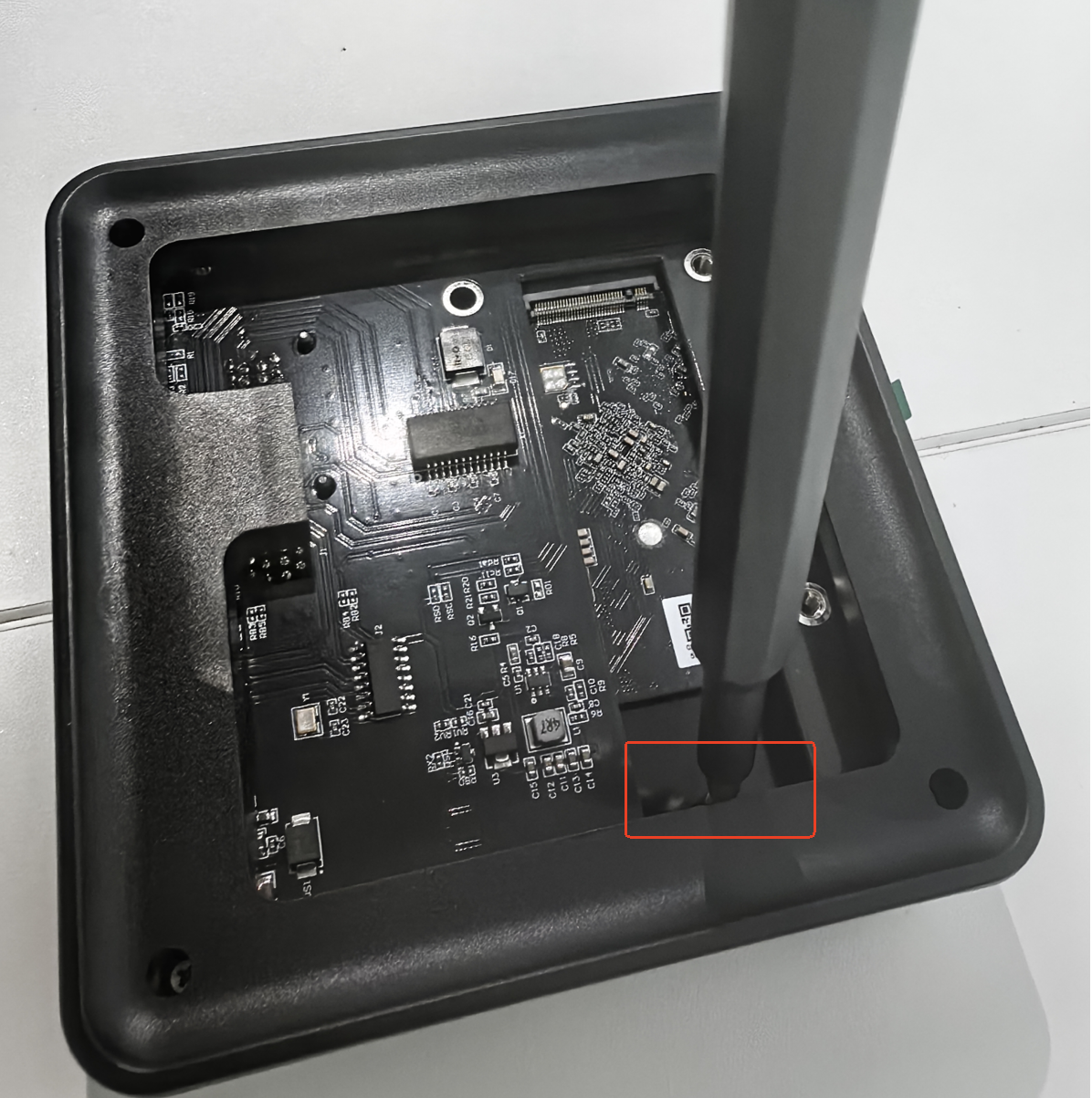
- Remove the hard drive reserved interface fixing screw;
- Insert SSD into the designated interface and fix the screw;
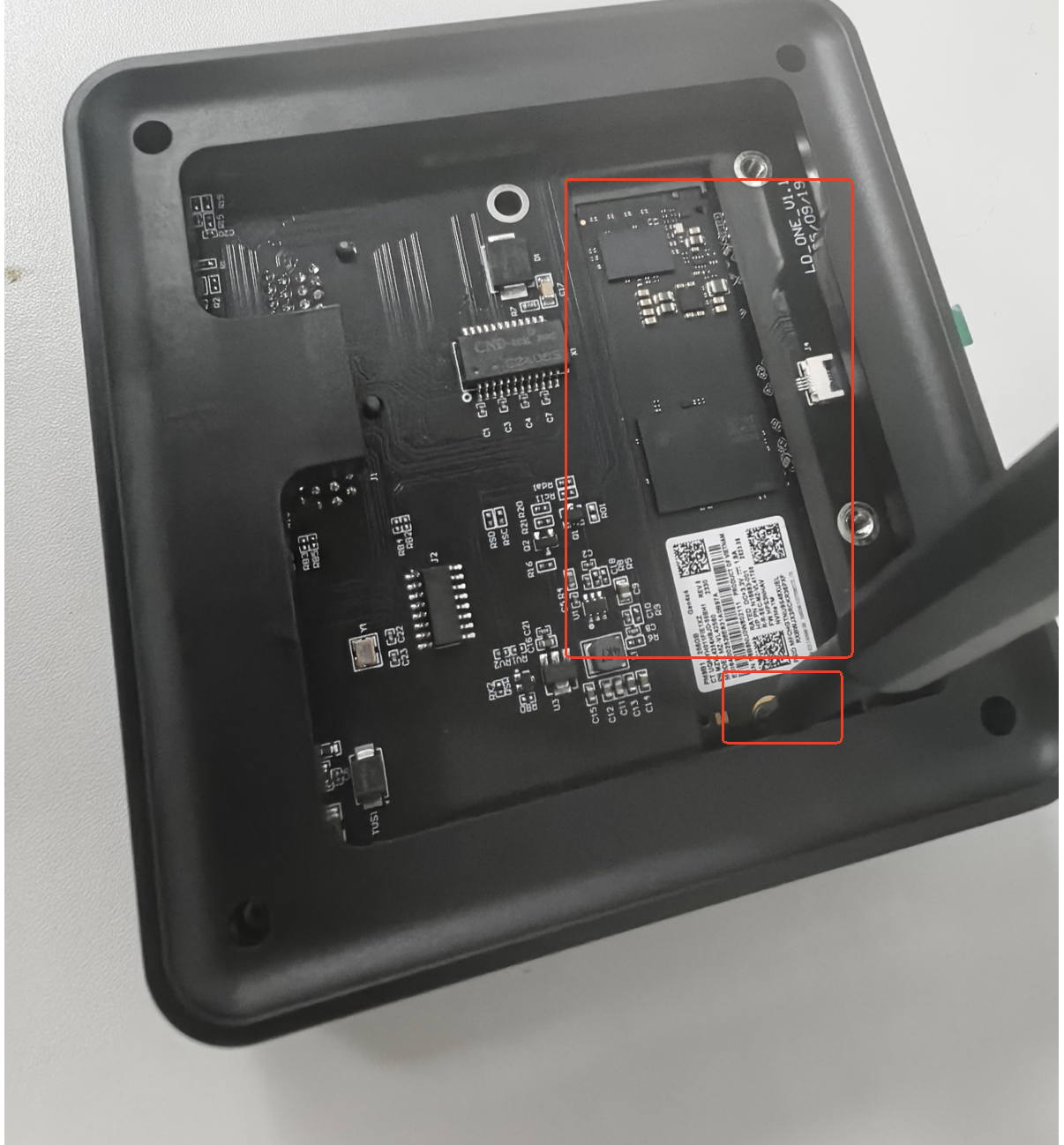
- Insert SSD into the designated interface and fix the screw;
- After re-powering, the system will automatically recognize the hard drive.
⚙️ First use will automatically format, please do not power off or remove the hard drive.
3. Connect Power and Network
- Connect the box using the included power adapter.
- Connect to a router that can access the Internet using an Ethernet cable.
- After powering on, the LED screen displays the IP address and UUID indicating the device has started.
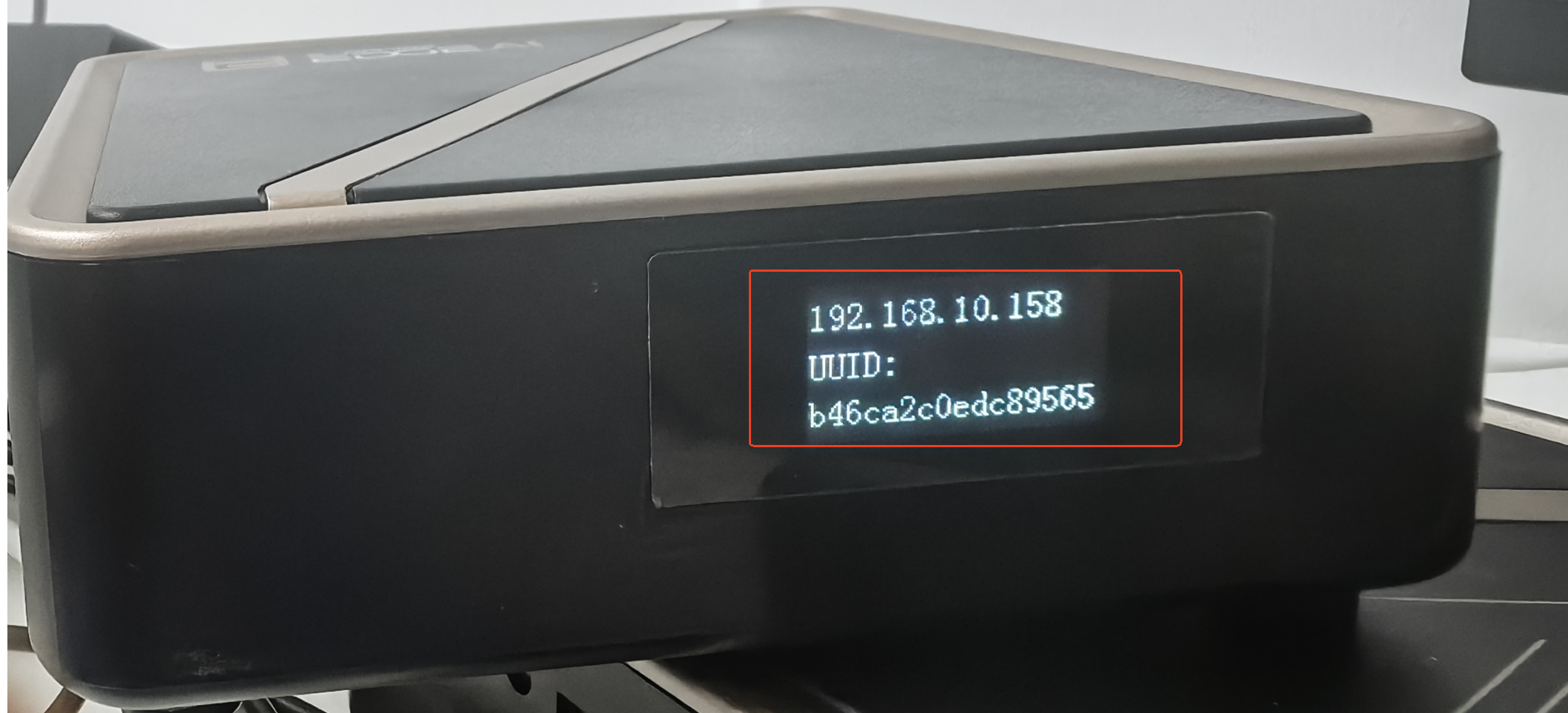
📶 It is recommended to use wired network to ensure cloud machine stability and low latency.



